Your ticket volume is growing faster than your headcount, and someone above you has decided AI is the answer. Gartner surveyed 321 service and support leaders in late 2025 and found 91% of them under pressure from executive leadership to implement AI. So the question is no longer whether you will deploy conversational AI for customer service. It is which tickets you point it at, and what the billing unit does to your invoice.
Pricing is where the research gets hard. Four leading vendors bill four different units, and each one decides for itself what counts as a resolved ticket. That definition generates your bill. Intercom Fin marks a ticket resolved after 24 hours of customer silence. Zendesk waits 72 hours, then runs a verification check before charging you. Ada does not count resolutions at all and bills per conversation.
Work through the billing definitions below and you can forecast month three before you take a sales call.
TL;DR
-
If your tickets are technical and product-specific, look for a tool whose answers come from your resolved support tickets, because your help center will not have documented the edge cases. Pluno works that way as an AI layer inside Zendesk, Intercom, Salesforce Service Cloud, HubSpot, Jira Service Management, and Freshdesk, so the choice is native helpdesk AI or Pluno.
-
If your tickets are transactional and high volume, a generalist AI agent handles most of them. Intercom Fin prices from $0.99 per outcome and publishes that rate, so you can model the cost before you talk to anyone.
-
If you are standardized on Zendesk, AI agents come packaged into the Suite. Zendesk publishes seat prices and no per-resolution price, so the half of the bill that grows with ticket volume is the half you cannot forecast.
-
If your support runs on the phone across many languages, Ada treats voice as a first-class channel, with 60 languages on text and 42 on voice.
-
Check the billing unit before the feature list. Per resolution, per outcome, per verified resolution, and per conversation are four different things, and the silence window that triggers a charge runs from 24 to 72 hours across these tools.
-
No published resolution rate applies to your tickets. Every circulating benchmark traces to a single vendor's blog, so simulate against your own ticket history before you sign.
What is conversational AI for customer service?
Conversational AI for customer service is software that understands a customer's question in ordinary language and answers it in a normal back-and-forth, across chat, email, messaging, and voice. Support teams use it two ways: to resolve routine issues without an agent, and to draft answers for the tickets an agent still handles.
Natural language processing parses what the customer wrote, a retrieval step searches your knowledge for candidate answers, and natural language generation writes the reply. Retrieval is the step that decides quality, because the answer can only be as good as the sources the system can search.
Conversational AI vs rule-based chatbots
A rule-based chatbot matches your question against a list someone wrote by hand. Conversational AI interprets what you meant and composes an answer.
| Rule-based chatbot | Conversational AI | |
|---|---|---|
| How it understands | Keyword and intent matching against a configured list | Interprets meaning and context in the customer's own words |
| Where answers come from | Pre-written responses mapped to each intent | Retrieved from connected knowledge, written fresh per conversation |
| Ongoing maintenance | Every new question needs a new intent and a new reply, written by a human | Answers improve as the underlying knowledge improves |
| How it fails | Falls through to "I didn't understand that" | Can answer confidently and be wrong, which is why grounding and escalation rules matter |
The failure mode is what buyers underestimate. A rule-based bot fails visibly and irritates the customer. Conversational AI can fail invisibly by sounding certain about something incorrect, which does more damage and explains why the controls around the model matter as much as the model. Teams moving off the legacy Answer Bot and bot builder are making that shift now, from configured intents to retrieval.
"We tested a lot of AI solutions that were not quite good, with hallucination or not finding the good quotation."
Aurélien Wei, Team Lead Support at Innovorder
The four kinds you will be sold
Customer-facing AI agent. Answers the customer directly and can close the ticket with no human involved. Usually what "conversational AI" means in a sales conversation.
Agent assist, or copilot. Drafts the reply for a human to review and send. Never customer-facing on its own, which makes it the lower-risk starting point.
Voice AI. The same capability over the phone. It carries less weight in B2B software support than guides written for contact centers imply, because business customers mostly write.
Rule-based chatbot sold as conversational AI. Vendors still do this, so hold whatever you are shown against those four differences.
Most teams buy both an AI agent and a copilot, usually from the same vendor. The buying question is which of the two you are being quoted for.
Conversational AI vs generative AI vs agentic AI
Conversational AI is the interface pattern. Generative AI is the model family that now powers it. Agentic AI is what you get when the system can also take actions on its own.
Marketing uses the three interchangeably, and several widely-read vendor explainers have the relationship between conversational and generative AI backwards. Getting it straight changes what you ask a vendor.
Neither label implies the other. A tool that summarizes tickets for your QA team is generative and never speaks to a customer. A 2019 intent-matching bot holds conversations with no generative model in it anywhere.
You will also see the claim that conversational AI needs no training or configuration. It is wrong, and believing it costs you three months of setup you did not plan for. What modern tools remove is the need to manually build a decision tree for every path a conversation might take. What they still require is knowledge to ground answers in, connected systems to query, and explicit rules for when to stop and escalate.
What is generative AI for customer service?
Generative AI for customer service uses large language models to write a fresh answer for each conversation, and to summarize, translate, and draft on an agent's behalf.
The customer-facing job and the internal job carry different risk. One puts generated text in front of a paying customer. The other produces ticket summaries, suggested replies, translations, ticket classification, and quality scores, none of which a customer sees.
Retrieval-augmented generation makes either job workable. The system searches your knowledge, hands the model the passages it found, and instructs it to answer from those passages. Grounding is the term for tying an answer to that retrieved evidence. If a vendor cannot name what their system grounds answers on, treat the grounding as undefined.
Where agentic AI fits
An agentic system can call tools, query live systems, and finish a multi-step task, so it does more than answer. Asked why a customer's usage looks wrong, an agentic tool checks that customer's account state in a connected system before replying. A purely conversational tool tells the customer to go and check it themselves.
Gartner predicts agentic AI will autonomously resolve 80% of common customer service issues without human intervention by 2029, leading to a 30% reduction in operational costs. Gartner also predicts over 40% of agentic AI projects will be canceled by the end of 2027. Holding both forecasts together is the honest position. The capability is arriving, and the failure rate on the way there is high.
How conversational AI works in customer service
Six steps run between the customer's question and the reply.
-
Parse the question. Work out what the customer is asking, including when one message contains three questions.
-
Retrieve candidates. Search connected knowledge: the help center, product documentation, resolved support tickets, and any system it can query.
-
Cross-check. Compare the results against each other, because a help center article and a recent ticket resolution often disagree and the newer one is usually right.
-
Generate the answer. Write it from the retrieved passages and nothing else.
-
Check confidence. Decide whether it is sure enough to send. Tools separate from each other here, and the threshold you set determines how the deployment feels.
-
Send or escalate. Confident answers go out. Everything else goes to a human with context attached.
Interrogate step five in the demo. Every vendor can answer an easy question cleanly.
What conversational AI resolves, and where it fails
Conversational AI resolves questions with one documented answer, status lookups against a system it can query, and first-line triage. It fails on judgment calls, undiagnosed bugs, and anything needing access it does not have. Published resolution rates run from 14% to over 80%, and the spread is definitional more than technological.
Where it works well:
-
Questions with one correct answer that lives in a document
-
Status and lookup requests against a system it can query
-
First-line triage and routing on tickets that need a specialist
-
Drafting the reply for an agent to review
Where to keep it away:
-
Judgment calls on refunds, credits, or exceptions
-
The first report of a live bug, before anyone has diagnosed it
-
Escalations that are already emotional
No independent, multi-vendor benchmark exists with a disclosed sample and method, so every tidy range in circulation traces back to a single vendor's blog. Two reference points do hold up. Gartner's December 2023 survey of 5,728 customers found only 14% of issues fully resolved in self-service, and only 36% even for issues customers themselves called very simple, which predates generative AI at scale and reads as a floor. Service teams themselves put the current figure at 30%, rising to 50% by 2027, in Salesforce's 2025 State of Service.
Customer-side data is less flattering than any vendor page suggests. Shep Hyken's 2026 survey of 2,226 US consumers found 53% had been given wrong information by an AI self-service bot, and 68% prefer a live agent when forced to choose. Qualtrics XM Institute, across more than 20,000 consumers in 14 countries, found nearly one in five who used AI for support saw no benefit at all, which it characterized as a failure rate almost four times higher than for AI use in general. Both numbers say the same thing. The deployment fails on the customer's side long before it fails on yours.
What happens when it cannot answer
The handoff is where most conversational AI deployments succeed or fail, because a bad handoff costs more than having no AI at all.
Three things go wrong: the customer repeats everything they already typed, the agent inherits a transcript with no indication of what was checked, and nobody flags that the AI already tried and got it wrong. A good handoff carries the conversation, what the system checked, what it ruled out, and why it stopped.
B2B support adds a problem. The escalation target is often engineering, so the handoff needs reproduction steps and customer impact. A summary will not move an engineer, and Zendesk's native Jira and Slack escalation leaves the agent to write that report by hand. Ending the engineering escalation loop is a separate problem from answering tickets, and tools differ on whether they touch it at all.
Conversational AI use cases in customer service
Conversational AI handles two use-case families in support: transactional requests like order status and password resets, and technical requests like failed imports and SSO errors. Which family your queue falls into changes which tool you buy.
Consumer and transactional support
-
Order and delivery status
-
Returns, exchanges, and refund status
-
Appointment scheduling and changes
-
Account and billing self-service
-
Password and access resets
Transactional tickets are the easy cases, because the answer is a lookup in a system of record. Phrasing varies far more than the answer does.
B2B SaaS and technical product support
-
A data import that failed partway through
-
An integration that stopped syncing after last week's release
-
SSO and user provisioning errors
-
API authentication, rate limits, and deprecated endpoints
-
Configuration questions whose correct answer depends on the customer's plan or feature flags
-
Reproducing a suspected bug before it reaches engineering
Two things make this category harder. The answer usually lives in a resolved support ticket nobody turned into a help center article, because product changes outpace documentation, so a tool grounded only on published articles escalates cases your team already knows how to fix. And the same question has different correct answers depending on the customer's plan, version, or configuration, so a tool with no account context will confidently give a Growth-plan answer to an Enterprise customer.
Channel reality differs too. B2B support runs on email, chat, shared Slack and Teams channels, and Discord or Telegram for developer communities.
What a resolved ticket costs, and what counts as one
A resolved ticket means something different at every vendor, and each vendor's definition generates your invoice. When a customer stops replying, the system assumes the problem is solved, so the length of that silence window and whether escalations get billed decide what you pay.
Deflection, containment, and resolution are three different things
Deflection. The customer never opened a ticket, because they found the answer first.
Containment. The AI handled the conversation end to end with no human touching it.
Resolution. The customer's problem got solved.
A contained conversation and a solved problem are different outcomes, and most reported resolution rates are containment rates wearing a better name.
Smartness learned this with the AI agent it used before Pluno:
"We had lots of resolved tickets, but the quality of those resolved tickets when you started digging into it wasn't great, and our customers obviously started complaining after a few months."
Joseph D'Apuzzo, Customer Support Manager at Smartness
The silence windows, compared
| Tool | Marks resolved after | Verification | Escalations billed |
|---|---|---|---|
| Intercom Fin | 24 hours of customer disengagement | Assumed resolution. A customer returning to the same conversation later gets the charge deducted, including across billing periods | Workspace-rule escalations, Procedure failures, and abandoned clarifying questions are not billed. Configured Procedure handoffs can be billable |
| Zendesk AI | 72 hours with no customer follow-up, per the help center's three-tier model | An LLM verification pass runs, and only the verified resolution tier counts against your allowance | Assisted escalations and unverified contained resolutions do not count |
| Pluno | 72 hours after its last reply with no customer response | Every AI-resolved ticket is tagged in the helpdesk for admin verification before billing, with an export of resolved ticket IDs available per billing period | Not counted as resolutions, per Pluno's pricing FAQ |
| Ada | Bills per conversation on its default model, so no silence window applies | Ada does not document a verification step for the conversation-based model | On conversation-based pricing you pay per conversation; Ada does not publish an escalation exemption |
Sources: Fin's outcomes documentation, Zendesk's automated resolution tiers, Pluno's pricing page, and Ada's platform page. Every vendor defines resolutions, outcomes, and conversations differently, so published rates are not directly comparable. Verified at publication; confirm figures in your own quote.
Published unit rates
| Tool | Published rate | What is quoted by sales |
|---|---|---|
| Pluno | Deflection AI €0.90 per resolution (roughly $1.05), AI Copilot €49 per agent/month (roughly $57) | A base fee set by your average monthly ticket volume |
| Intercom Fin | From $0.99 per outcome, $9.99 per qualification outcome, Copilot $35 per user/month | Nothing; a $49 monthly base plan including 50 resolutions applies on an existing helpdesk |
| Zendesk AI | Suite Team $55 and Professional $115 per agent/month paid yearly, Copilot about $50 per agent/month | The automated-resolution rate, and Suite Enterprise + Copilot |
| Ada | No unit rate | Both models, conversation-based and resolution-based |
Per-unit pricing has a floor, and the floor is what a quiet month costs. Fin's deployment on an existing helpdesk starts from a $49 monthly base plan that includes 50 resolutions, so Fin's own worked example puts a five-resolution month at $49, about $9.80 per resolution. The same arithmetic applies to any vendor with a floor, and most of these have one: Fin's base plan, Zendesk's per-seat allowance, and Pluno's base fee, which is set by your average monthly ticket volume and charged whether or not the AI resolves anything that month. Ask each vendor what a quiet month costs.
Zendesk has a further wrinkle. Its help center documents the three resolution tiers introduced on 18 May 2026, while its pricing page still describes the model those tiers replaced. The vendor's two properties describe different billing mechanics for the same product, so ask which one your contract follows.
Best conversational AI tools for customer service in 2026
Pluno, Intercom Fin, Zendesk AI, and Ada all hold a conversation competently. They separate on where they look for answers and what they charge you for. For a wider view we compared eight AI agents for Zendesk on resolution, fit, and cost.
Pluno
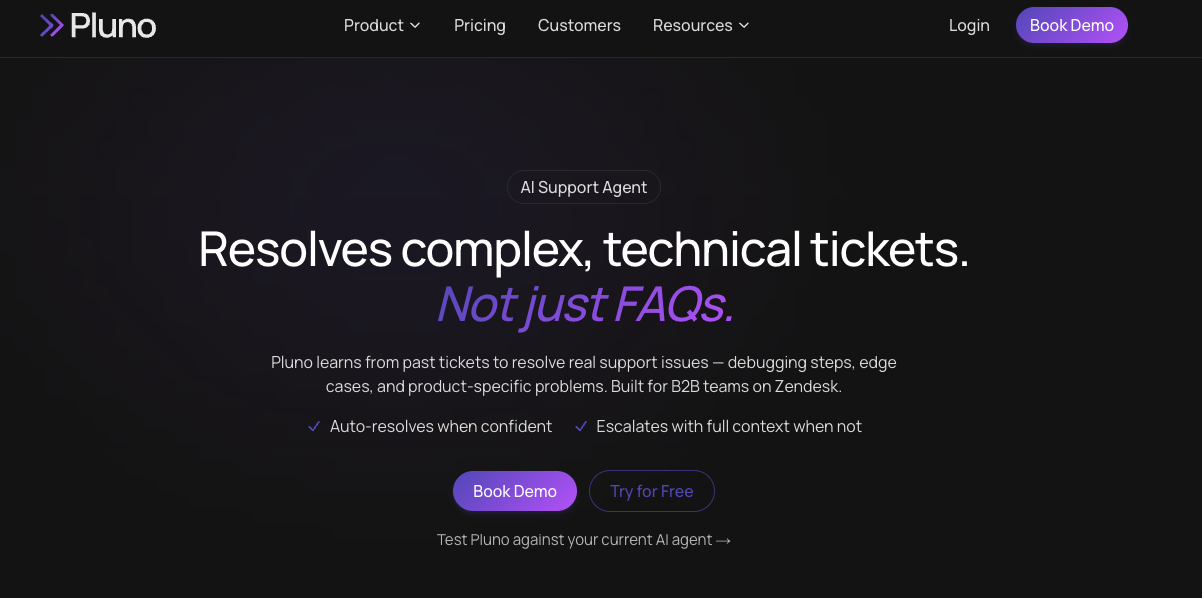
Best fit: B2B SaaS and technical product support where the answers live in your ticket queue.
Pluno is an AI support agent for complex technical tickets that works inside Zendesk, Intercom, Salesforce, HubSpot, Jira Service Management, and Freshdesk, so the choice it presents is native helpdesk AI or Pluno. Deflection AI, its autonomous resolution module, learns from your resolved support tickets, including the diagnostic steps your agents followed, which is how it answers edge cases the help center never documented. It escalates with an internal note carrying its evidence when it cannot verify an answer. AI Copilot drafts sidebar replies from resolved support tickets, your help center, and connected systems, with reasoning and cited sources for the agent to review. Because drafts are agent-reviewed before sending, it carries lower customer-facing risk than autonomous replies.
Pricing. €0.90 per resolution and €49 per agent per month for Copilot, on top of a base fee set by your average monthly ticket volume. See the rates table above.
Where it falls short. The base fee is the largest line, and it tracks your volume tier, so your total climbs with ticket growth even in a month when the AI resolves few of them. Pricing is set in EUR, so a US buyer's cost moves with the exchange rate. And the approach depends on a substantial history of resolved support tickets, so a young product with a thin queue gives it less to work from. We compared it against native Zendesk AI in more depth here.
Intercom Fin
Best fit: teams that want a generalist AI agent live without a procurement cycle.
Fin is one of the most widely adopted AI agents in customer support. Its two wedges are Procedures, natural-language standard operating procedures the agent follows, and Custom Actions, which let it call your APIs mid-conversation. Fin runs on Intercom and on other helpdesks, and Fin Copilot covers agent assist at $35 per user per month, currently available for Salesforce. Salesforce signed a definitive agreement to acquire Fin, formerly Intercom, in June 2026 for about $3.6B. Salesforce completed the acquisition on 10 September 2026, and Fin now operates within Salesforce's AI Labs alongside Agentforce.
Pricing. From $0.99 per outcome. Fin bills resolutions, Procedure handoffs, and disqualifications at $0.99 and qualifications at $9.99, and on a non-Intercom helpdesk the two sales outcomes are unavailable, leaving resolutions and Procedure handoffs. Fin bills outcomes, a broader unit than resolutions, and retitled its own documentation to match.
Where it falls short. The 24-hour silence window is the shortest of these four, so a customer who reads the answer and moves on generates a charge sooner. Procedures are written and maintained by hand, which gives you explicit control over what the agent does. It also means every product change affecting a documented path needs an owner on your team to update the Procedure, and in B2B SaaS the edge cases outnumber the paths anyone will write down. Fin's Zendesk support appears in its help centre and is absent from the helpdesk list in its pricing FAQ, so confirm it before planning a Zendesk deployment. We looked at Fin alternatives for specific use cases here.
Zendesk AI
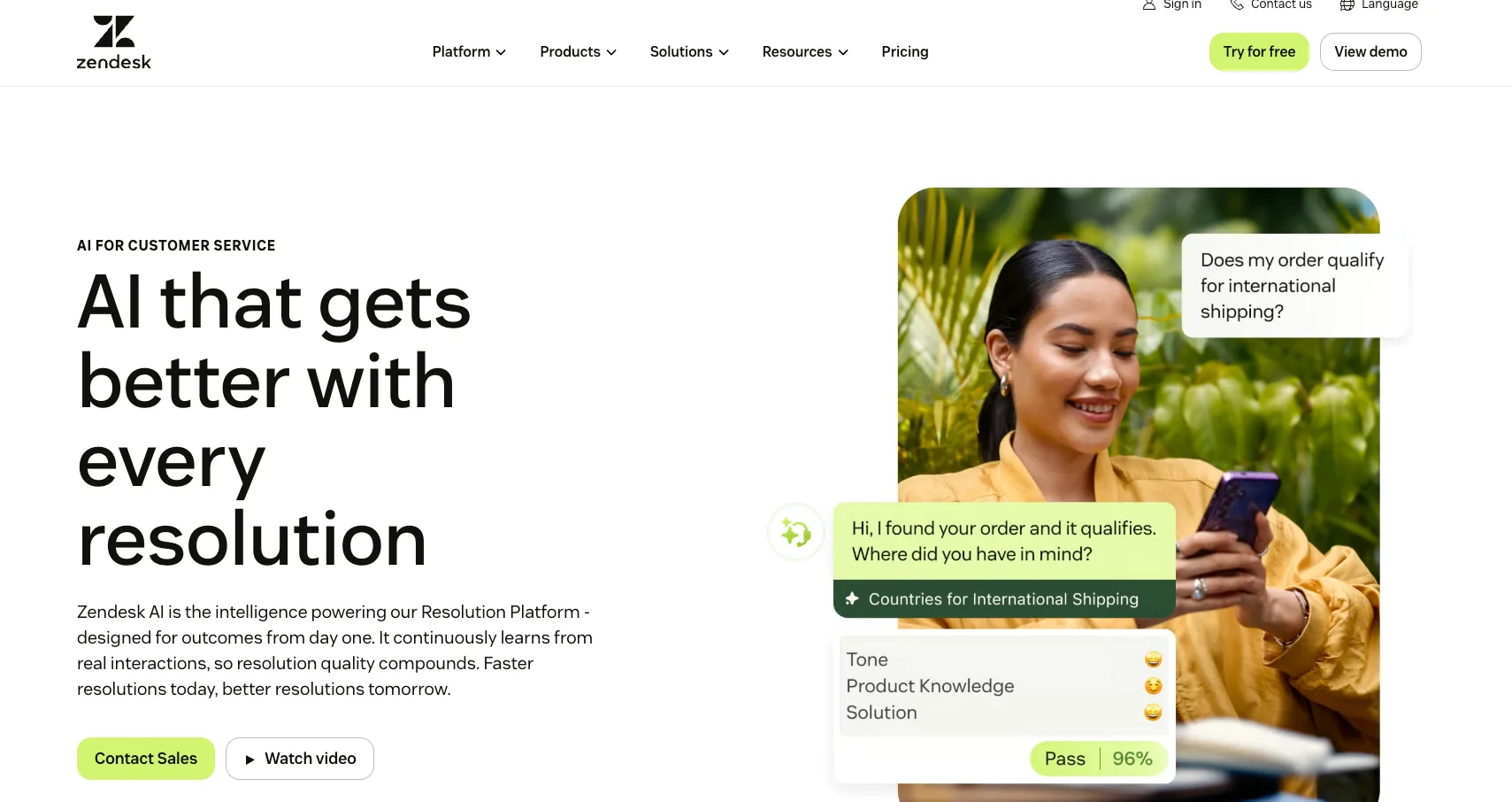
Best fit: teams already standardized on Zendesk who want AI without adding a vendor.
Zendesk AI agents resolve tickets autonomously across social, web, mobile, voice, and email, the widest channel coverage of these four. Because the AI ships with the Suite, Intelligent Triage also classifies intent, sentiment, and language and fills custom fields, so routing improves without adding a vendor. Answers draw on the help center plus external sources including Guru, Confluence, and web crawlers, so the question for a technical queue is how much engineering context and ticket memory that corpus holds. Zendesk has also acquired Forethought and sells it as a separate paid add-on marketed as working on any platform.
Pricing. Suite Team $55 and Professional $115 per agent per month paid yearly, with Copilot about $50 per agent per month below the top tier. Zendesk does not publish an automated-resolution rate on its pricing page; third-party analyses report $1.50 committed and $2.00 pay-as-you-go, figures absent from Zendesk's own pages.
Where it falls short. Zendesk publishes seat prices while leaving the automated-resolution rate unquoted, so the half of the bill that grows with ticket volume is the half you cannot forecast. Its pricing page and help center also currently disagree about which billing model applies. And Zendesk recommends migrating off AI agents Essential and the legacy bot builder by 31 August 2026, with full shutoff on 10 December 2026, so anyone still building in the old tool has weeks. Here are four Zendesk AI alternatives, and a walkthrough of setting up Zendesk AI Copilot if you are staying native.
Ada
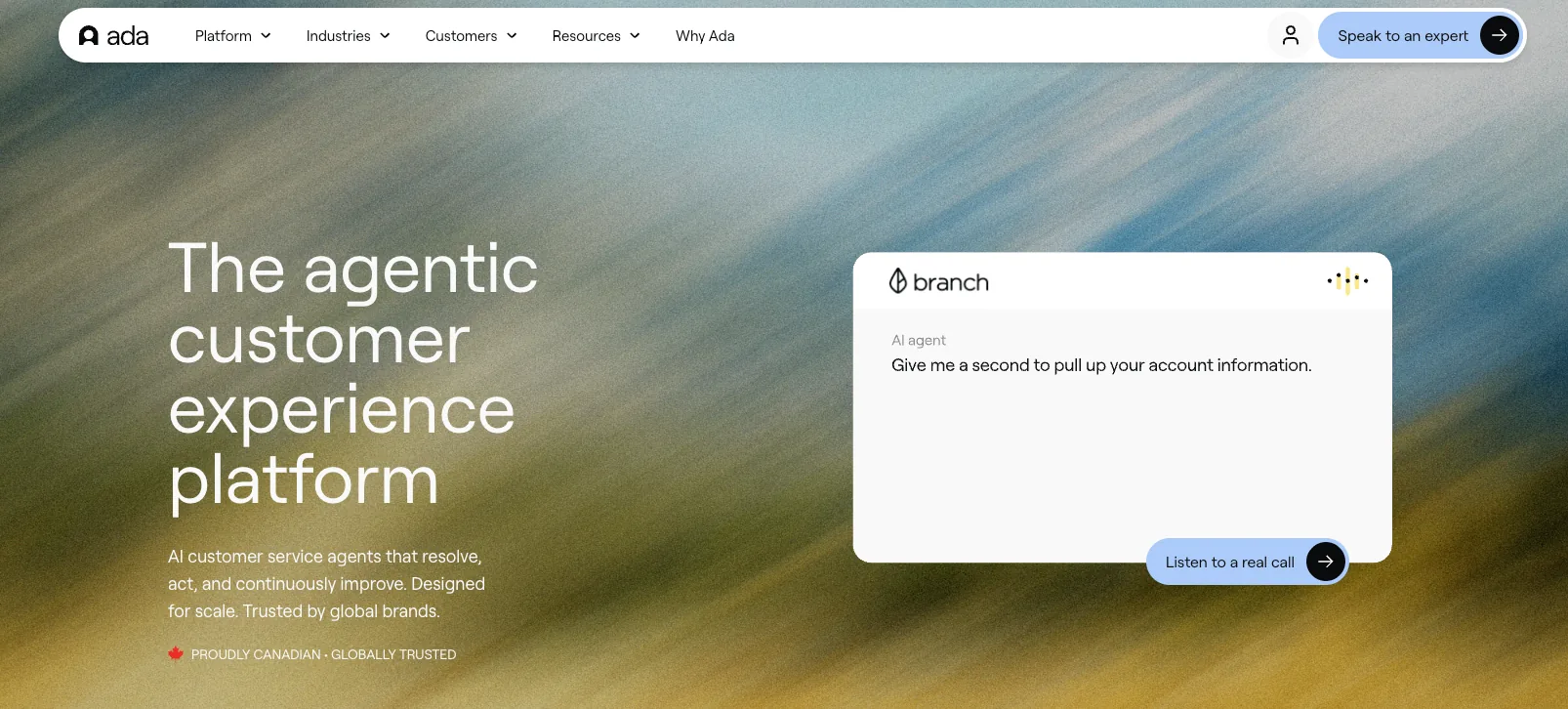
Best fit: enterprise consumer support where voice and language coverage decide the purchase.
Ada runs AI agents across voice, email, chat, WhatsApp, SMS, Instagram, and in-app, with handoff connectors into Zendesk, Salesforce, and ServiceNow. Voice is a first-class channel here, which is what most buyers are paying Ada for. Ada's answers come from documented standard operating procedures, Playbooks, and API calls, so the question to ask is how well that model covers technical tickets whose resolutions were never written into an SOP.
Pricing. No published rate. Ada offers two models, conversation-based and resolution-based for enterprise needs, and quotes both. Per conversation is a materially different unit from the other three, because you pay whether or not the conversation ended well.
Where it falls short. Ada names both billing models and attaches a rate to neither, so you cannot build even a rough cost model before the first call. On capability, Ada's own documentation shows voice covering 42 of its 60 supported languages, which matters for a tool bought largely for language reach. Email conversations also open in English by default, with the customer switching by replying in their own language, so plan the first touch for non-English markets. We covered Ada alternatives here.
How to evaluate and roll out conversational AI
Two things decide whether a deployment works. The tool has to be able to reach the answers, and the escalation boundary has to sit in the right place.
What to check before you buy
-
Where it looks for answers. Ask whether resolved support tickets are among the sources, because that is where B2B answers live.
-
How it grounds answers, and what happens at low confidence. A vendor who cannot describe the confidence threshold does not have one you can tune.
-
What the escalation handoff carries. Transcript only, or transcript plus what was checked and ruled out.
-
Whether you can audit what was billed. Tagged tickets and exportable IDs, or a number on an invoice.
-
What a quiet month costs. Every floor: minimum commitments, seat allowances, and platform fees.
-
Which channels it covers. Shared Slack and Teams channels are standard in B2B and are not standard in these products.
-
Whether the reasoning is inspectable. Zendesk's CX Trends 2026 research across more than 11,000 respondents found 95% of consumers expect an explanation for AI-made decisions, and 79% of consumers say plain-language reasoning matters.
-
What your security review will require. Salesforce's 2025 State of Service found 51% of service leaders using AI saying security concerns delayed or limited their initiatives, so start that thread in week one.
How to roll it out
-
Pick the ticket types from your own volume data. Start with the highest-frequency questions that have one correct answer. Zendesk automation and where native rules end maps what you can solve with no AI at all.
-
Simulate against your own historical tickets before anything touches a customer. People skip this step, and it is the only honest substitute for a benchmark that does not exist.
-
Launch on a narrow slice with the confidence threshold set conservatively. Escalating too often is recoverable. Answering wrong is not.
-
Measure containment separately from CSAT, and audit what got billed. Pull twenty resolved tickets a week and read them.
-
Widen only when the audited answers hold up. Widening before the answers are audited is how deployments get switched off in month four.
Then keep the knowledge clean. A tool grounded on resolved support tickets needs the queue maintained the way a help center needs updating, because stale resolutions age into wrong answers.
Frequently asked questions
What is the best AI tool for customer service? It depends on your ticket mix. Technical, product-specific tickets need a tool grounded on your resolved support tickets, which is Pluno's approach inside Zendesk, Intercom, Salesforce Service Cloud, HubSpot, Jira Service Management, and Freshdesk. Transactional, high-volume tickets suit a generalist agent like Intercom Fin, or Zendesk AI if you are already on the Suite. Ada leads on voice and language coverage for consumer support.
How can generative AI be used in customer service? Generative AI does two jobs in support, one customer-facing and one internal. Customer-facing, it writes answers as the conversation happens, grounded on retrieved knowledge. Internally, it summarizes tickets, drafts replies for agents, translates, classifies tickets and fills fields, and scores conversations for quality. Generative AI customer service projects typically return value on the internal jobs first, because a human reviews the output before a customer sees it.
Is AI replacing customer service agents? The evidence points to the role changing shape, with real headcount pressure alongside it. Salesforce's 2025 State of Service found service teams estimating 30% of cases handled by AI today, rising to 50% by 2027. In the same Gartner survey of 321 leaders, 85% said they are adding new tasks and responsibilities to frontline agent roles, while 31% have implemented or are planning AI-driven frontline reductions through the first quarter of 2027.
Can I use conversational AI with a small support team? Yes, and team size is not the constraint. What matters is whether your resolved support tickets and documentation contain the answers. A team of four with three years of well-documented resolutions has more to work with than a team of thirty on a six-month-old product.
How much does conversational AI for customer service cost? Published unit rates run from $0.99 per outcome (Intercom Fin) to €0.90 per resolution (Pluno Deflection AI, on top of a base fee set by your average monthly ticket volume). Ada and Zendesk publish no unit rate for automated resolutions. For context, Gartner's Benchmarks to Assess Your Customer Service Costs (February 2024) put the median cost per contact at $1.84 for self-service and $13.50 for assisted channels, and Gartner predicts generative AI cost per resolution will exceed $3 by 2030, higher than many B2C offshore human agents. Rates change by region, billing term, usage, and plan packaging, so confirm every figure in your own quote.
Bottom line
-
Decide the ticket mix question first. Technical tickets need a tool grounded on your resolved support tickets.
-
Read the billing definition before the feature list. The silence window, whether escalations are billed, and whether resolutions get verified will move your invoice more than any capability.
-
Pull your 50 hardest historical tickets for the simulation, weighted to the issues that currently reach tier 2, since those are the ones a demo will never show you.
-
Get three things in writing before signing: the silence window, whether escalations bill, and your right to export and audit billed resolutions.
-
Set the confidence threshold conservatively at launch. Over-escalating for a month is cheap.