Meet Pluno for your browser

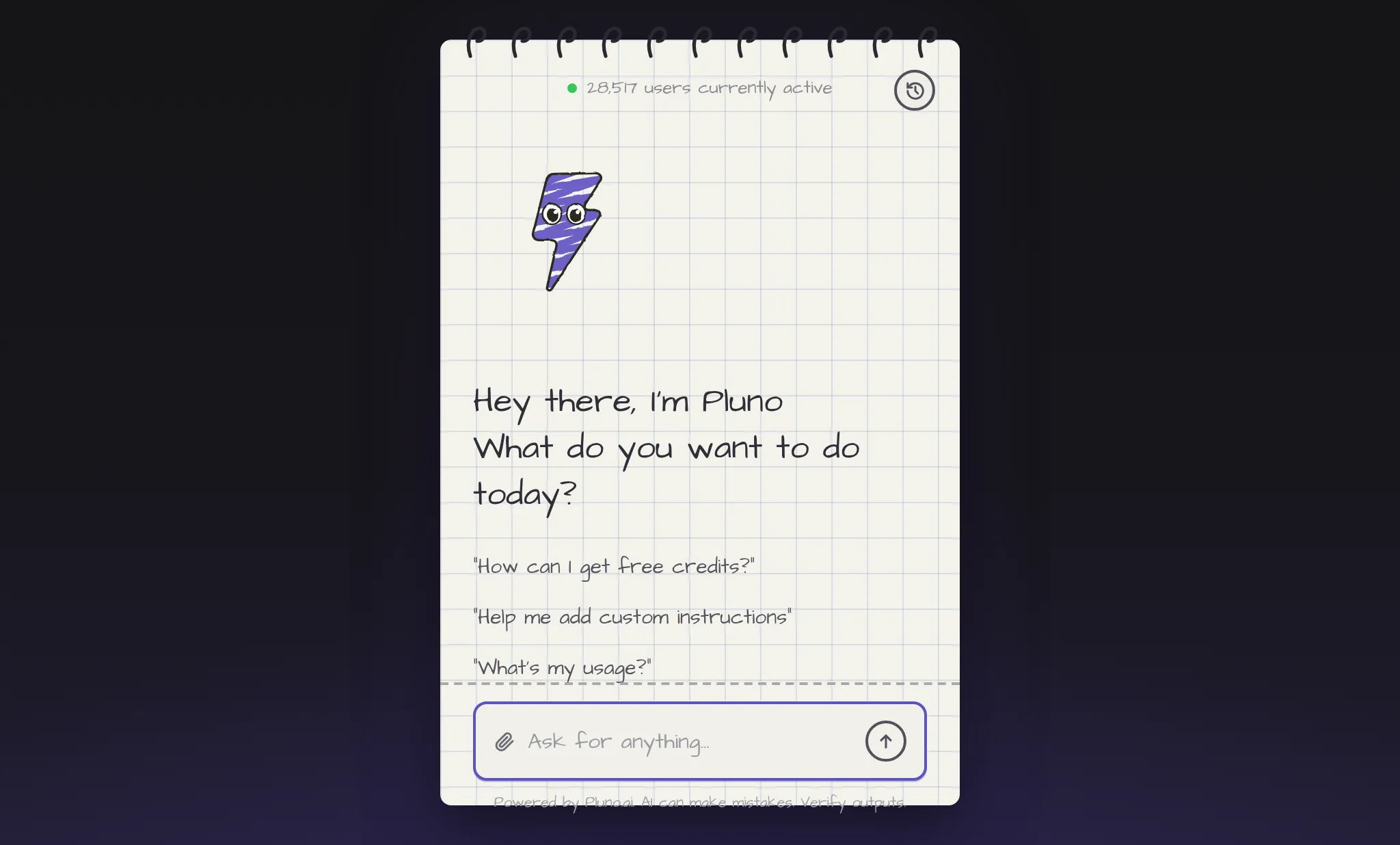
Pluno is now available as a browser extension that gets things done in any web app, 10x faster than screen-clicking agents. Instead of navigating UIs one element at a time, Pluno talks to each site's API directly, so it stays fast and doesn't break when a button moves. It comes pretrained on 50,000+ tools and learns any new one you show it in seconds.
Tell it the outcome, like "turn off email digests across Notion and Slack", "pull last month's Stripe payouts into a CSV", or "reassign 200 HubSpot contacts to a new owner", and it handles the rest. You approve every action before it runs, and it improves with every interaction through self-learning.
To try it out, add Pluno from the Chrome Web Store. It works on Chrome, Edge, and other Chromium browsers. New signups get free credits, and you can earn more by referring friends or sharing Pluno on social media. Learn more at pluno.ai/browser.
The Troubleshooting Agent is now available

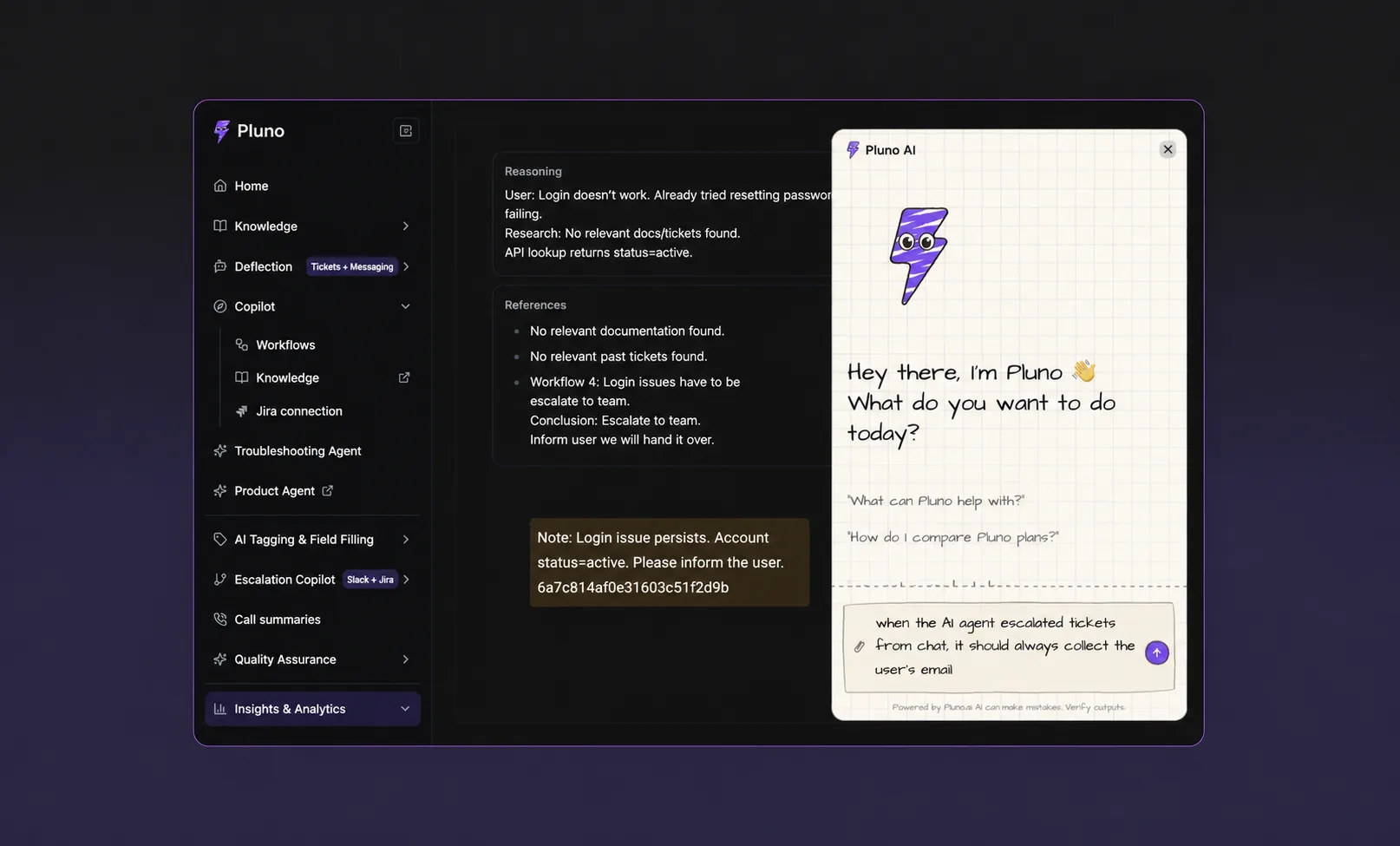
The Troubleshooting Agent can now be tried self-serve: sign up, get free trial credits automatically, and upgrade to the usage-based plan whenever you're ready. Checkout, credit balance, and top-ups are all handled in-app.
Highlights since launch:
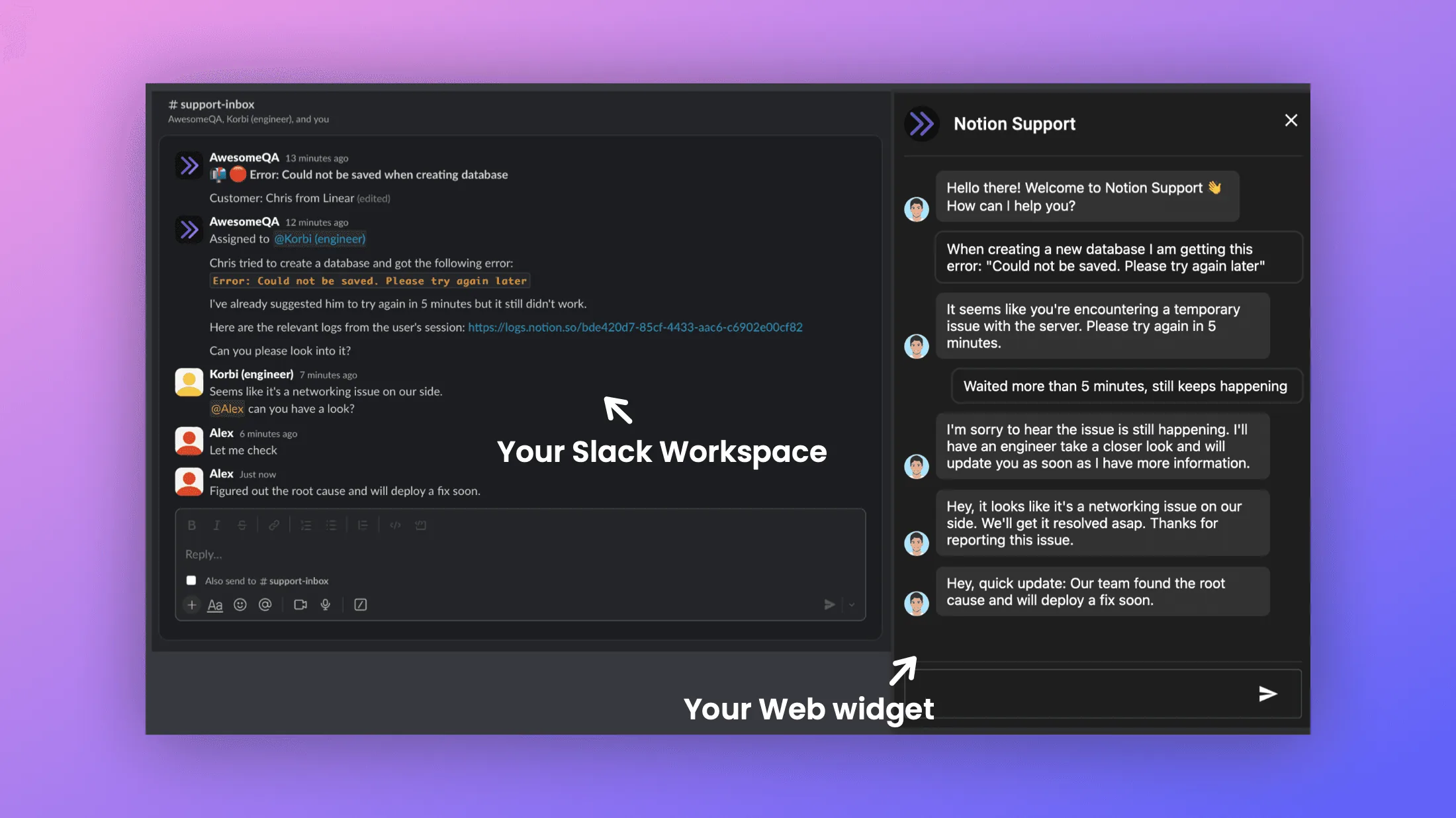
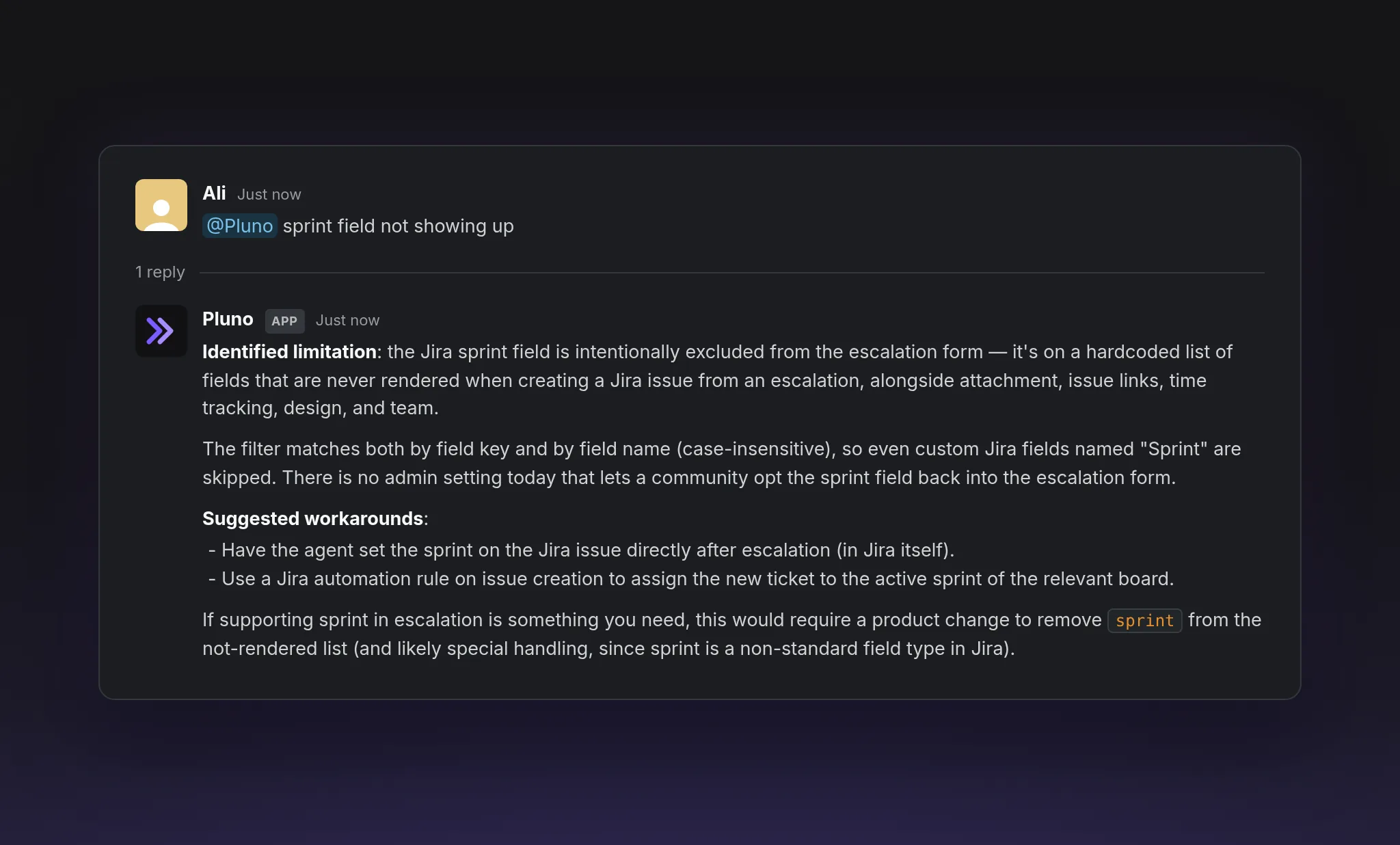
- Works across Slack, the web app, Zendesk, and Intercom. In Slack it keeps context in threads, reads quoted and linked messages, can search across your workspace's channels, and stays silent when a conversation doesn't need it.
- It can now create GitHub pull requests: when it's confident in both the diagnosis and a code fix, it offers to open a PR, and only does so after your explicit approval. Agent branches are prefixed with pluno/ so they're easy to spot.
- It learns from your sessions: skills are automatically created and refined based on real usage, so troubleshooting gets more accurate over time.
- A new Usage dashboard shows credits consumed, sessions, and tokens over time, broken down by source, with full session transcripts.
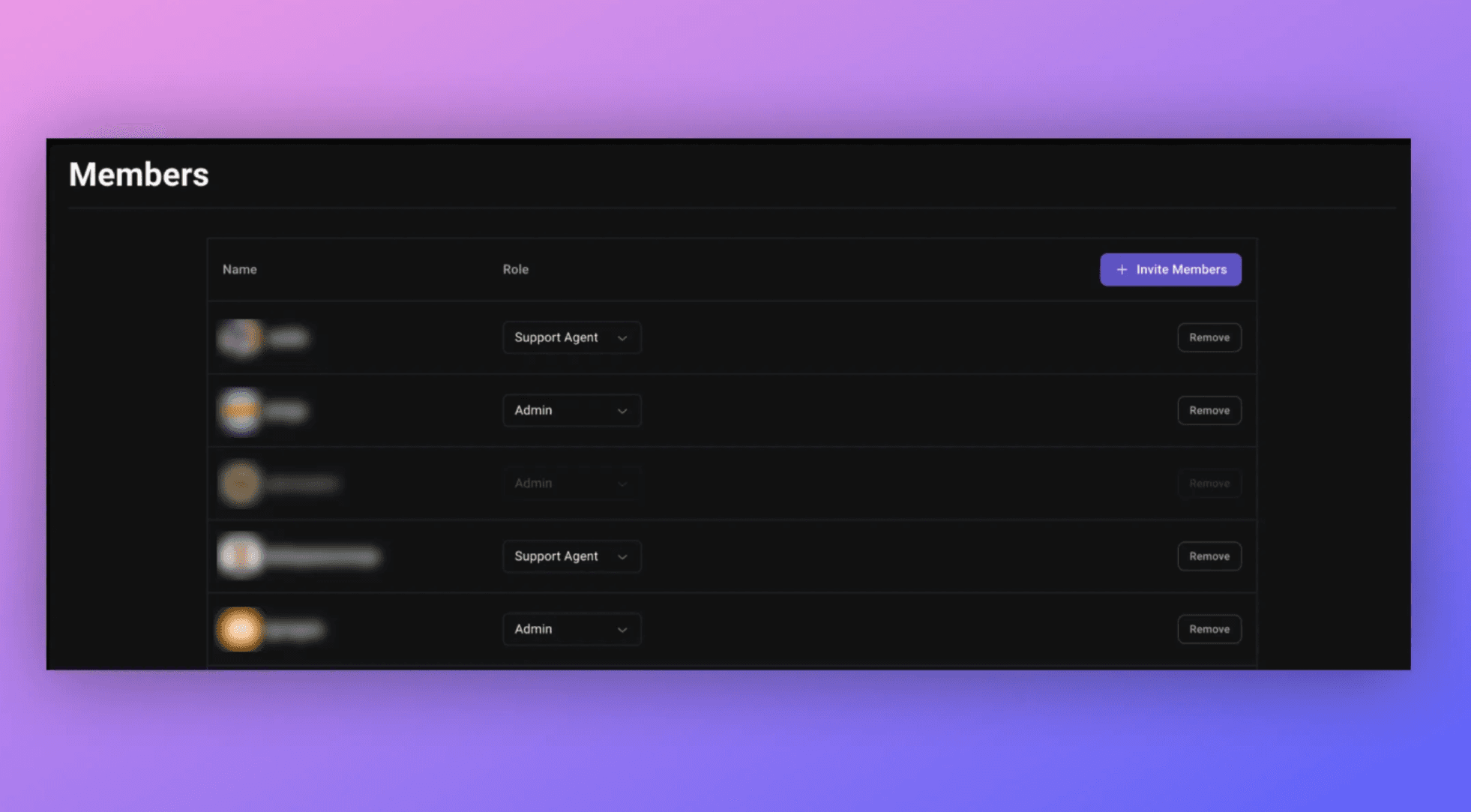
- Set up connectors in a single unified flow with suggestions for the most common tools. All integrations connect read-only, and connected Zendesk, Jira, and Knowledge Base integrations are picked up automatically. You can invite team members so different people can manage different connectors.
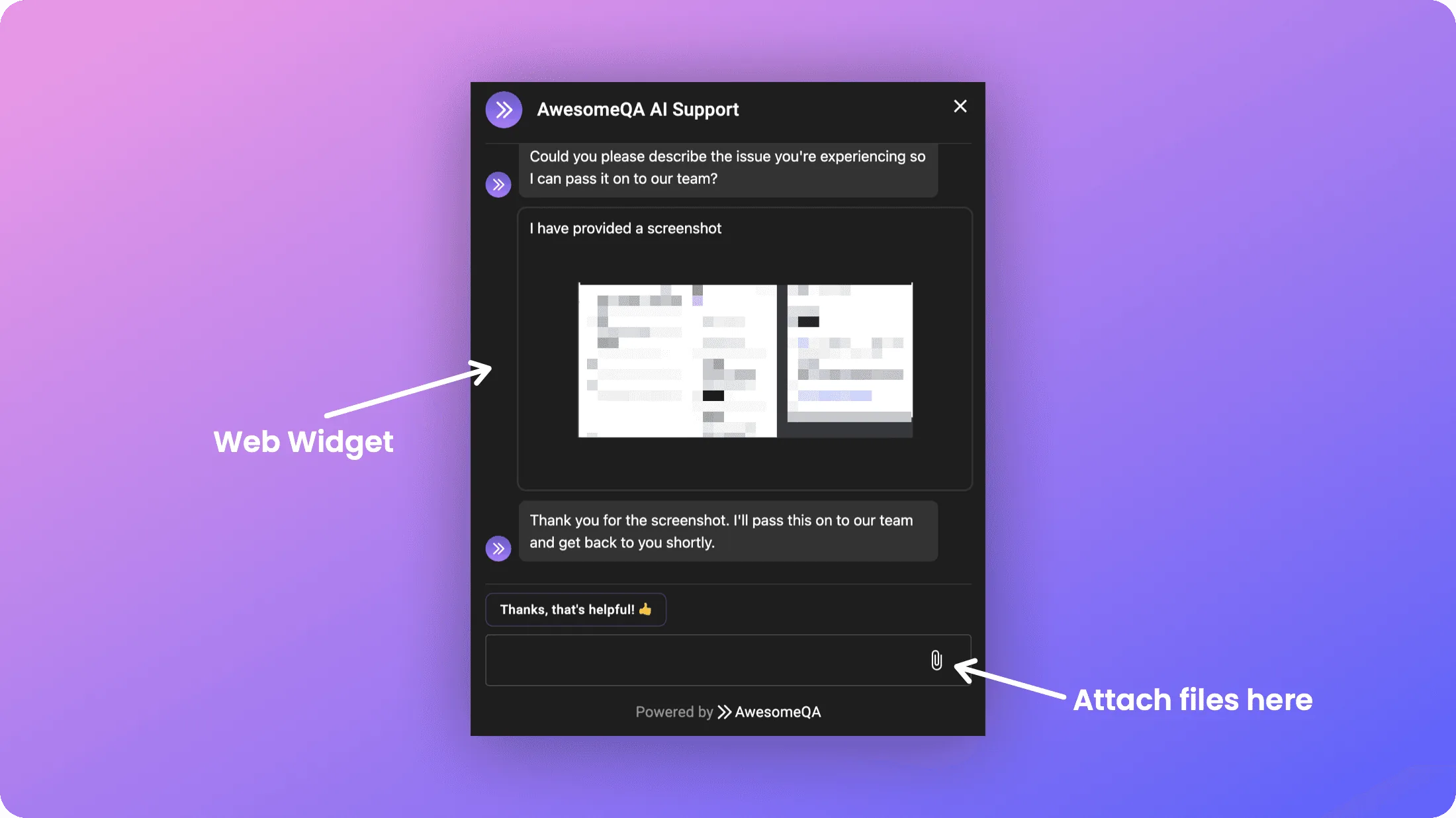
- Guide its behavior with custom instructions in the agent settings, share images and files in chat, and enjoy shorter, cleaner replies.
Linear is now supported for escalations
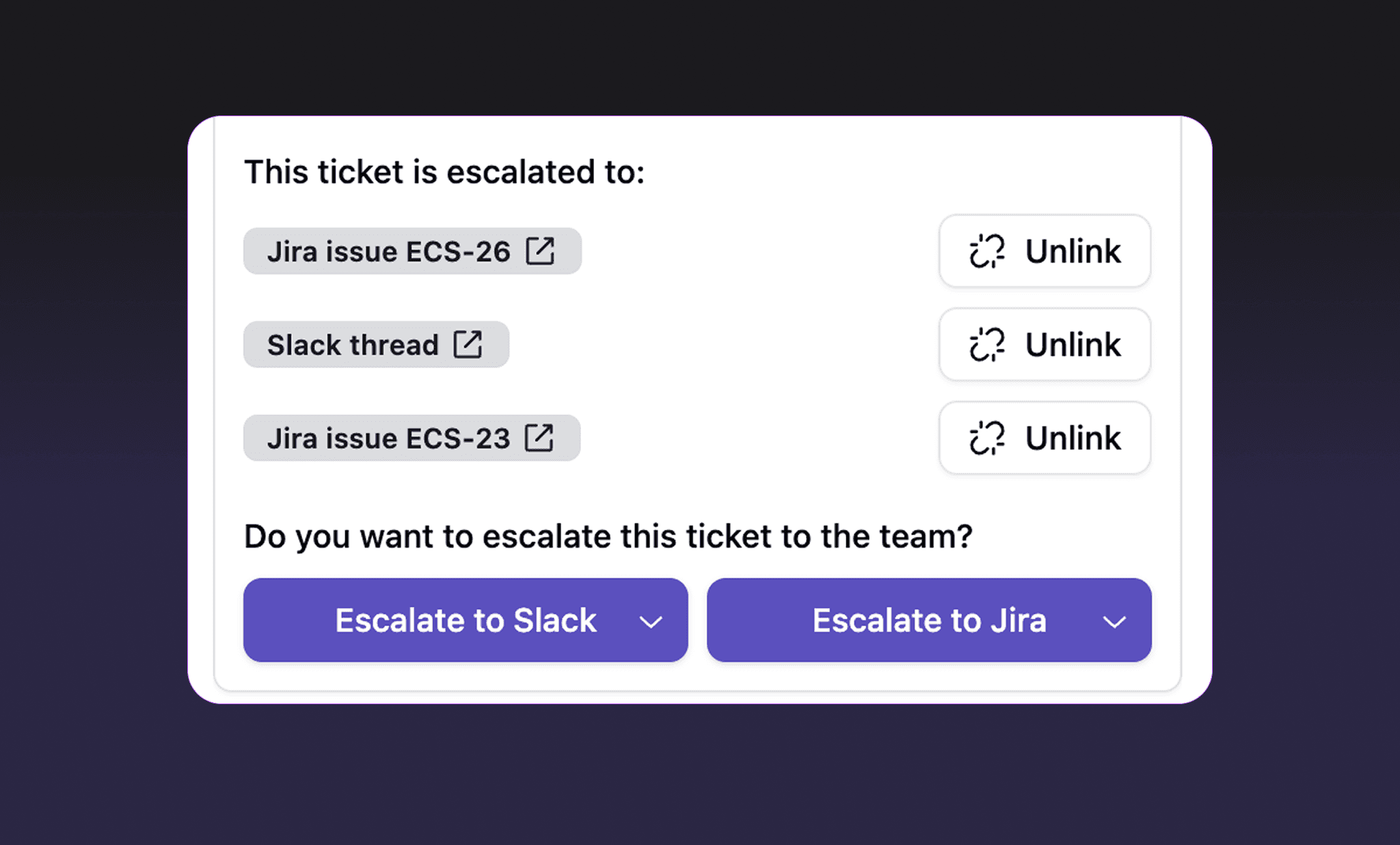
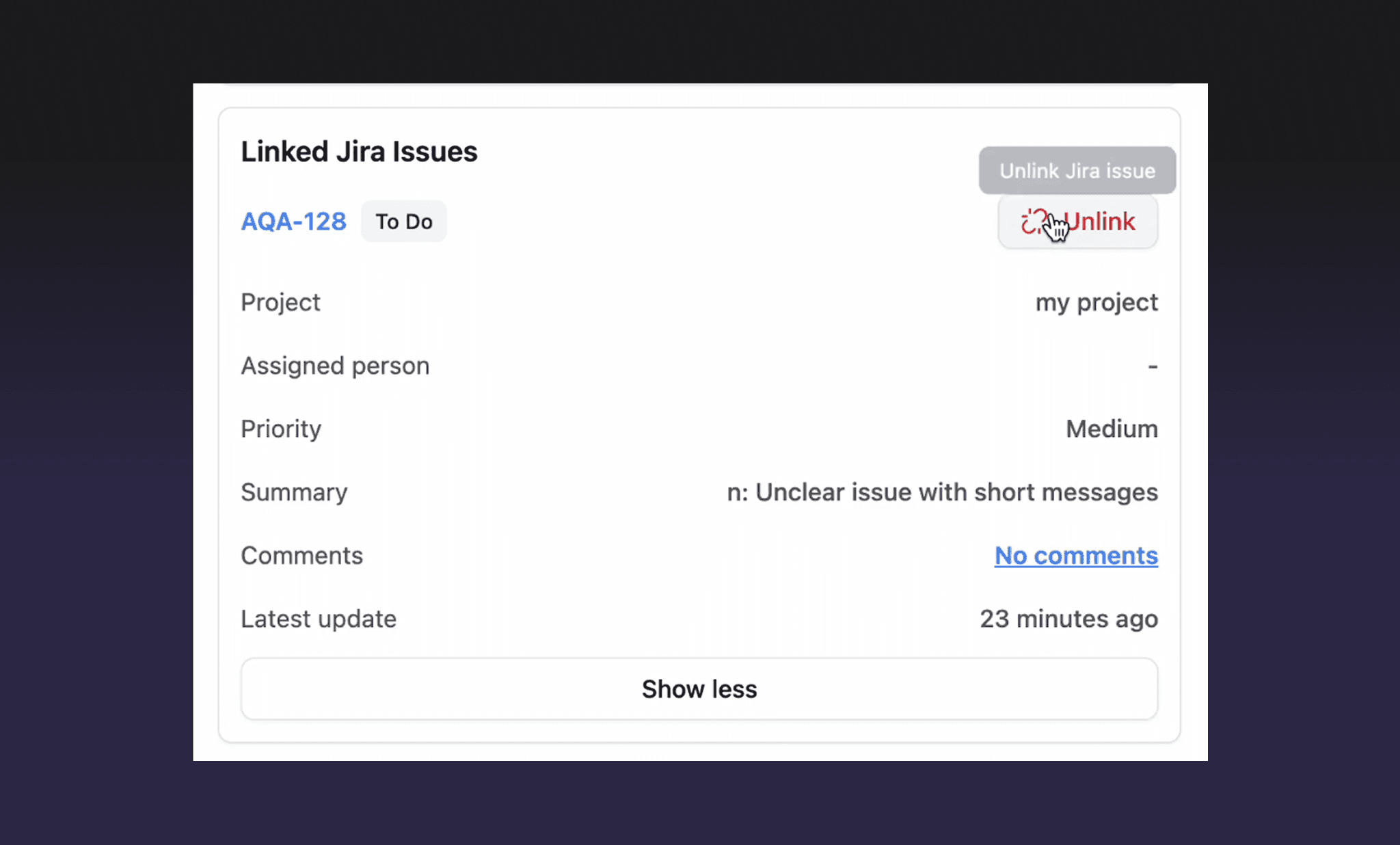
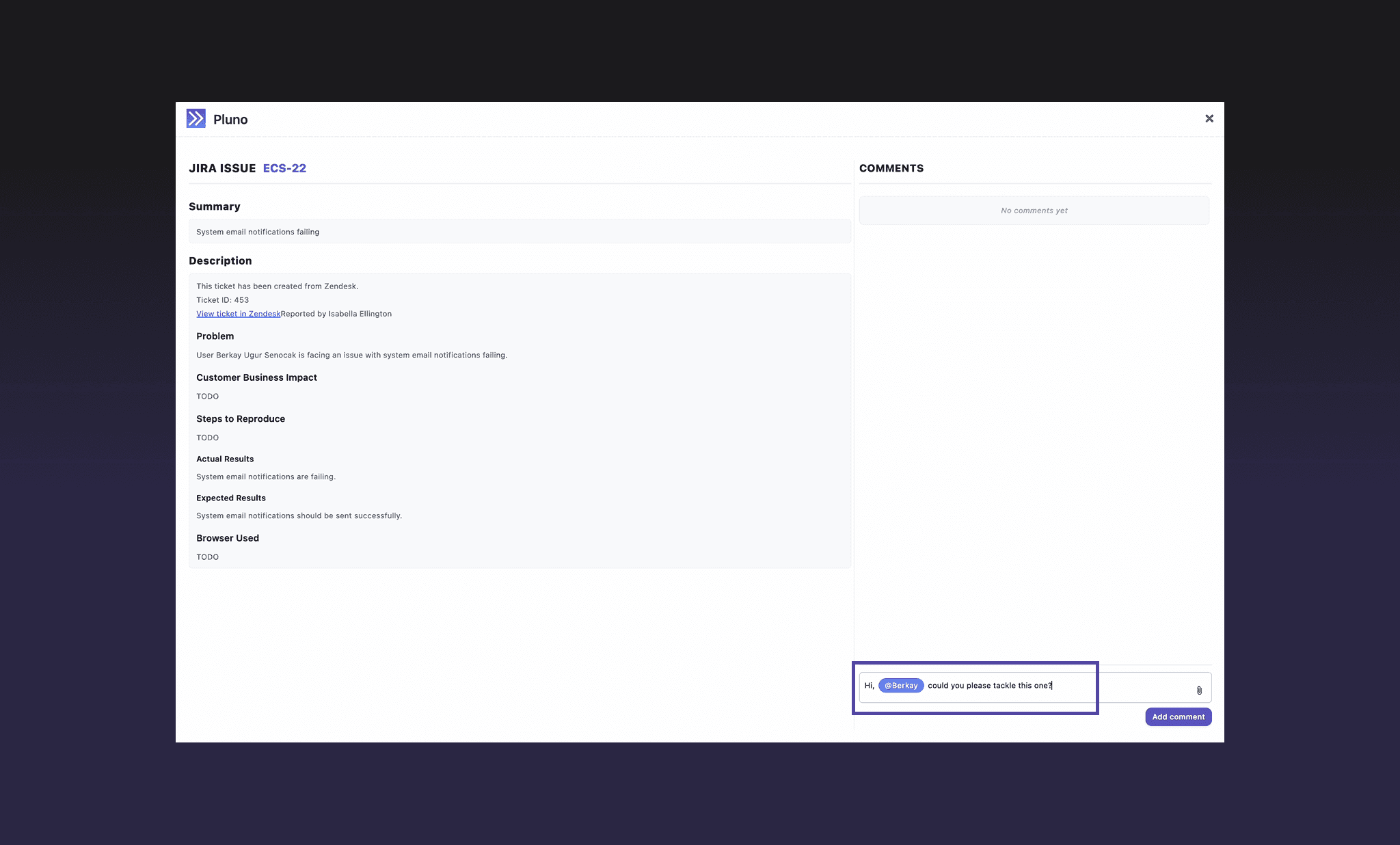
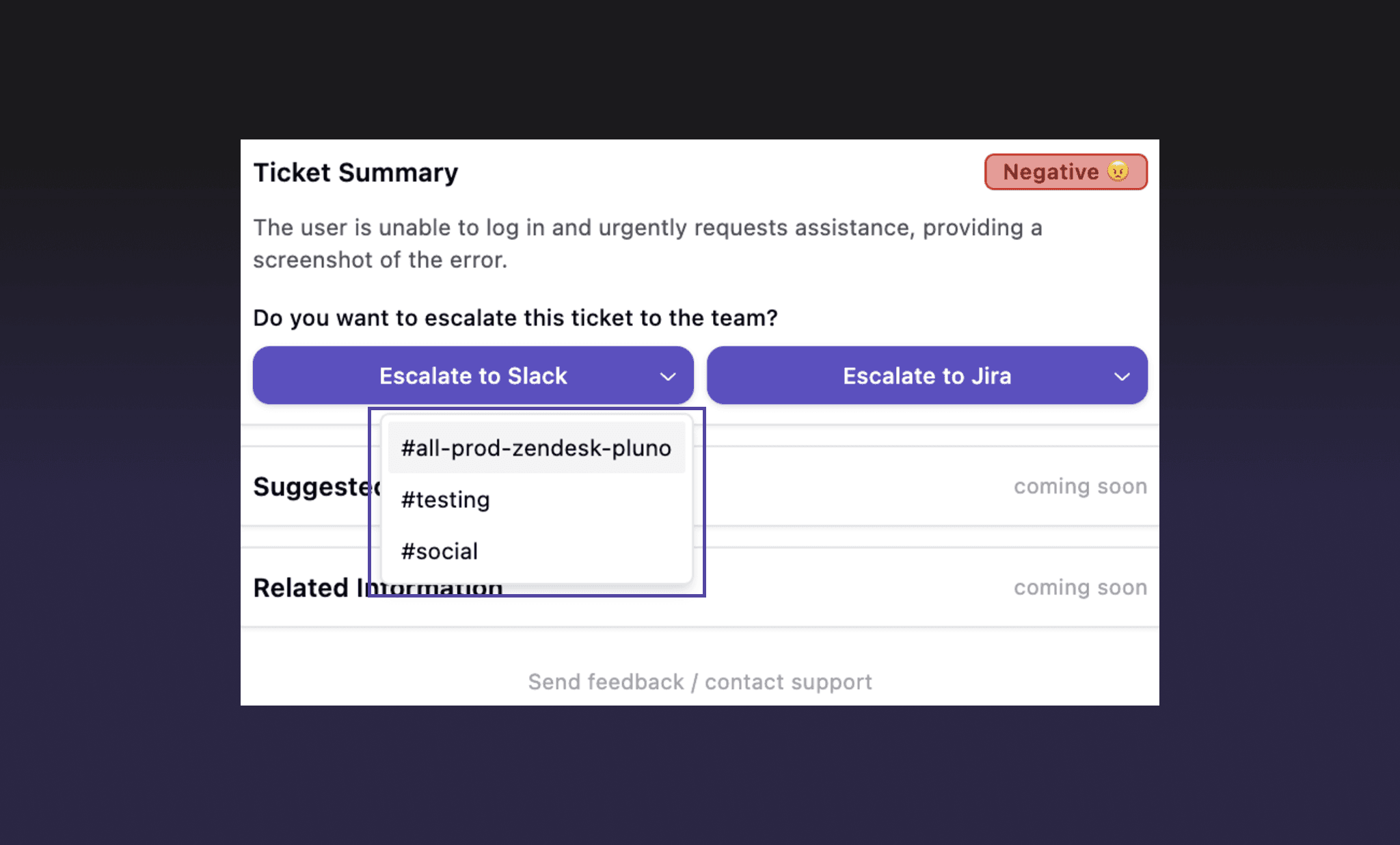
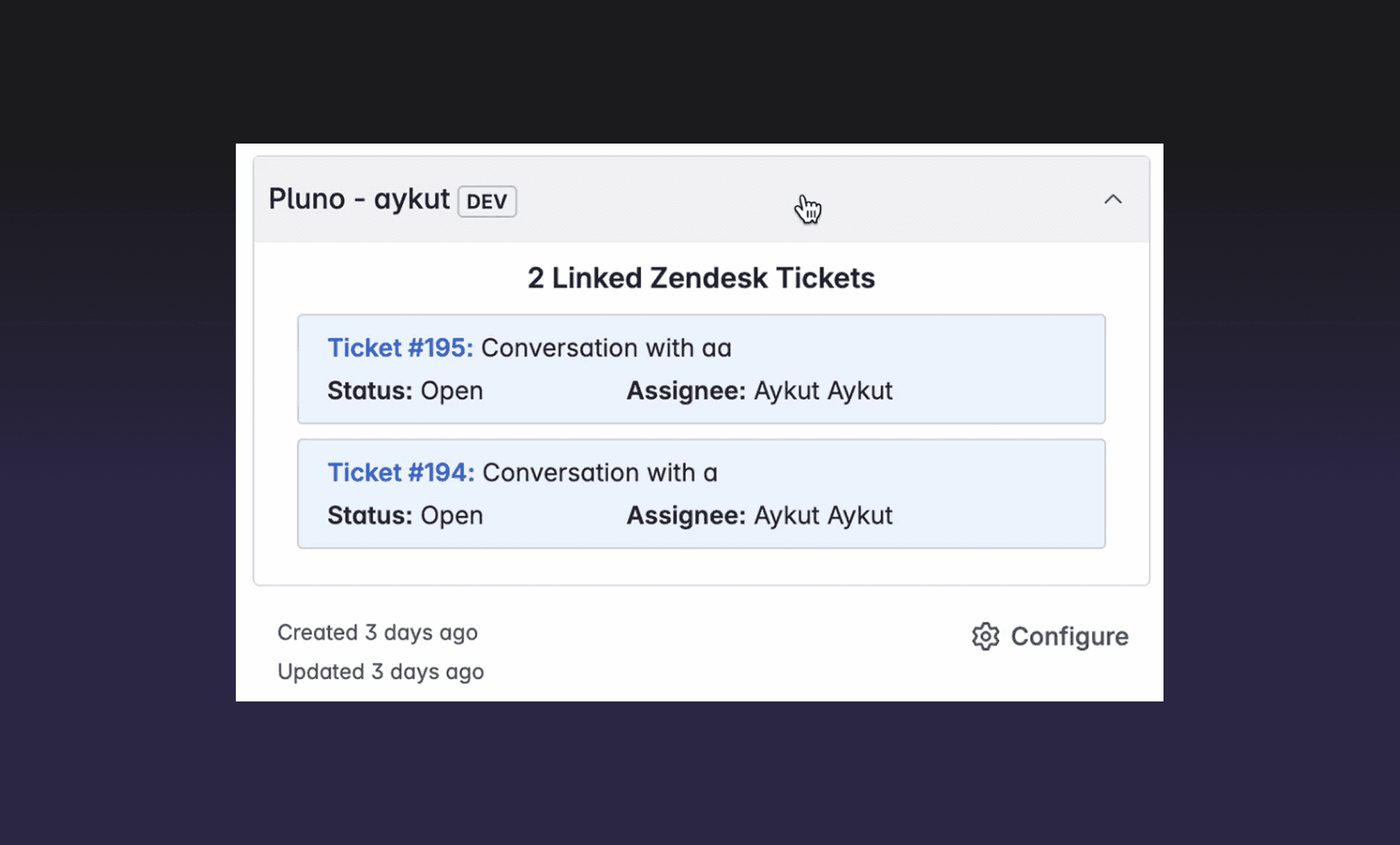
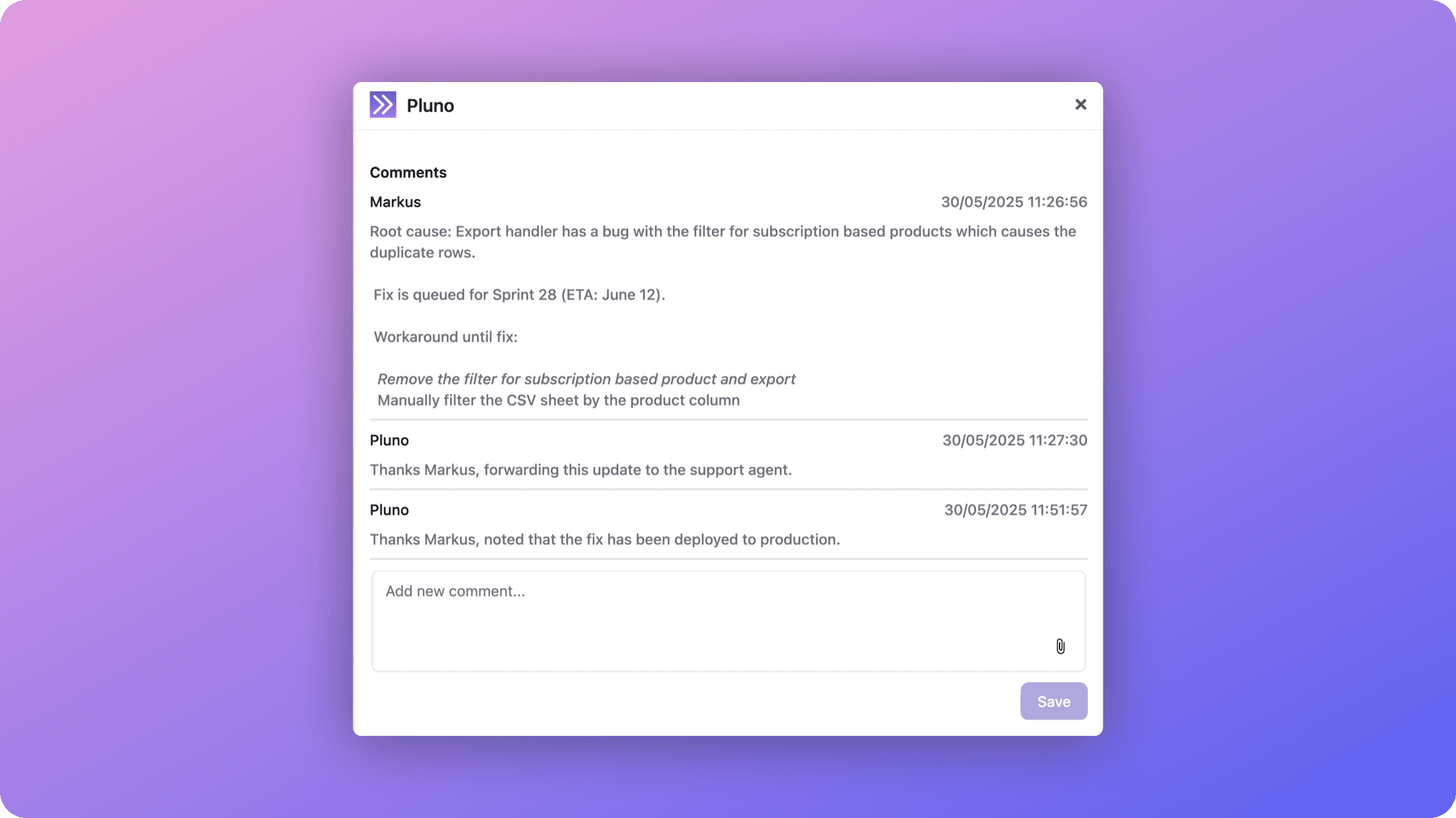
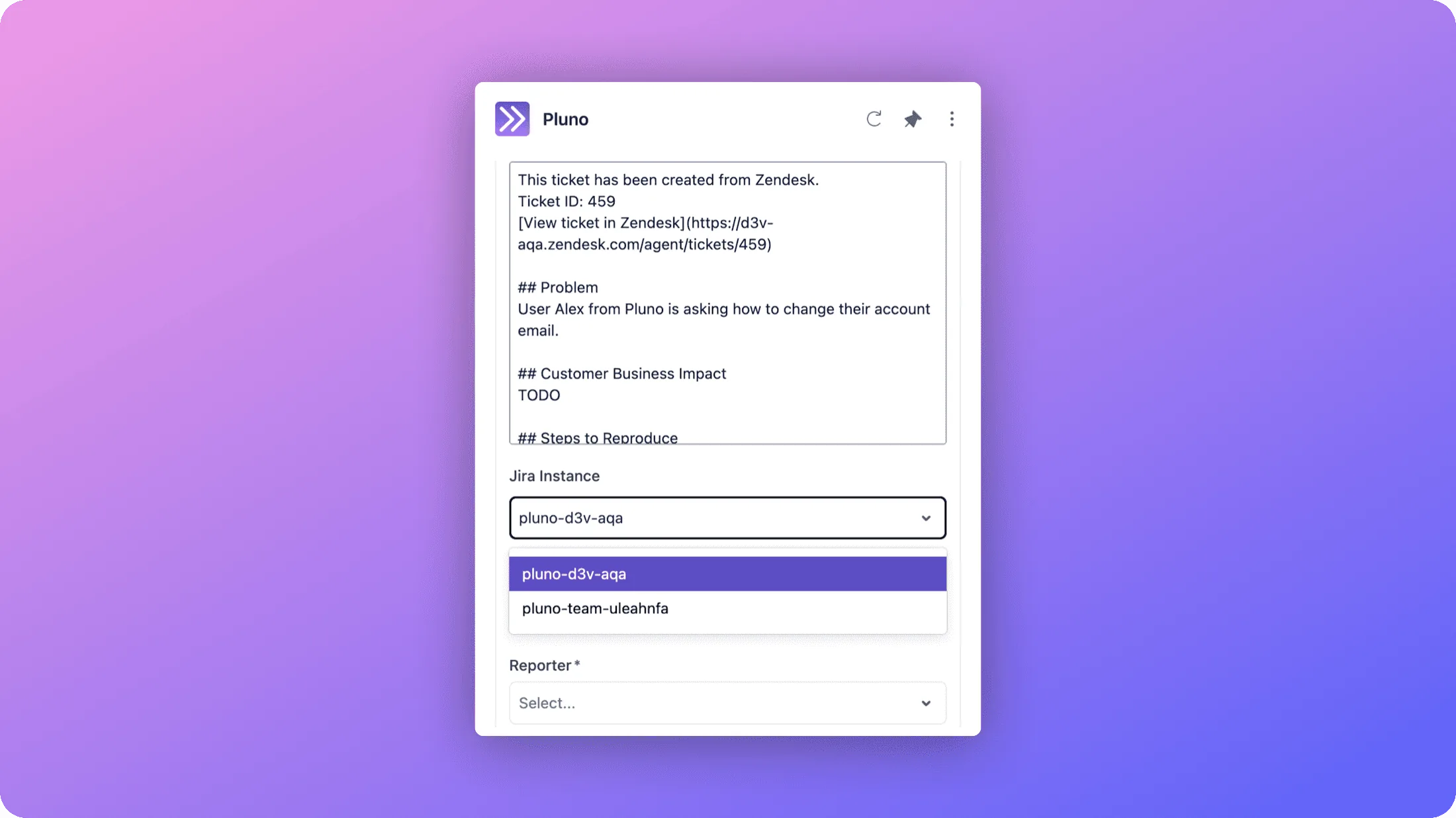
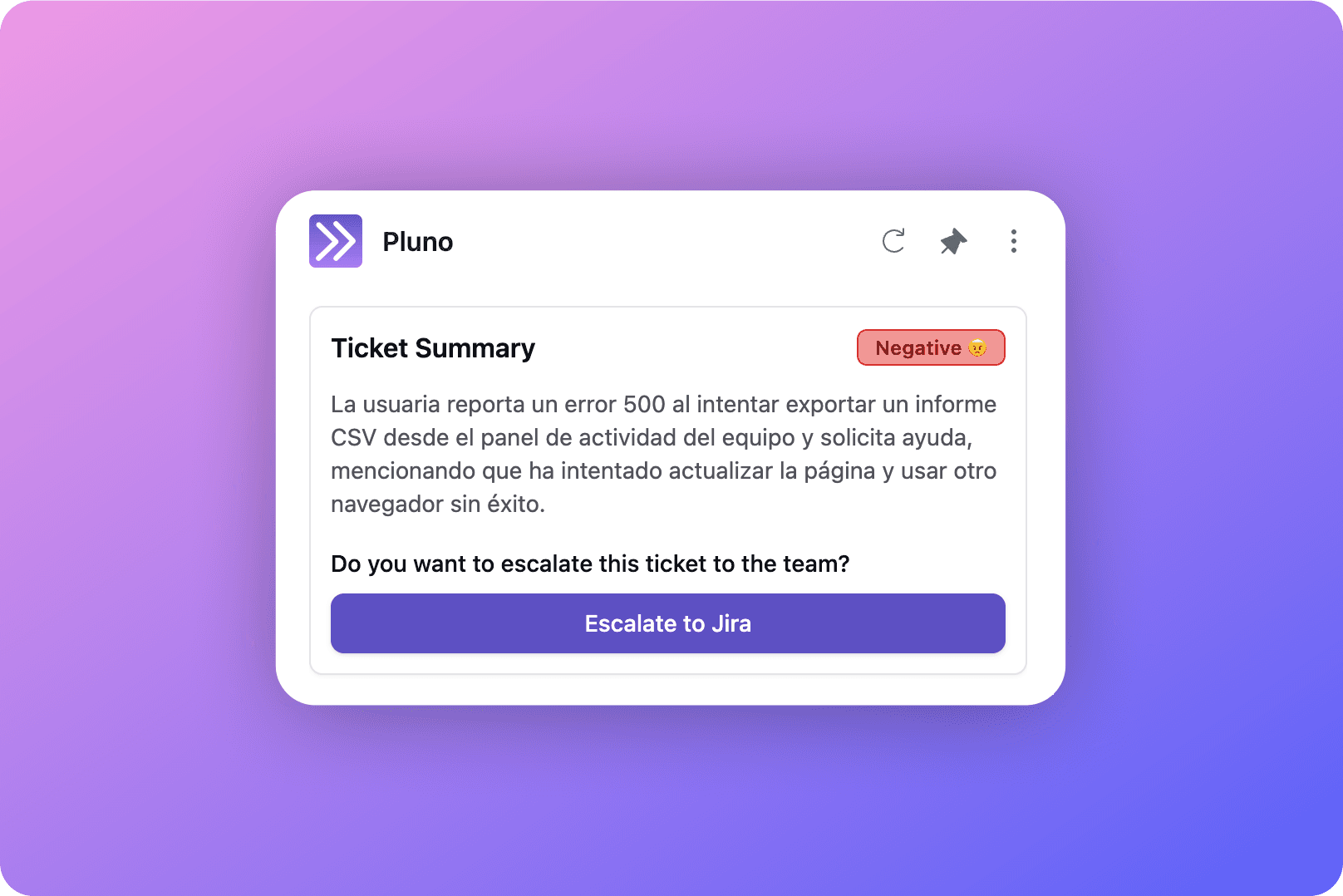
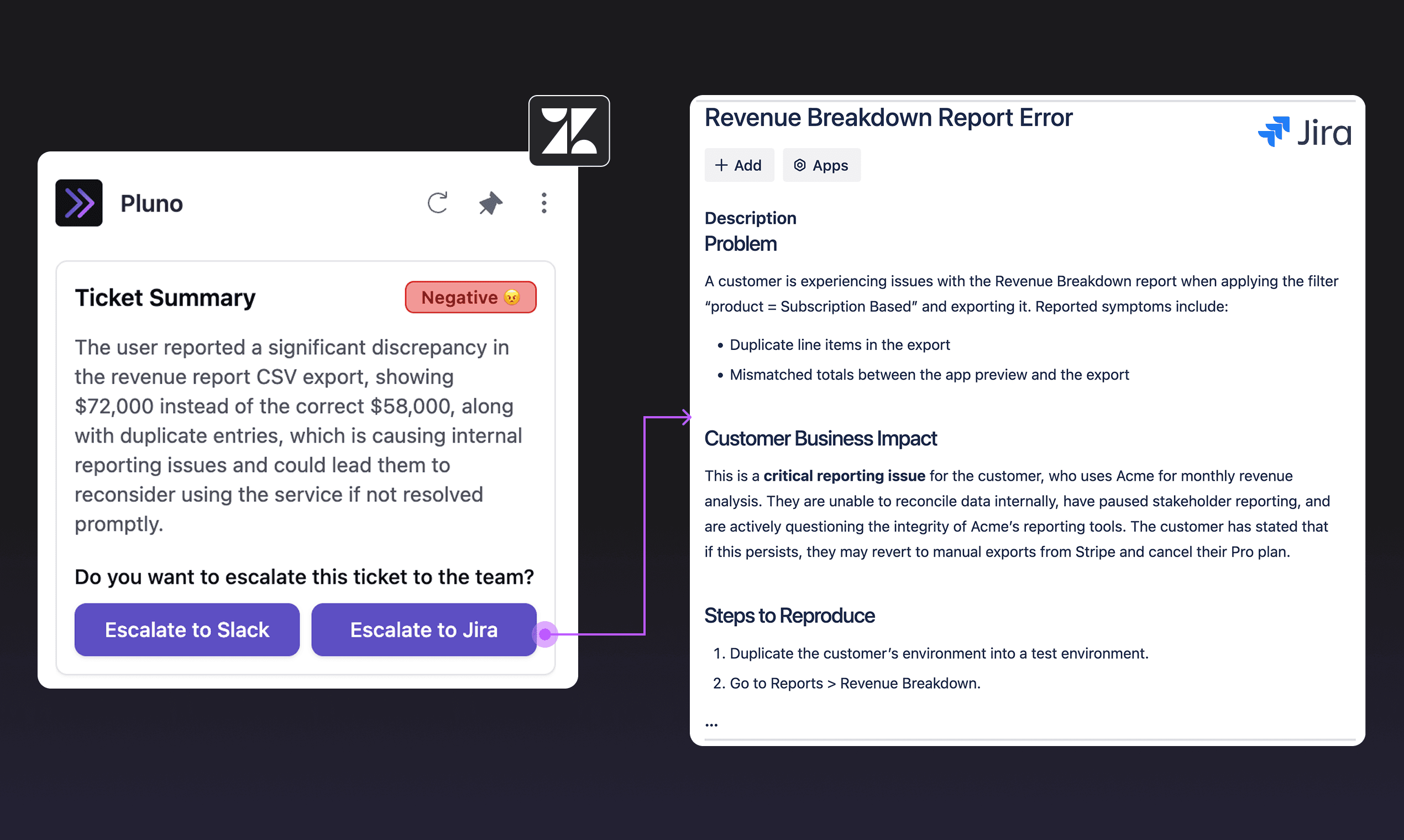
The Escalation Copilot now works with Linear, with full feature parity with Jira. You can create, link, and unlink Linear issues from both the Zendesk and Intercom sidebars, send comments (cmd/ctrl + enter works too), and Pluno listens to Linear comments automatically. Multiple Linear workspaces are supported.
Also included:
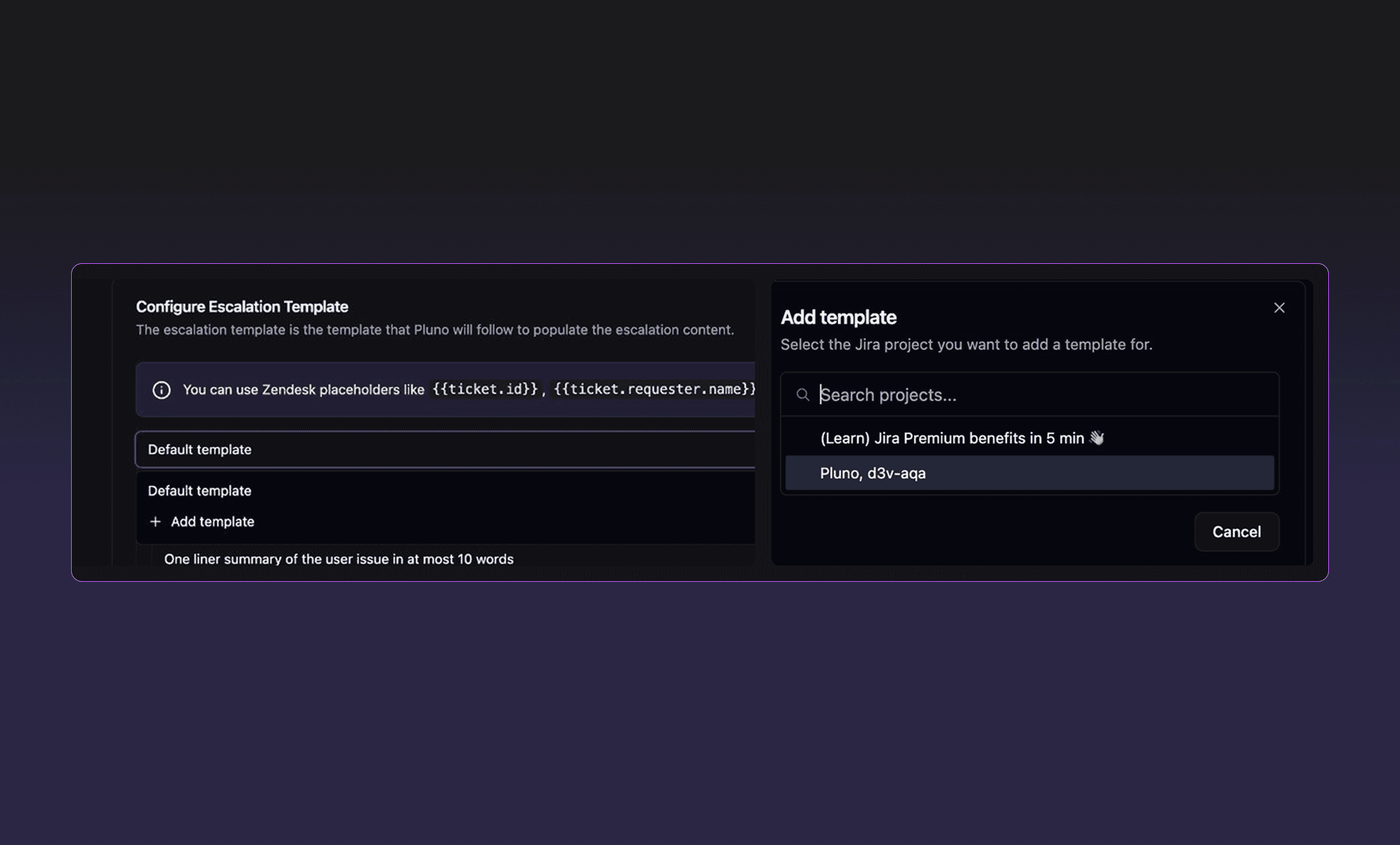
- Escalation templates with Linear-specific fields, plus team and project restrictions per Zendesk brand.
- A Pluno view inside Linear: configure which Zendesk fields are shown on linked issues, with aggregation for numeric fields.
Get started at app.pluno.ai/escalation-copilot/linear.
Pluno Copilot now works with Intercom
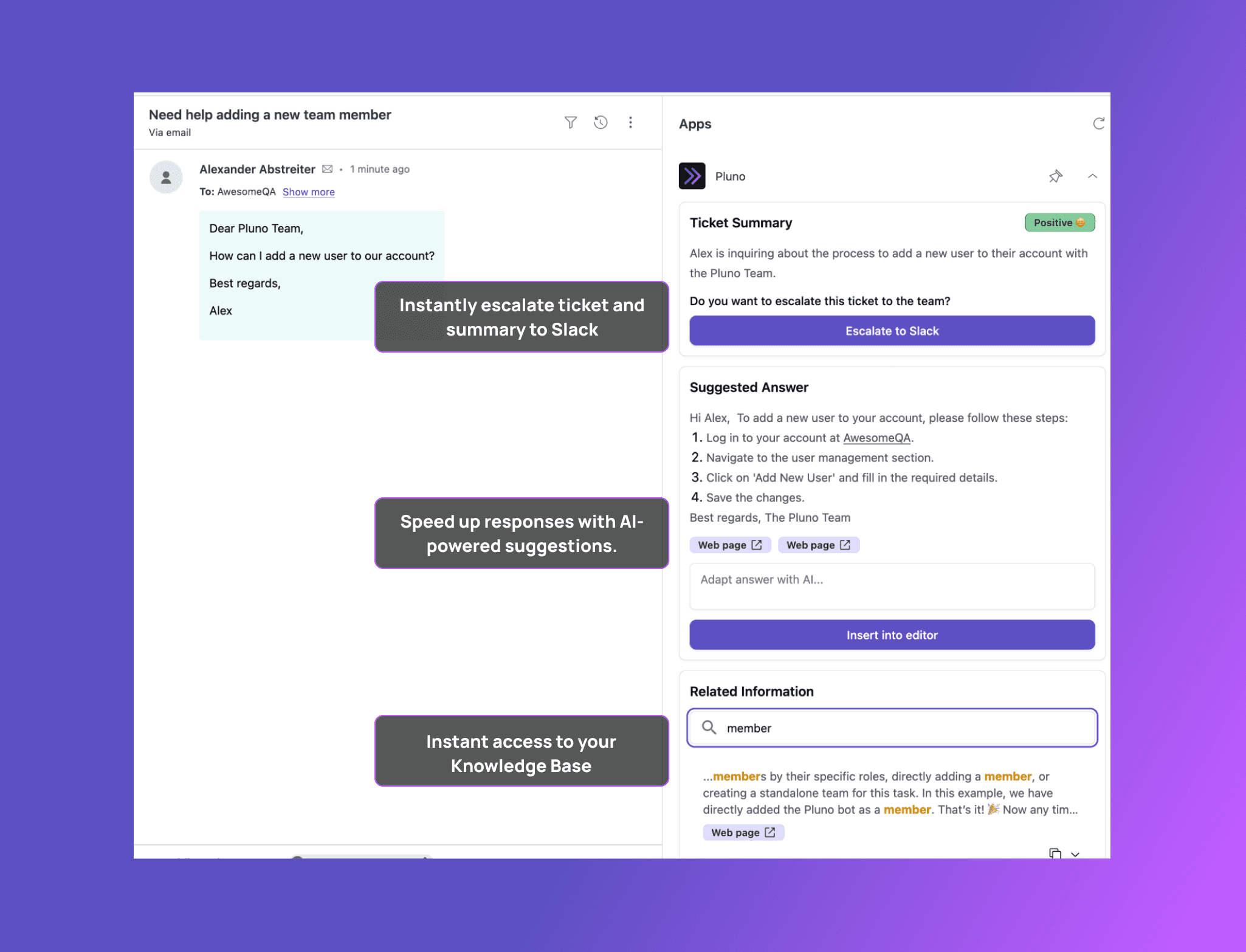
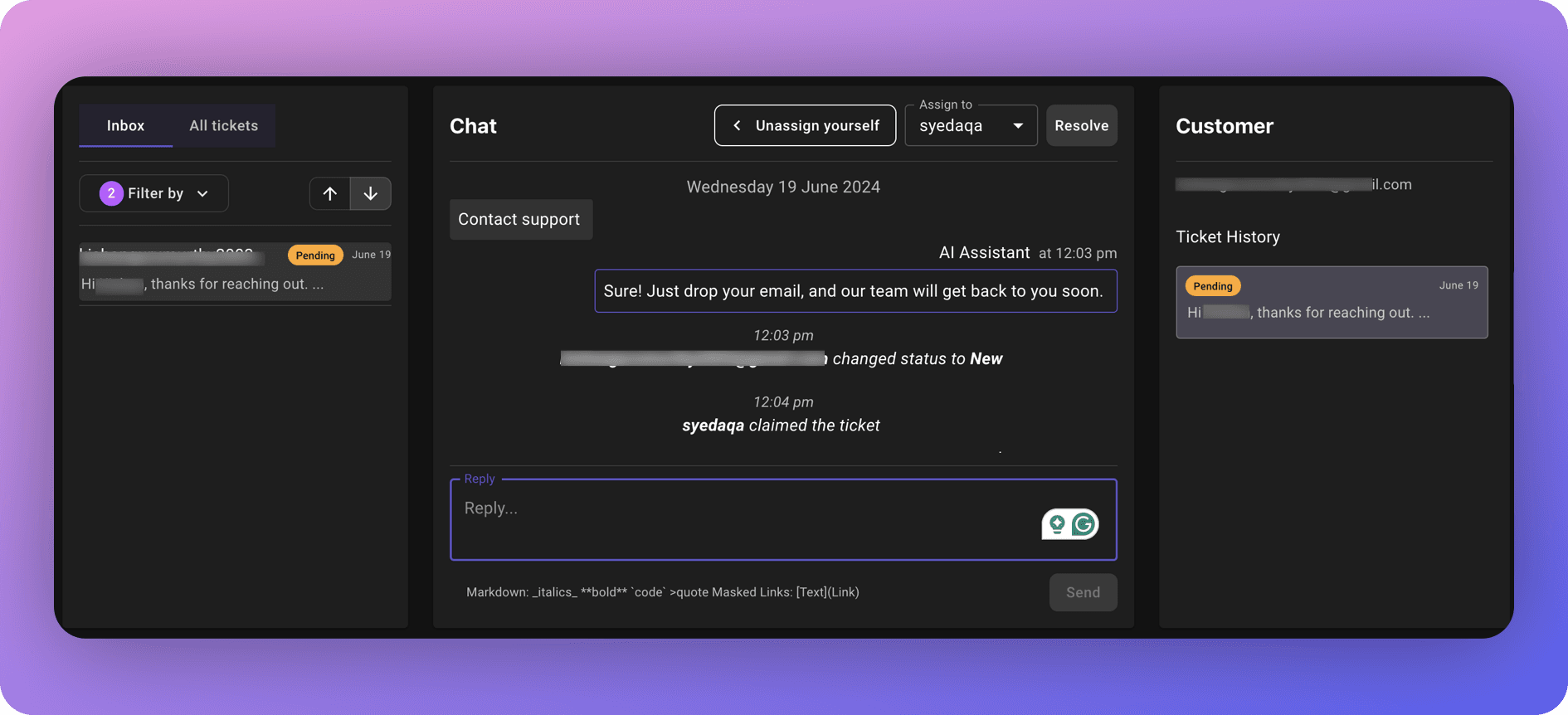
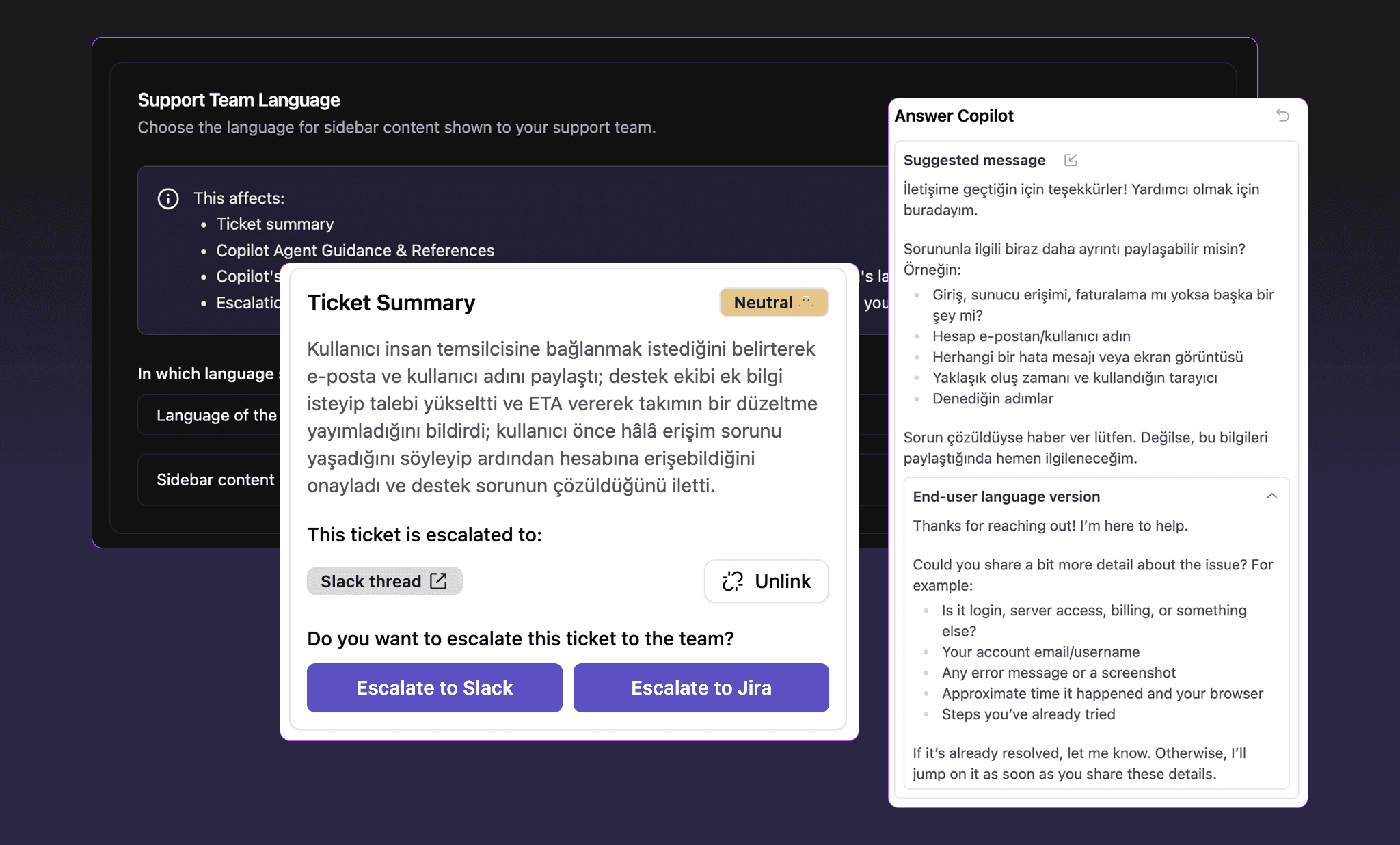
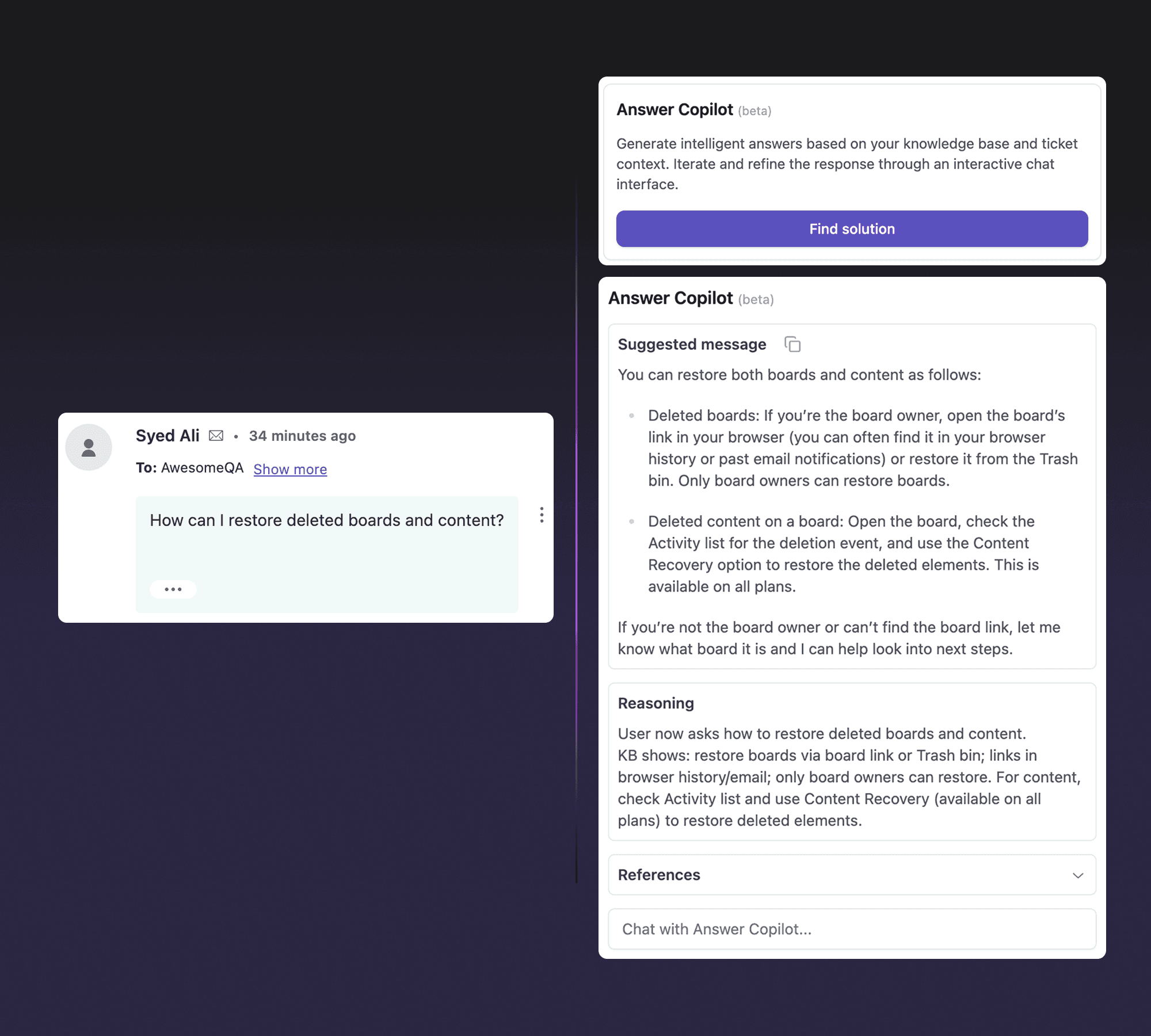
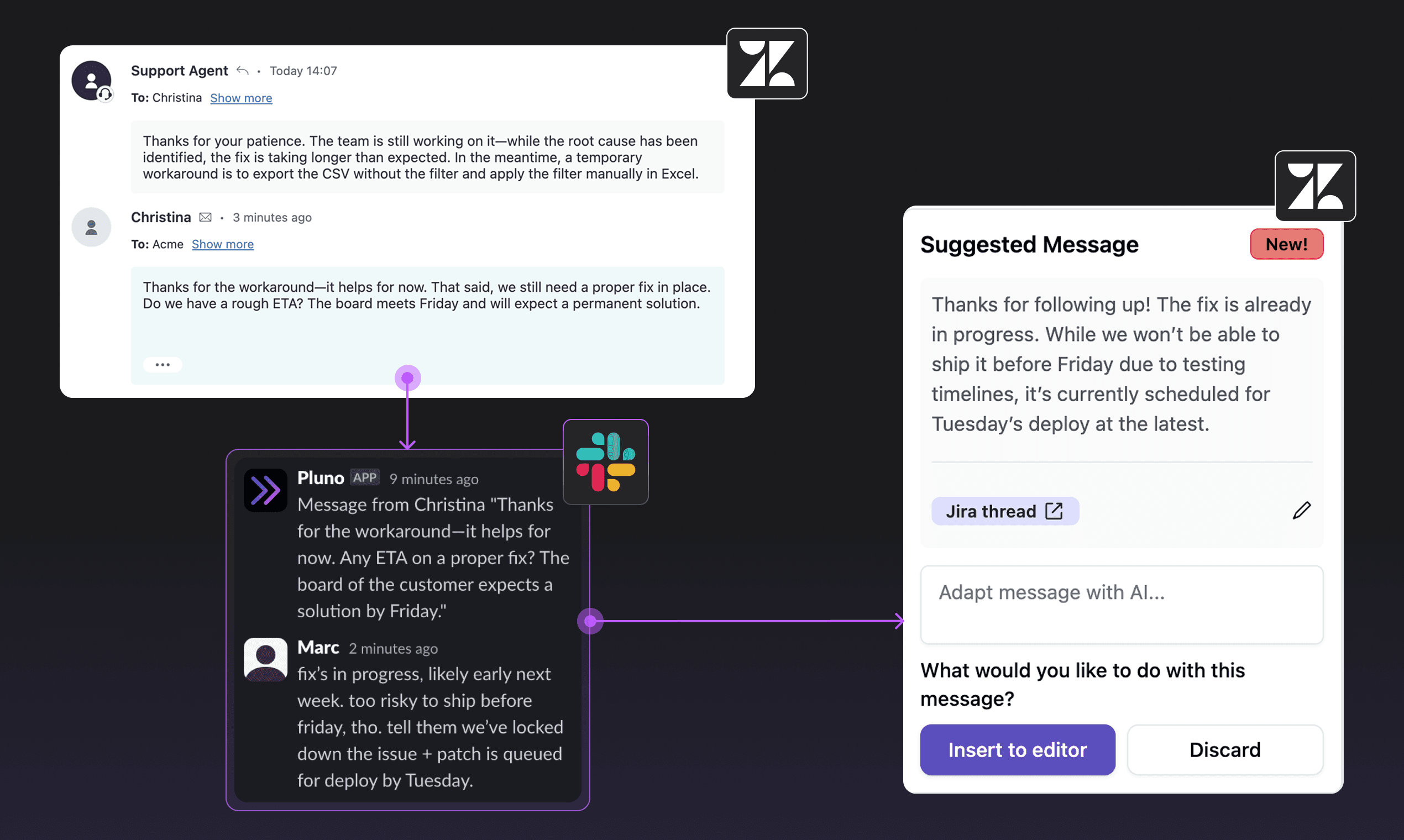
The AI Copilot and Escalation Copilot are now available for Intercom via the Pluno Copilot Chrome extension. Connect Intercom from the dashboard and you get the same suggested answers, escalations, and knowledge features you know from Zendesk.
- Suggested answers are shown in your support team's language for non-English conversations.
- Choose which Intercom admin account authors the internal notes Pluno posts (e.g. a dedicated "Pluno" admin).
- Track Pluno usage directly in Intercom attributes to measure its impact.
Other fixes and improvements
- Deflection AI now uses the previous ticket's context when a ticket is reopened, and automatically merges duplicate tickets from the same requester.
- Pluno AI now handles follow-up tickets to previously escalated tickets.
- When Pluno merges Zendesk tickets, the customer is now also notified on the source ticket.
- Automated answers are no longer interrupted by internal notes.
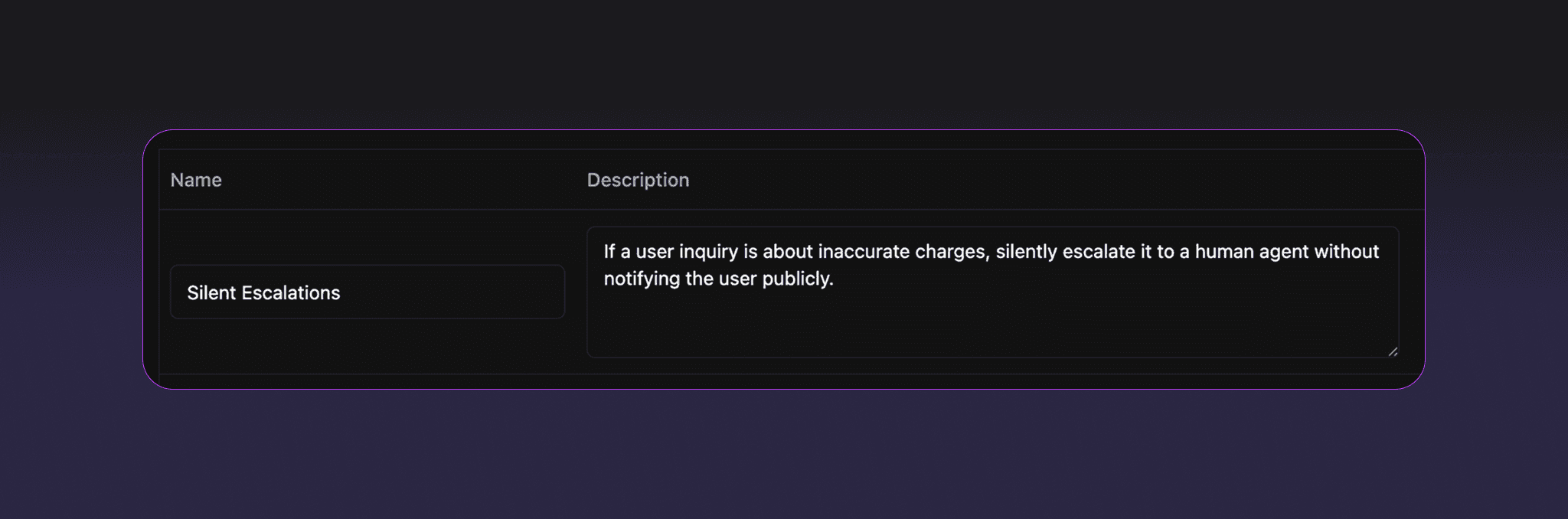
- Fixed an issue where the AI agent escalated too often and could get stuck repeating responses.
- Fixed deflected tickets that could get stuck in pending without being handed off or auto-resolved, and deflection messages that could fail silently after too many retries.
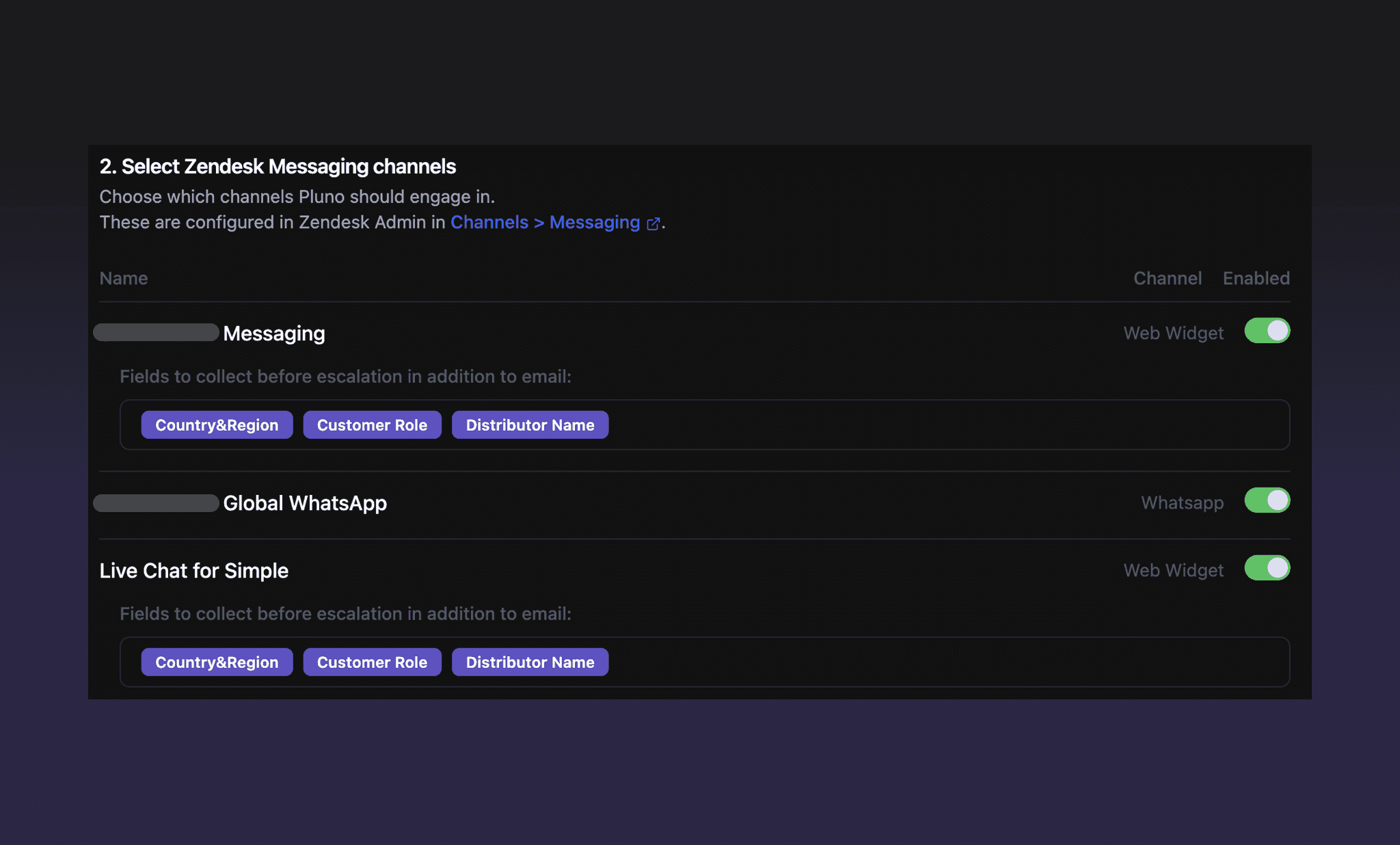
- Long AI replies on Zendesk messaging conversations (web widget, WhatsApp, social) are no longer dropped; they're now shortened and delivered instead of failing.
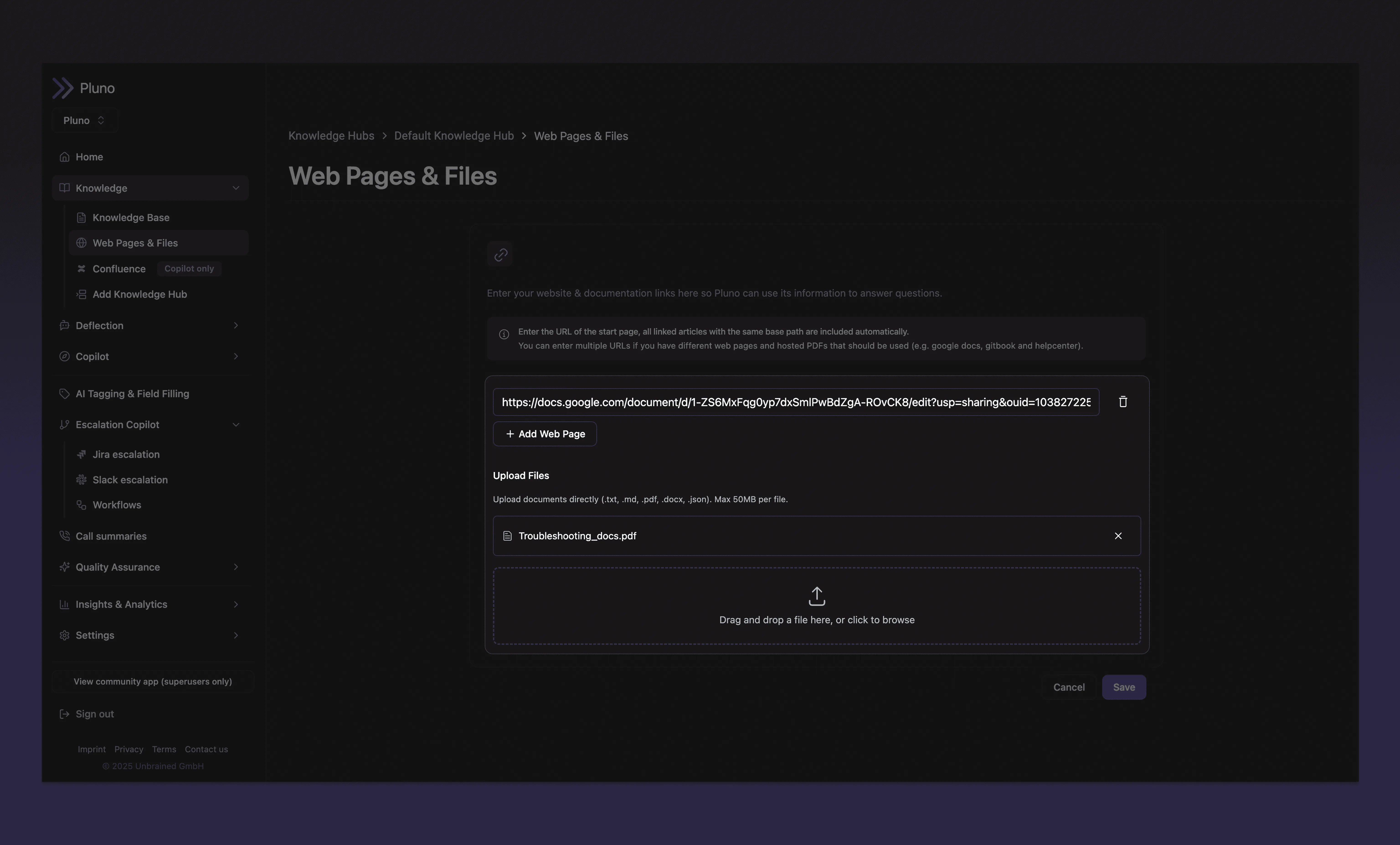
- Non-public Help Center articles are now used in Copilot only by default, with an explicit opt-in to also use them in the deflection agent. Public articles are unaffected.
- Improved chunking of Help Center articles for more accurate knowledge retrieval.
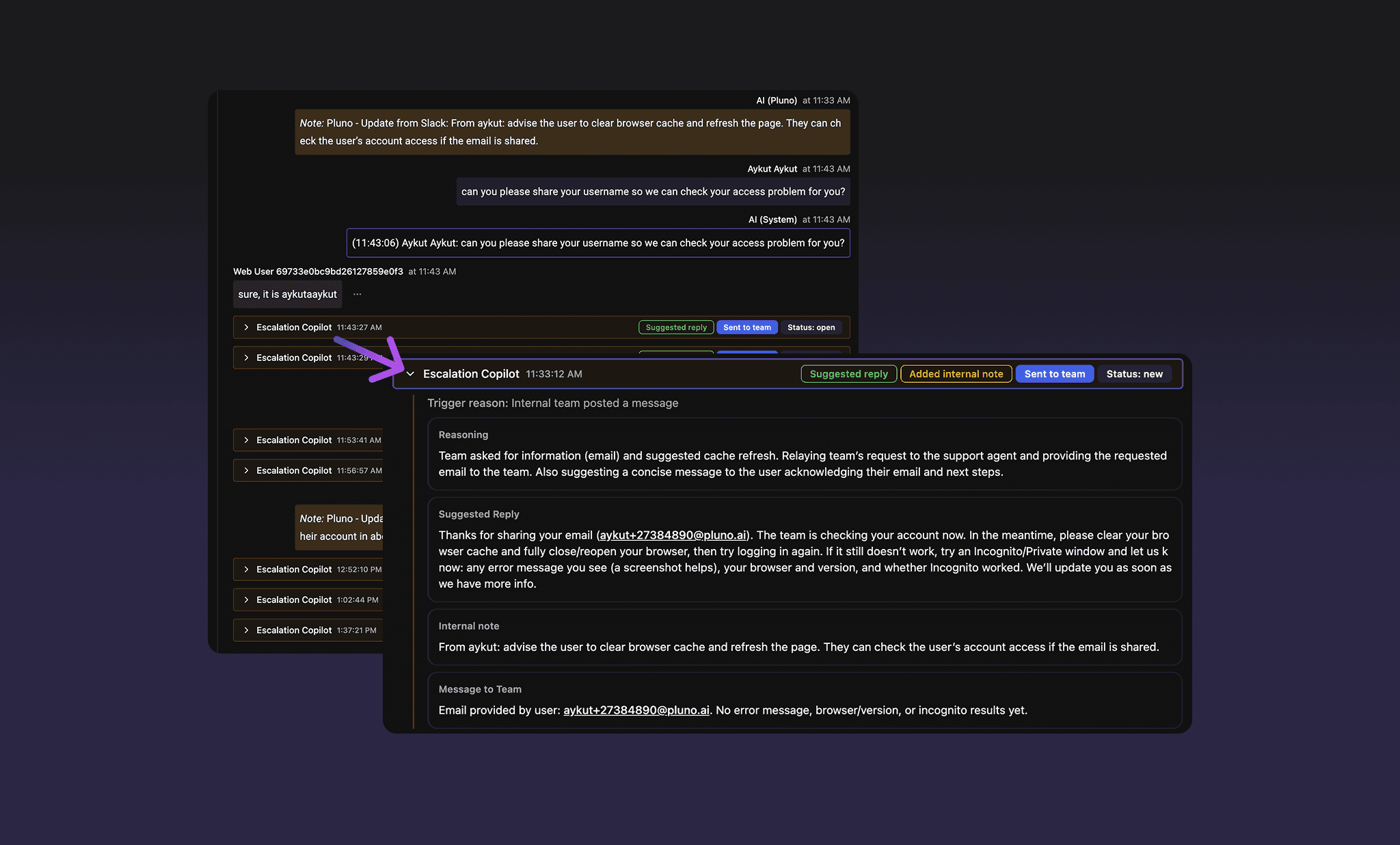
- You can now see the Copilot's debug output (suggested answer, agent guidance, and cited references) in the ticket chat history, so you can improve your internal articles over time.
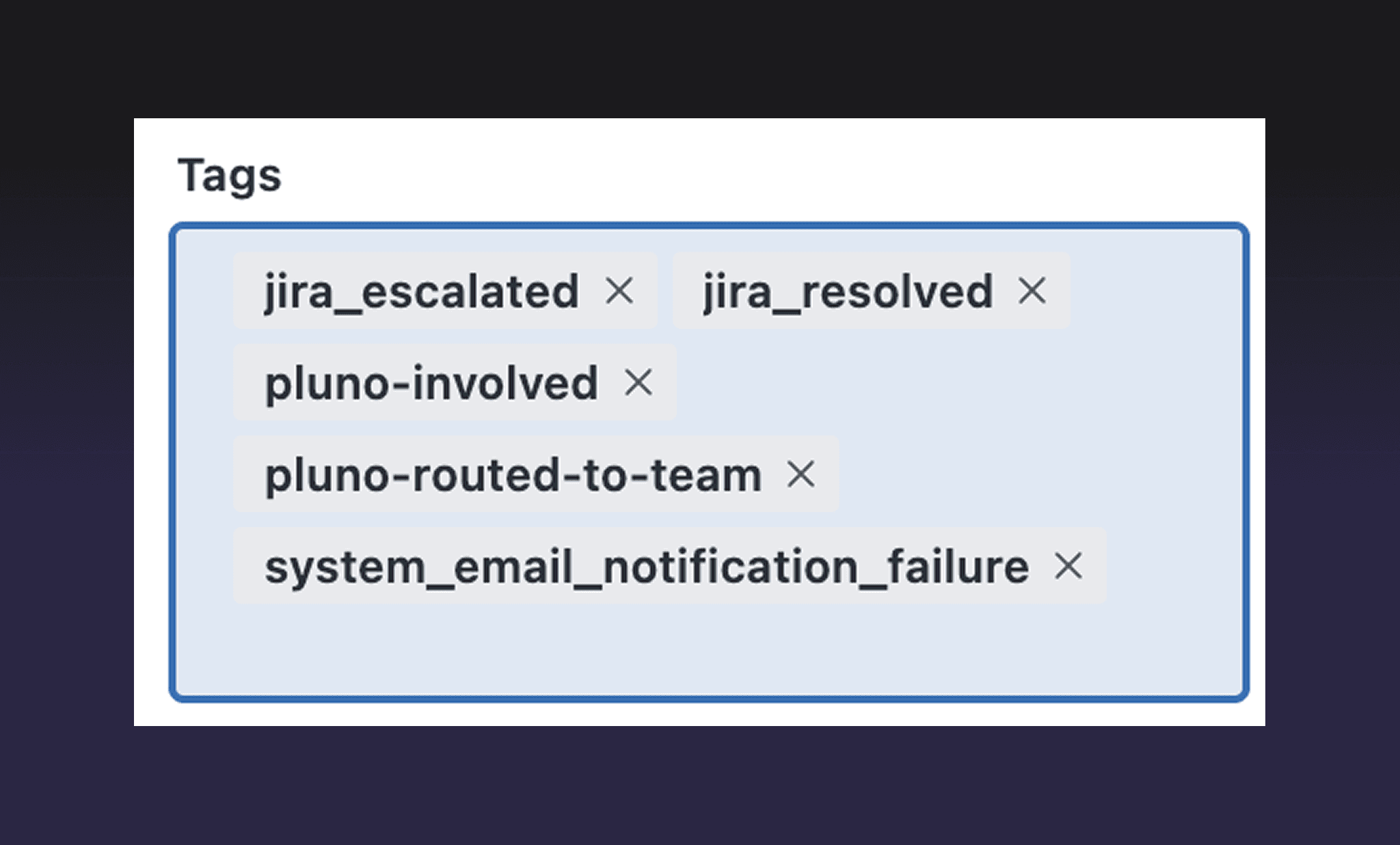
- Copilot usage on Zendesk can now be tracked via per-ticket tags (escalations, copilot chats, suggested-message inserts). Enable it under Settings → Sidebar Preferences.
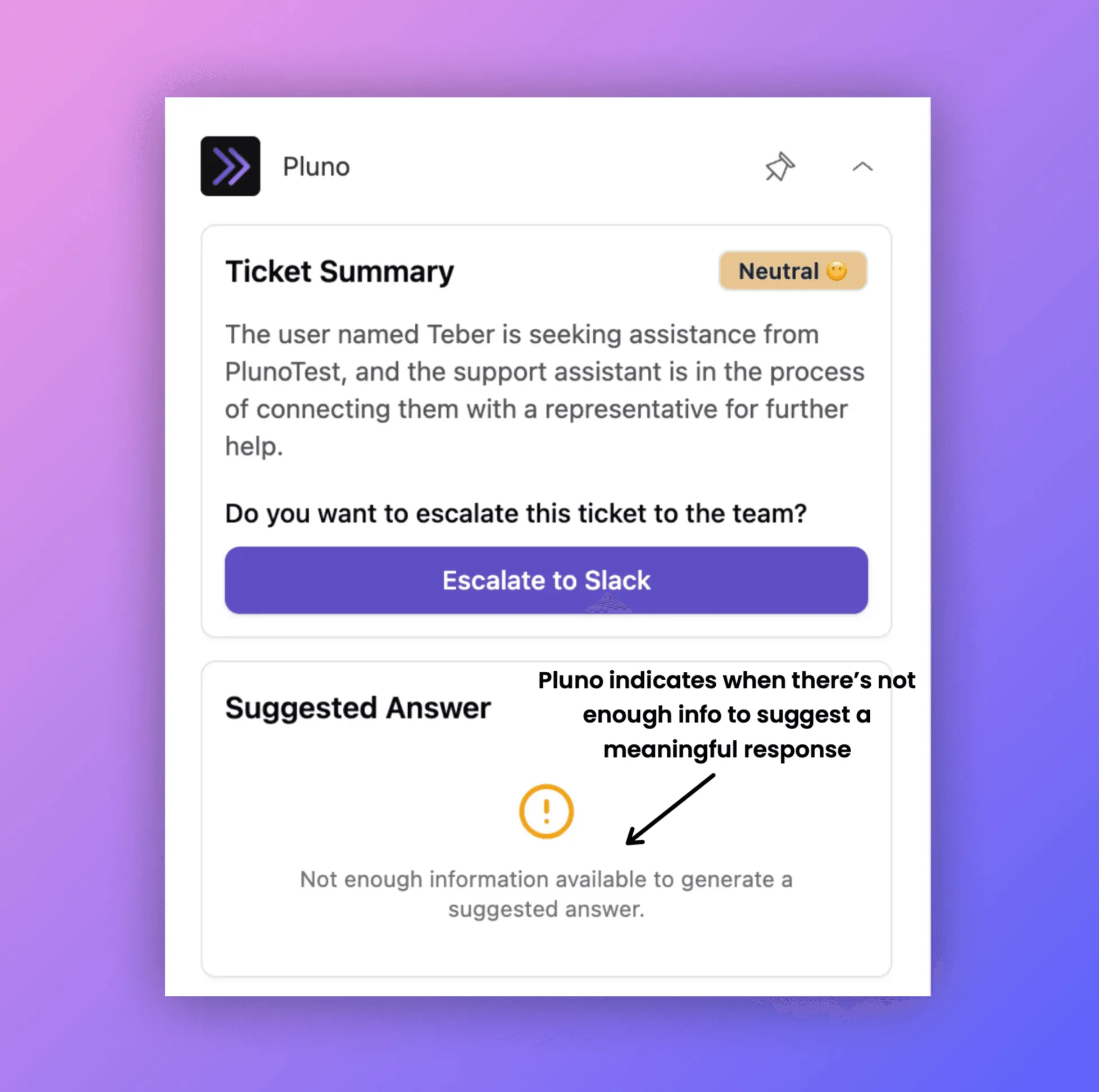
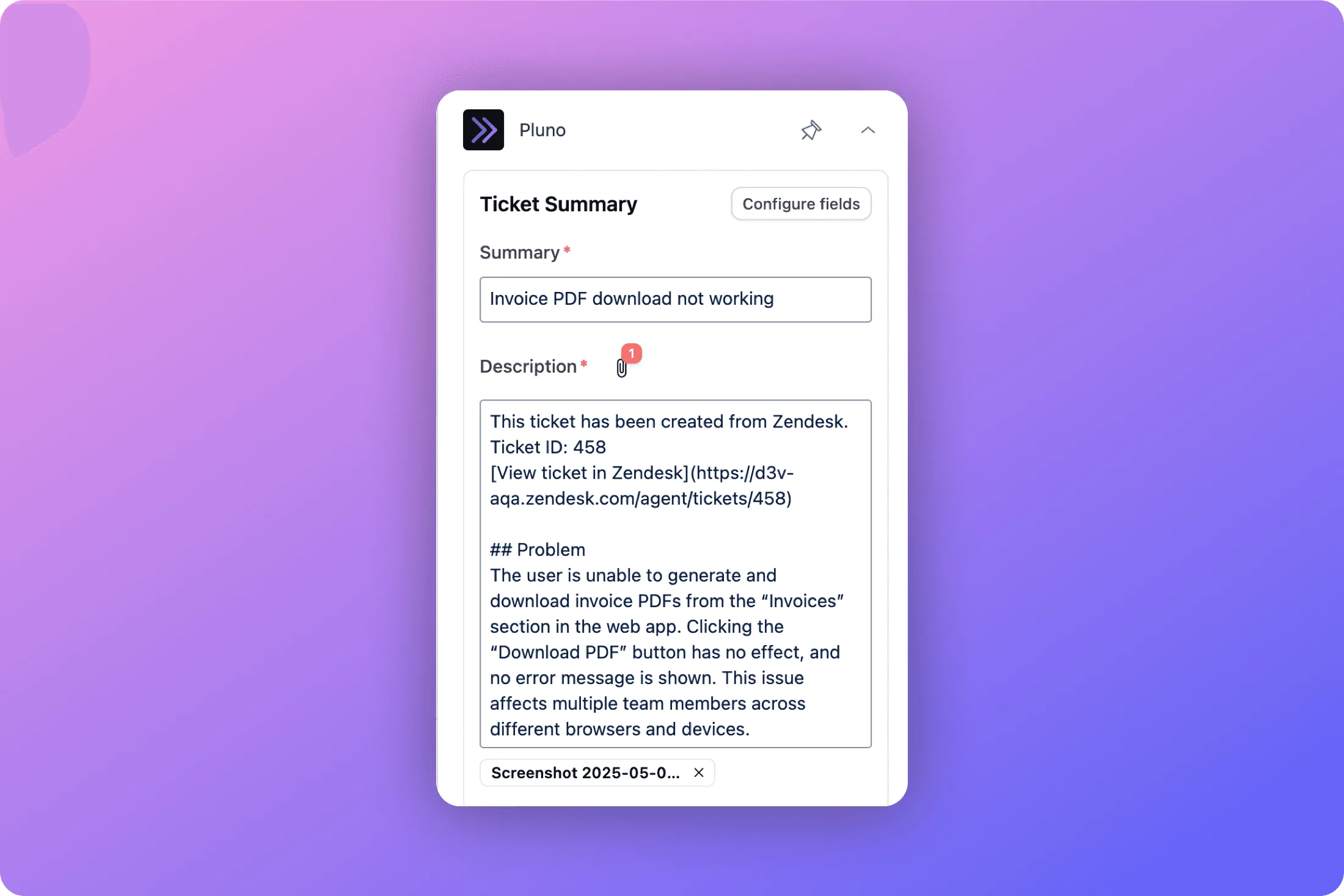
- The ticket summary in the sidebar now keeps showing the previous version while it regenerates, instead of disappearing on every new message.
- When chatting with a Copilot session generated before new messages arrived, Pluno now adds context about the time passed and the new messages.
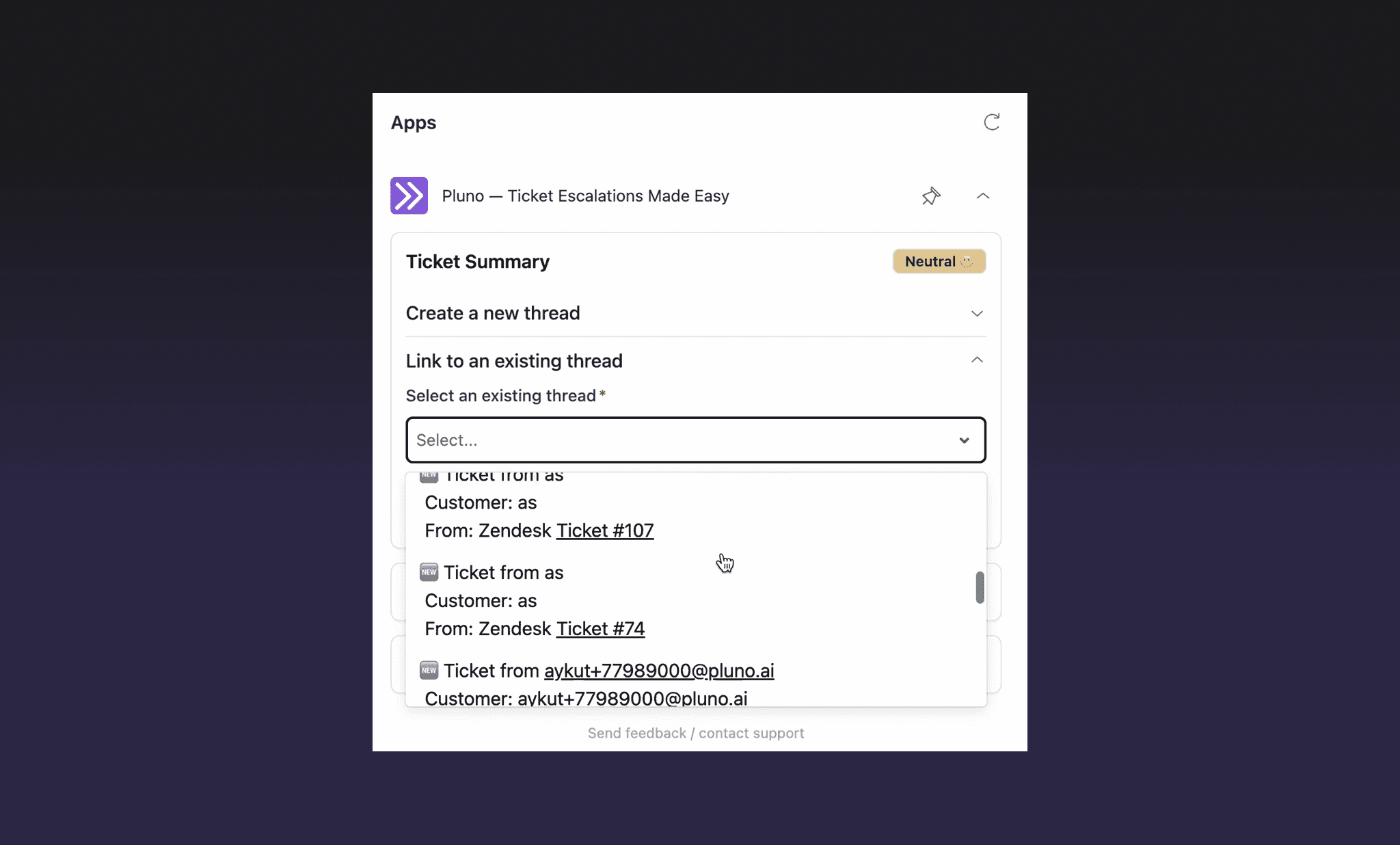
- Zendesk tickets can now be attached to existing Slack threads, not just ones Pluno created.
- Escalation templates: the priority field is now at the top of Jira escalation forms, and subsequent escalations after the first now generate an acknowledgment message.
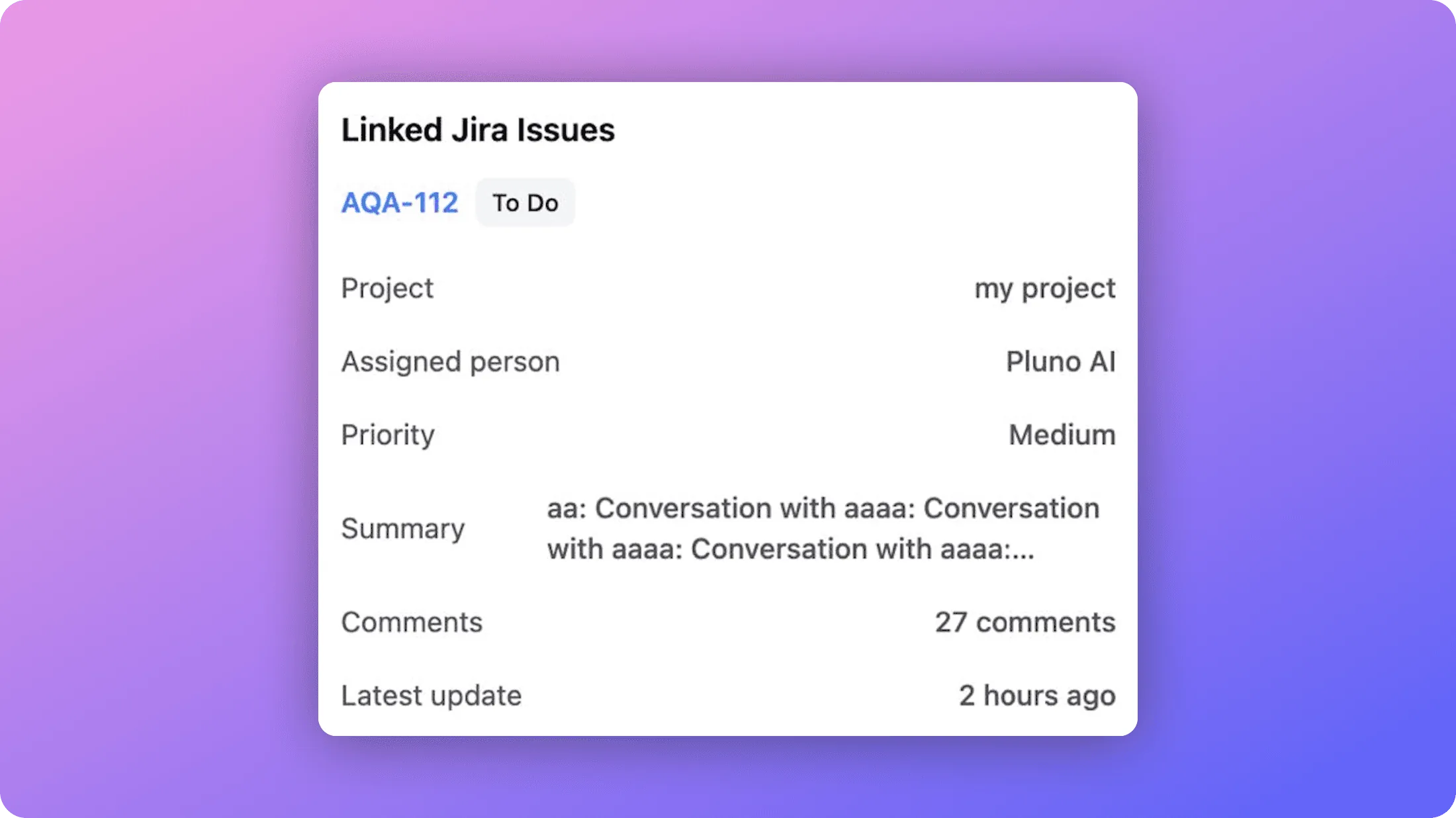
- Fixed empty escalation content when a field had no allowed values, and fixed the linked Jira issues card blinking in the sidebar (with faster loading during escalation).
- The "Insert into editor" button is now more prominent, and the "Send feedback" link was removed from the ticket editor and top bar to avoid confusion with ticket replies (it remains in the sidebar).
- The ticket popup in the Zendesk sidebar can now be permanently dismissed, and the "Process ticket" button works reliably again.
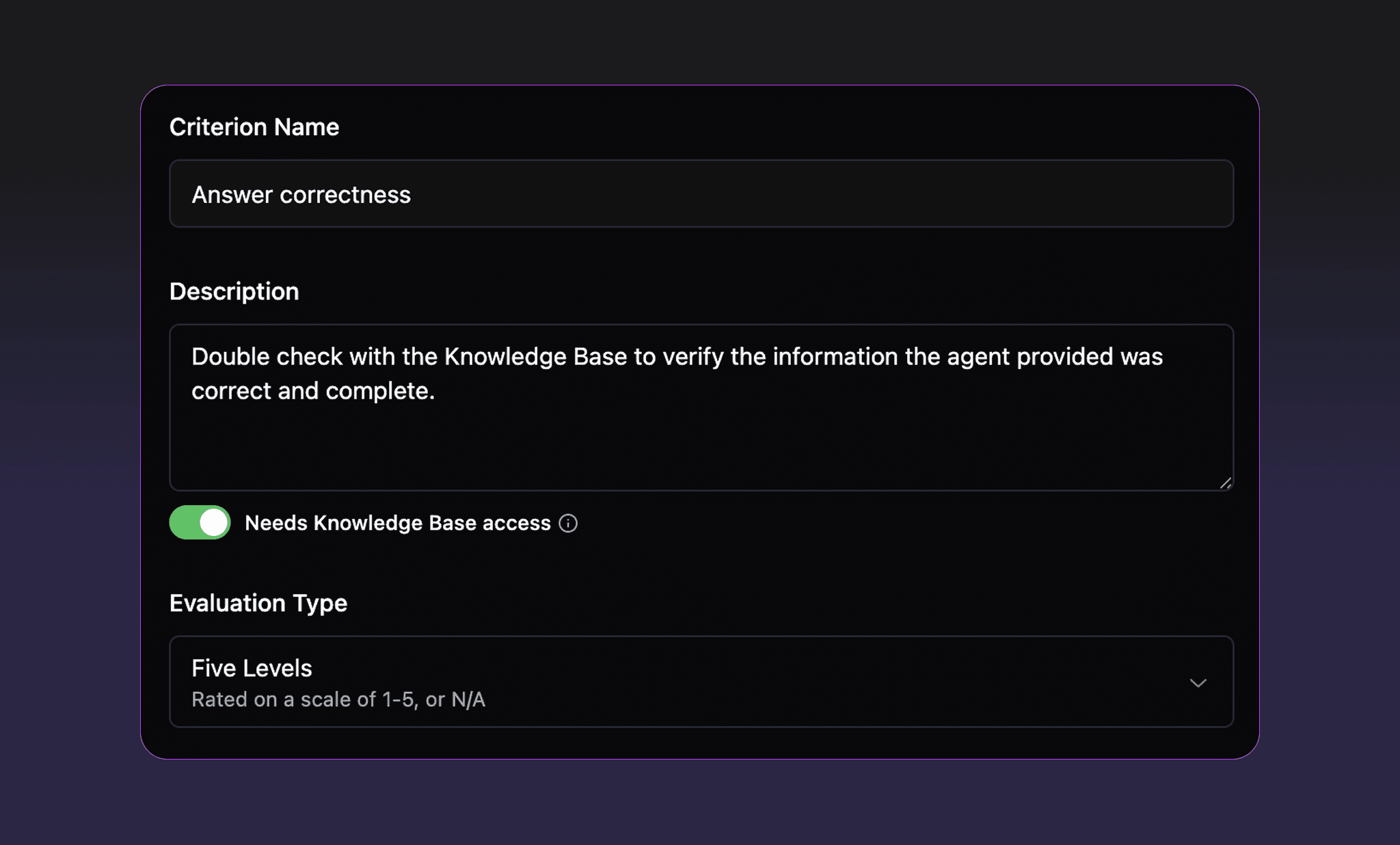
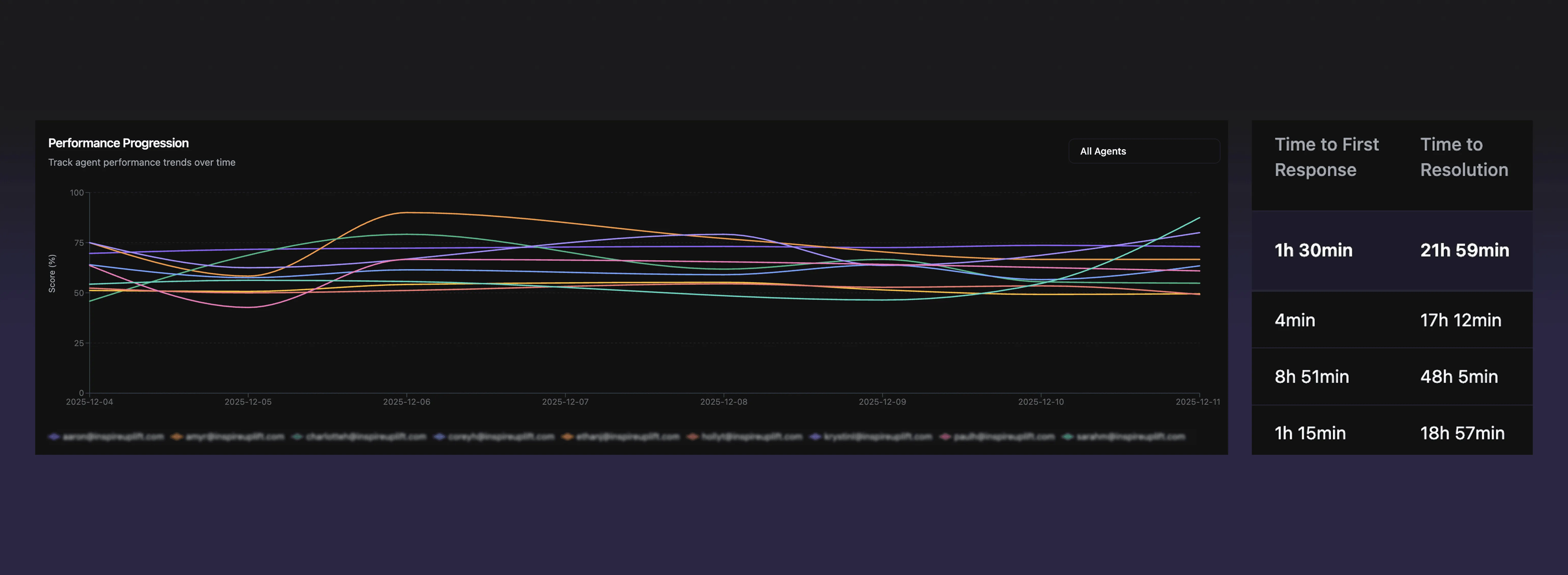
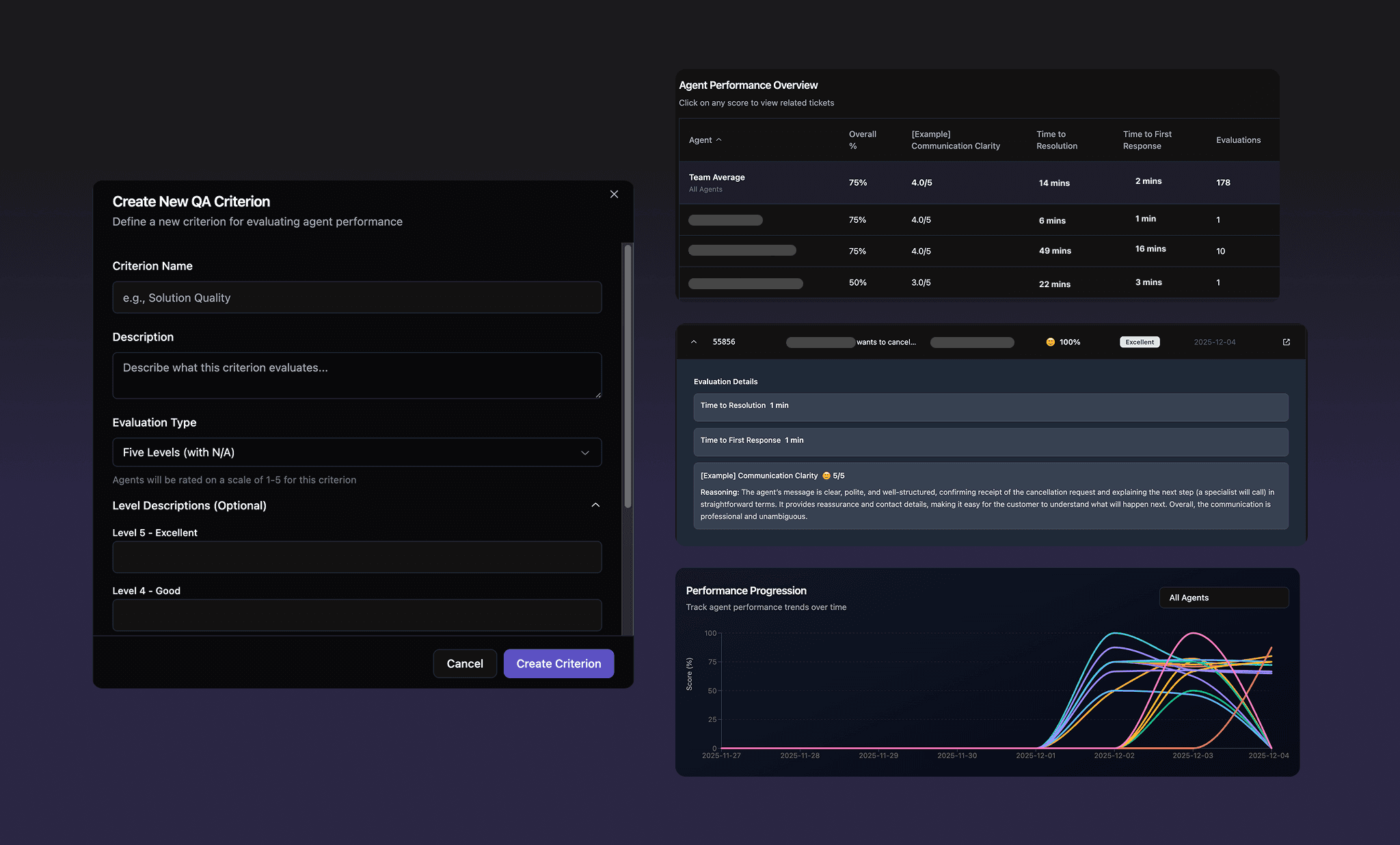
- QA scoring weights and point deductions are now configurable per criterion.
- Detailed QA results can now be exported to Excel, including per-criterion results and final scores per ticket, and exports now show consistent, real Zendesk agent names instead of emails or aliases.
- The QA "Excellent" badge now requires a score above 95%, and QA evaluator comments are now written in your support team's language.
- Customers are now notified by email when their monthly AI Field Filling limit reaches 50%, 80%, and 100%.
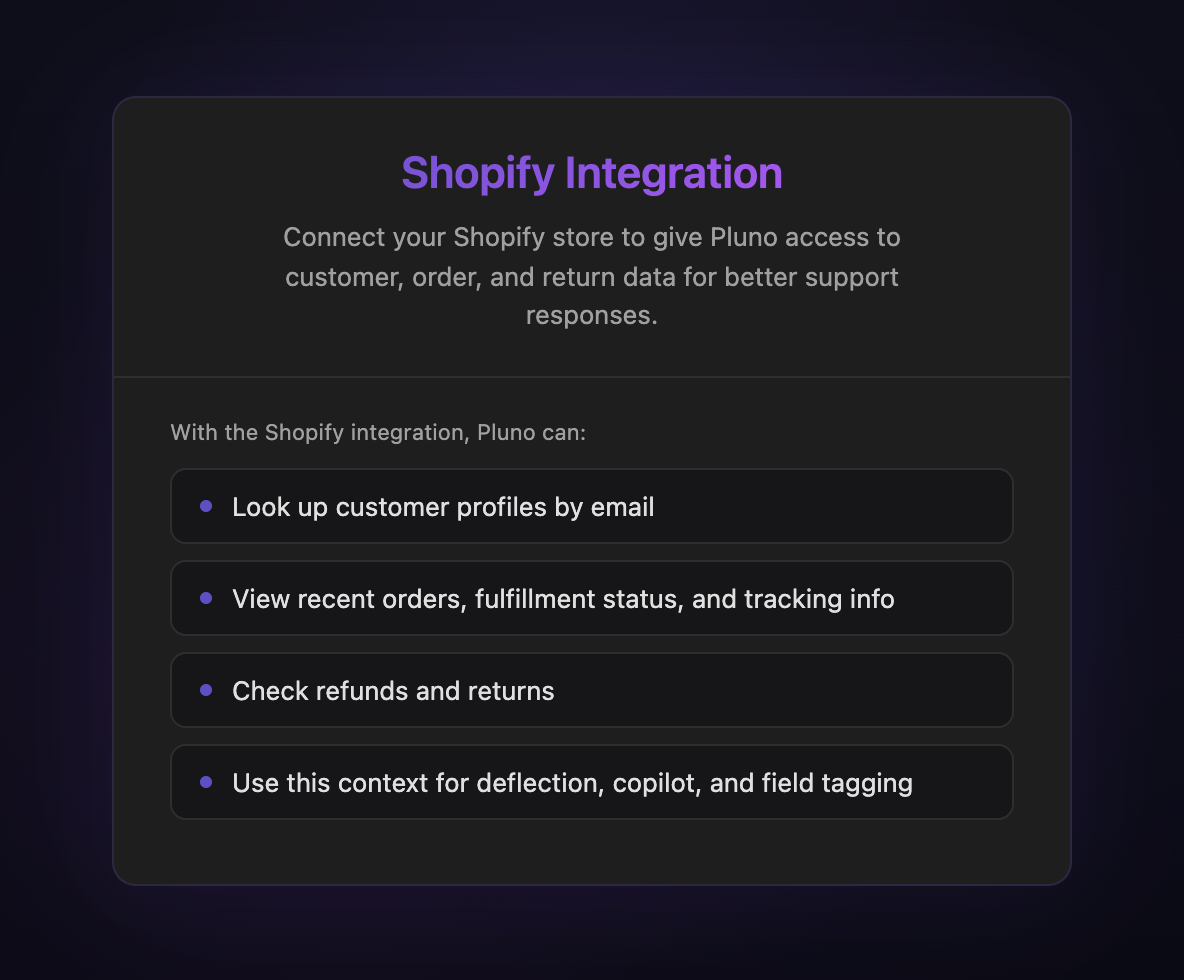
- Shopify can now be connected via the official OAuth flow, which is now the default way to integrate.
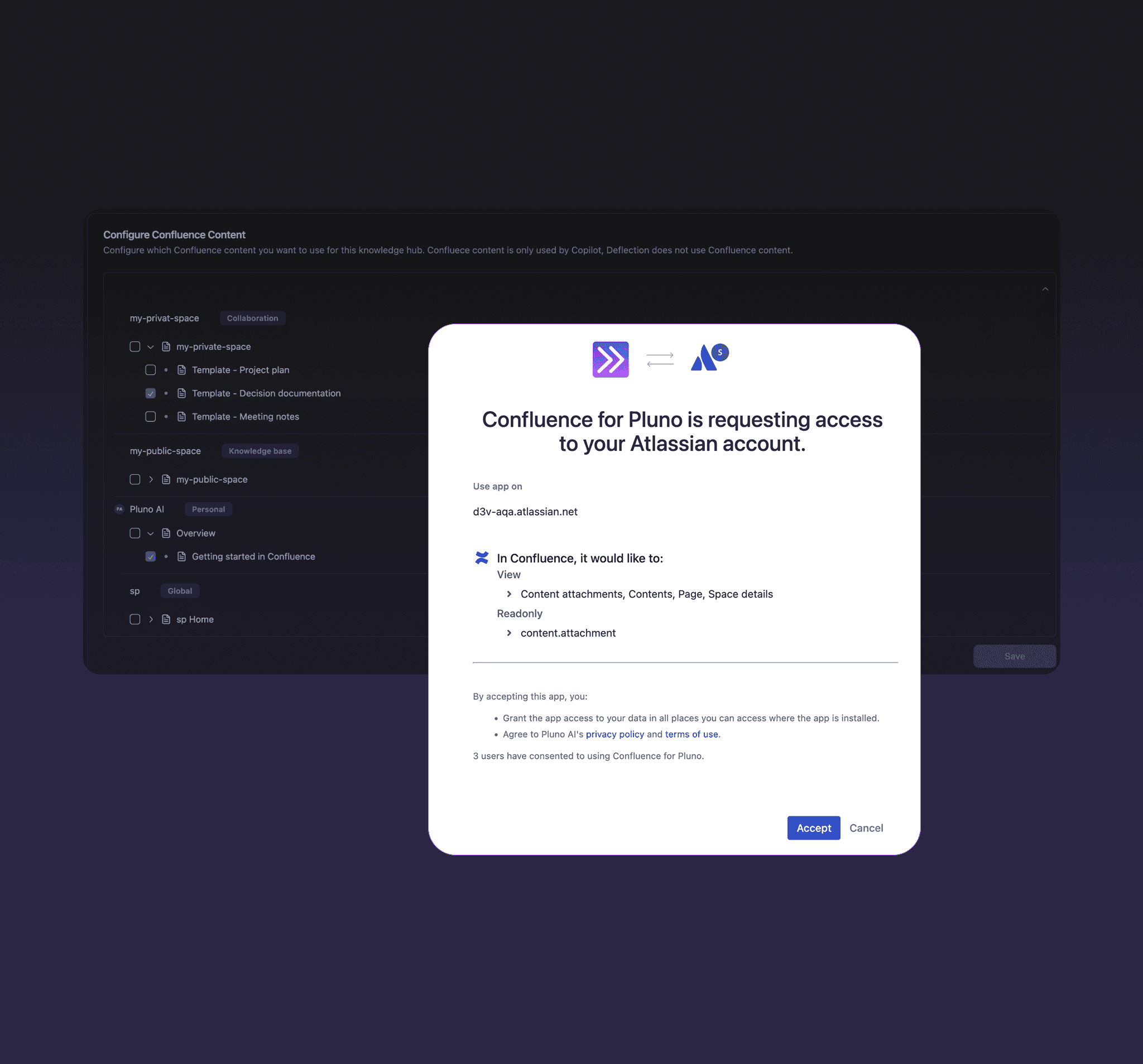
- Confluence ingestion now preserves special characters like German umlauts.
- The dashboard now warns you if multiple Pluno apps are installed, with the option to deactivate all but one.
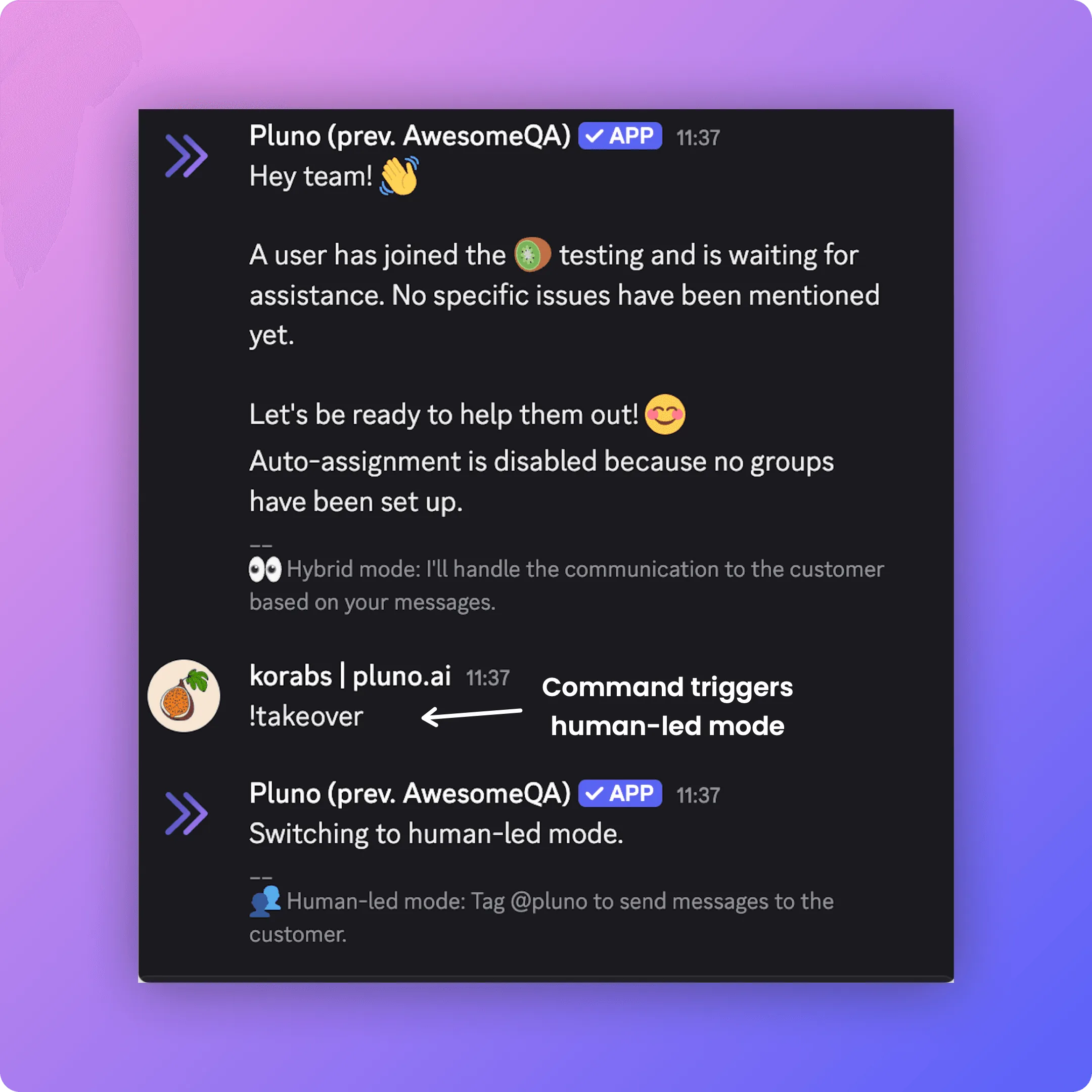
- Users with separate Discord and Zendesk communities now see the correct dashboard for each.
Special thanks to our users MaintainX, Lightspeed, Innovorder, Velotric, HelloBetter, Bluetti, and Daparto for their feedback that inspired these updates.