Zendesk renamed its Answer Bot capabilities to Zendesk's AI agents and now measures AI usage in resolutions. If you are weighing a zendesk answer bot alternative, the real decision is not which bot matches articles fastest. It is whether to stay on Zendesk's native tool or add a specialist that resolves the tickets your knowledge base cannot finish. This guide compares nine customer support tools by resolution power, pricing plans, and setup, and credits where Zendesk is still the right home.
Quick definition. The native answer bot matched incoming questions to knowledge base articles. Its successor, Zendesk AI agents, can hold a generative conversation and, with setup, take actions. An automated resolution is the unit Zendesk now bills AI on.
TL;DR: the verdict by buyer type
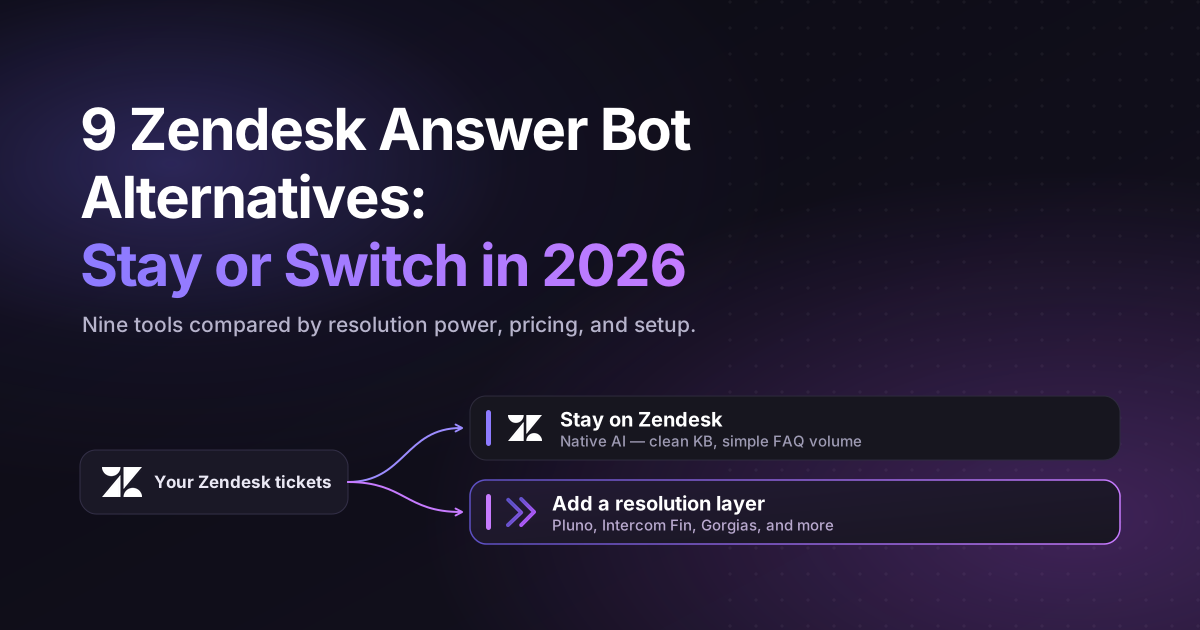
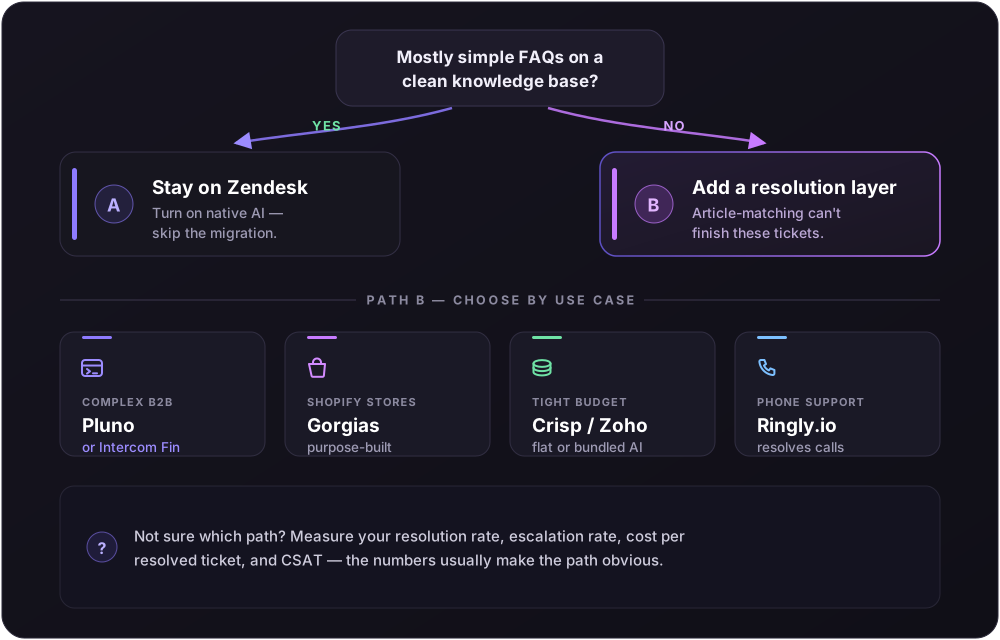
Stay on Zendesk (Path A) if your knowledge base is clean, your tickets are mostly simple FAQs, and your team is deep in the Zendesk ecosystem. The native tool handles that volume well, and you avoid a migration. That is the honest answer for a large share of customer support teams.
Add a resolution layer (Path B) if your tickets need lookups, troubleshooting, or multi-step reasoning that article-matching cannot finish. Here the field of Zendesk alternatives splits by use case.
- Complex or technical B2B support: Pluno and Intercom Fin sit in the same recommended tier. Both resolve issues rather than deflect them.
- E-commerce businesses on Shopify: Gorgias is purpose-built, so start there.
- Budget-first small teams: Crisp, Zoho, and Freshdesk give you AI capabilities at a fraction of Zendesk's floor.
- Voice-heavy support: Ringly.io resolves phone calls, which the legacy bot never touched.
- Migrating away entirely: Front and Help Scout offer lighter desk software with import paths.
For a wider roundup, see Pluno's list of the best Zendesk alternatives. The rest of this guide shows the evidence behind each call.
What Zendesk's bot and its alternatives solve
First, credit where it is due. Zendesk remains a strong ticketing system for routing, SLAs, reporting, and complex case tracking. If your problem is support workflow and record-keeping, Zendesk is not the thing to replace.
The gap sits one layer up, in the AI that answers customers. The legacy tool was built to deflect: classify a message, surface an article, and escalate when unsure. That works for password resets and shipping policy questions. It struggles on tickets that need a lookup or a diagnosis, because the customer service data needed to resolve those cases often lives outside the help center, in past tickets, internal docs, and engineering systems.
So you may not have the problem you think you have. A frustrating bot is usually a resolution problem sitting on top of a fine platform, not a ticketing problem. That reframe decides everything: fix the AI layer, and you can often keep the desk platform underneath.
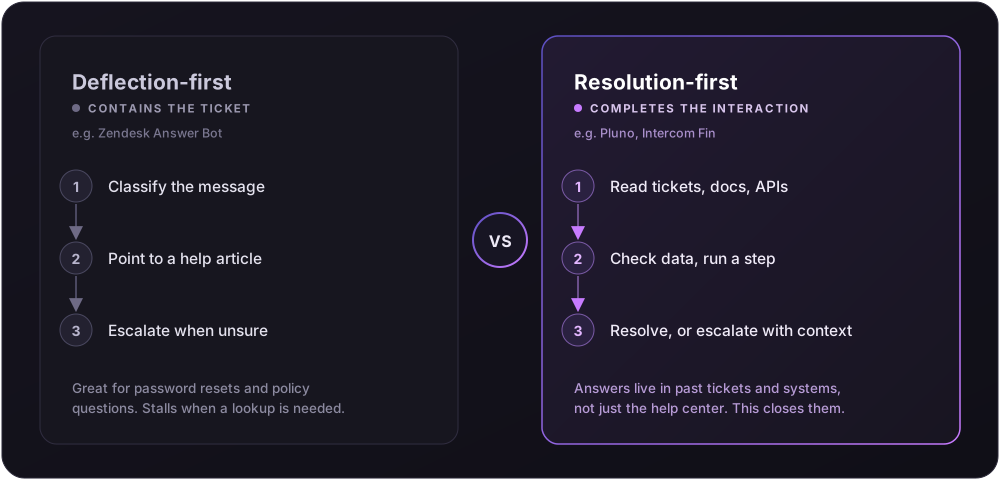
The customer support software market split into two rough models. Deflection-first tools contain tickets by pointing at content. Resolution-first tools try to complete the interaction, whether that means checking an order, running a diagnostic step, or escalating with full context. The nine Zendesk alternatives below sit at different points on that line, and the right one depends on how your customer support team actually works.
How to evaluate a Zendesk alternative
Use the same yardsticks for every tool, in the same order. That is the only way a comparison of customer support software stays honest, whether you are testing the native option or any Zendesk alternative.
- Target user and core use case: who it is built for, and the job it does.
- How it works: deflection, resolution, or agent-assist.
- Key features and capabilities: what the AI can do beyond matching articles.
- Setup complexity and learning curve: time from signup to resolving live conversations.
- Integrations: how deeply it reaches your other systems.
- Pricing plans: per seat, per resolution, flat, or usage. The mechanic matters more than the sticker price.
- Reporting and control: how much you can see and steer.
- Limitations and best fit: where it falls short, and who should skip it.
The key features that decide outcomes are not just answer quality, but data access, handoff quality, reporting, and cost control. A per-resolution model, for example, can be fair or punishing depending on how a resolution is counted and whether the AI features are bundled or sold as separate add-ons.
Head-to-head comparison table
| Tool | Core use case | How it works | Pricing model | Setup (vendor-stated) | Path |
|---|---|---|---|---|---|
| Zendesk native AI | FAQ deflection in Zendesk | Generative + actions | Resolutions, allotment + overage | Weeks+ to full performance | A |
| Pluno | Complex ticket resolution inside Zendesk | Learns from past tickets, escalates safely | Resolution-based usage | Days (Pluno reported) | B |
| Intercom Fin | Omnichannel conversational support | Generative answers + actions | $0.99 per outcome | Under an hour on existing desk | B |
| Freshdesk (Freddy) | Help desk with AI resolver | KB-trained answers, sessions | Per-session add-on | Days to weeks | B |
| Zoho Desk (Zia) | Affordable help desk + AI | Answer bot, tagging, sentiment | Bundled by edition | Days to weeks | B |
| Gorgias | Online store support | Order actions, AI resolution | $0.90–$1.00 per resolution | Days | B |
| Crisp | Lightweight chat + AI | Trainable chatbot | Flat tiers | Under a day | B |
| Help Scout | Shared inbox + AI Answers | Email-first, AI add-on | $0.75 per resolution | About an hour to learn | B |
| Ringly.io | AI voice support | Resolves phone calls | Usage-based | Under an hour | B |
The nine options, reviewed
1. Zendesk native AI, the Answer Bot successor (Path A)
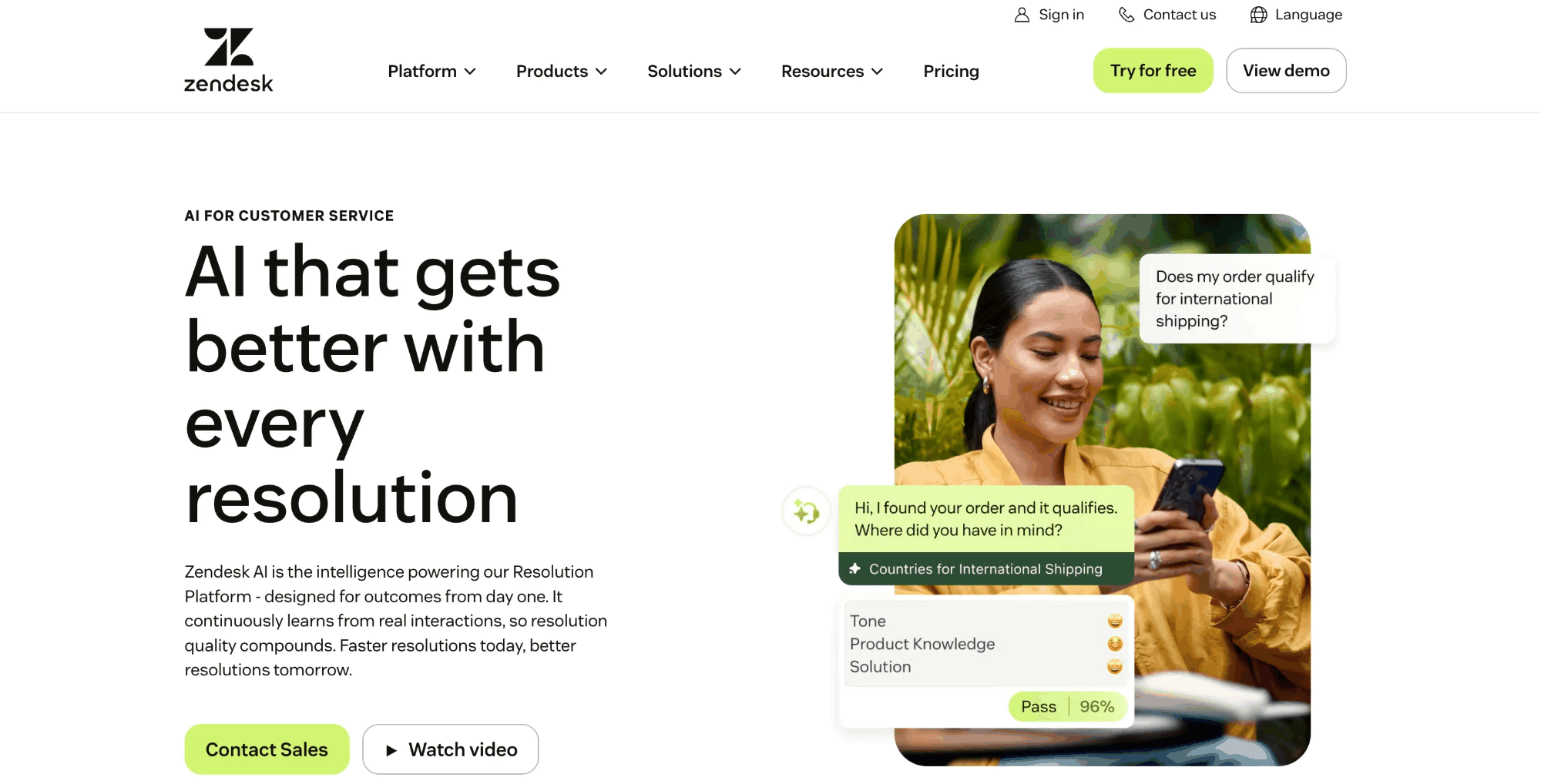
What it is. Zendesk's AI agents, the product that absorbed the old bot. It runs inside the Suite and can answer across messaging and email, with voice available on some plans.
Key features. Intent classification, article suggestions, and generative replies, with actions through Zendesk's own builder tools. Its core desk features stay strong for large enterprises.
Where it wins. It lives where your tickets already are, so there is no migration. For a maintained knowledge base and high-volume simple queries, its AI features deflect well and keep reporting in one place.
Where it falls short. Resolution quality leans on knowledge base quality. When content is thin, the bot escalates, and your support queue fills with half-handled customer conversations that support agents must pick up. For managing customer inquiries beyond simple FAQs, advanced features and advanced automation need dedicated admins, and non-technical staff face a learning curve.
Pricing. Suite Team starts at $55 per agent per month billed annually, Suite Professional at $115, per the Zendesk pricing page. AI is included across Suite and Support paid plans and billed in resolutions. Zendesk's docs put the included allotment at 5 automated resolutions per agent per month on Suite Team, 10 on Growth and Professional, and 15 on Enterprise, then overage or purchased blocks. A resolution counts after a 72-hour inactivity window plus a verification check, and Zendesk does not publish a flat overage rate. Platform fees and add-ons push the total higher.
Best for. Large enterprises committed to Zendesk with clean content and simple volume. Not for. Teams whose tickets need diagnosis or system lookups the knowledge base cannot supply.
2. Pluno (Path B): complex and technical support
What it is. Pluno is an AI support agent for complex products that runs inside Zendesk. Instead of training only on help center articles, its Deflection AI learns from your past resolved tickets to pick up troubleshooting steps and how your support agents gather information.
Key features. Ticket learning, diagnostic questioning, unified search across sources, on-brand draft replies, and safe escalation with full context.
Where it wins. It targets the gap that breaks article-matching bots. Pluno searches past tickets, docs, Slack, Jira, and APIs, then drafts replies or, when confidence is low, escalates with a summary instead of guessing. Escalations to Jira or Slack carry the customer history and sync updates back into Zendesk through Escalation Copilot, so support does not chase status. Pluno reports an average AI resolution rate near 65% across 200+ teams, and cites Innovorder, a software-plus-hardware case, at 67% on complex support tickets with first response cut from an hour to under a minute. Treat those as vendor-reported figures until a public case study is linked.
Where it falls short. It is built to run inside Zendesk, so it suits teams staying on that ticketing system, not those leaving it. It needs a base of historical tickets to learn from, so a brand-new product sees less early lift. It is not a budget shared inbox, and it is not the first choice for voice-first teams or Shopify-first e-commerce, where Ringly and Gorgias fit better.
Pricing. Resolution-based usage rather than per seat, quoted by ticket volume and not publicly listed. That keeps cost tied to value, but model it against your own mix. See Pluno's pricing for the current structure.
Best for. B2B SaaS and technical teams on Zendesk with 1,000+ tickets a month where troubleshooting matters more than latency. Not for. Tiny teams with only simple FAQs and low volume.
3. Intercom Fin (Path B): omnichannel conversational support
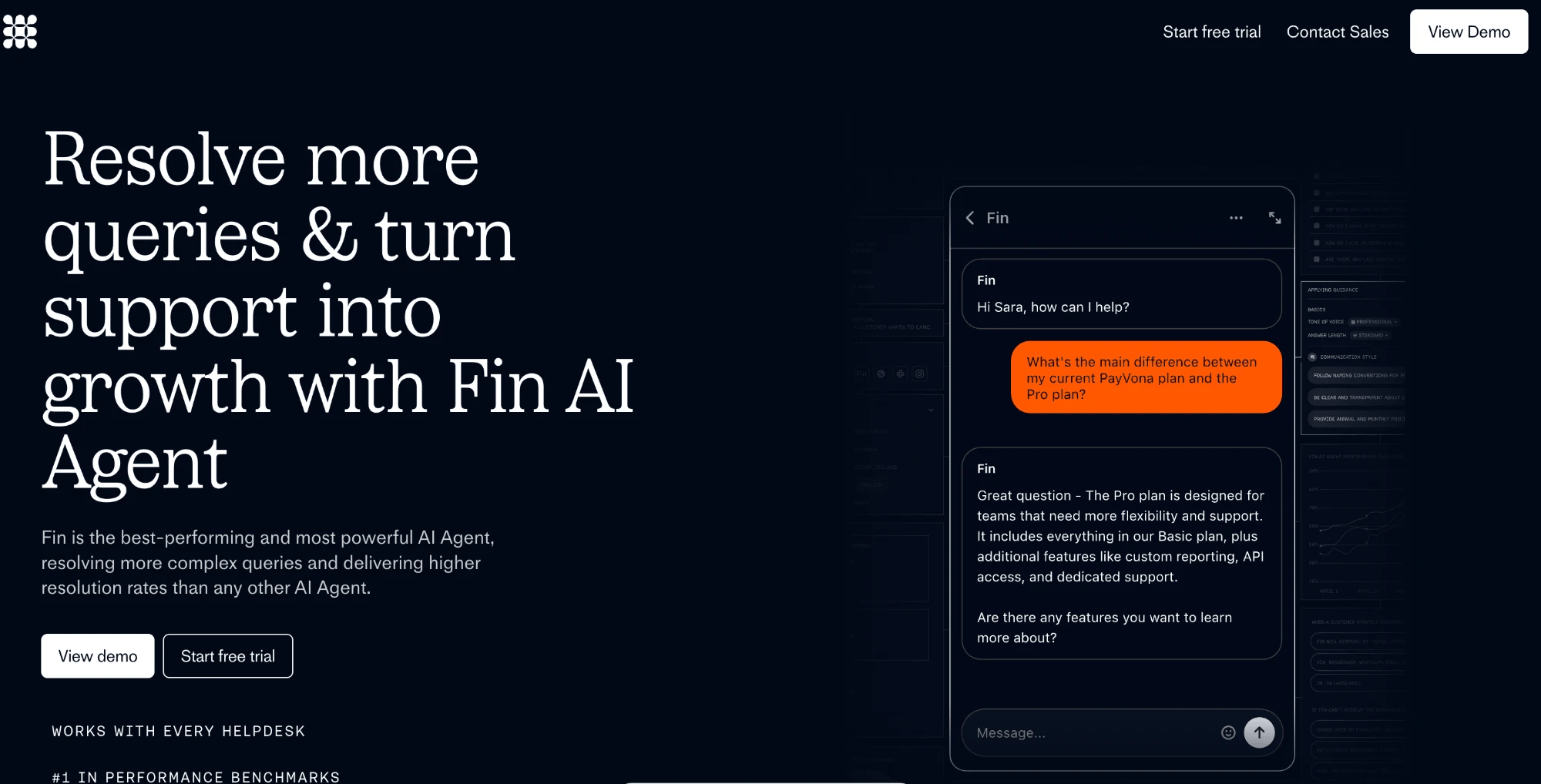
What it is. Intercom's AI resolution engine, one of the stronger tools for conversational support across multiple channels.
Key features. Generative answers, actions, and multi-turn handling across chat, email, and messaging apps.
Where it wins. Fin handles complex customer interactions across channels, and its pricing is refreshingly clean. Intercom says it can switch on in under an hour on an existing helpdesk. It is a legitimate peer to Pluno for teams that want a modern conversational front end; if you are weighing the two directly, see this Intercom Fin vs Pluno comparison.
Where it falls short. Cost is linear with volume, so 5,000 outcomes a month is roughly 5,000 times $0.99. Deeper value depends on buying into the Intercom platform.
Pricing. $0.99 per outcome, charged at most once per conversation, on all plans. Seats start at $29 per month on Essential, and standalone Fin can run on your current desk software without seats.
Best for. Teams wanting omnichannel conversational support with predictable per-outcome pricing. Not for. Teams avoiding platform lock-in or linear cost at very high ticket volume.
4. Freshdesk with Freddy AI (Path B): help desk plus AI
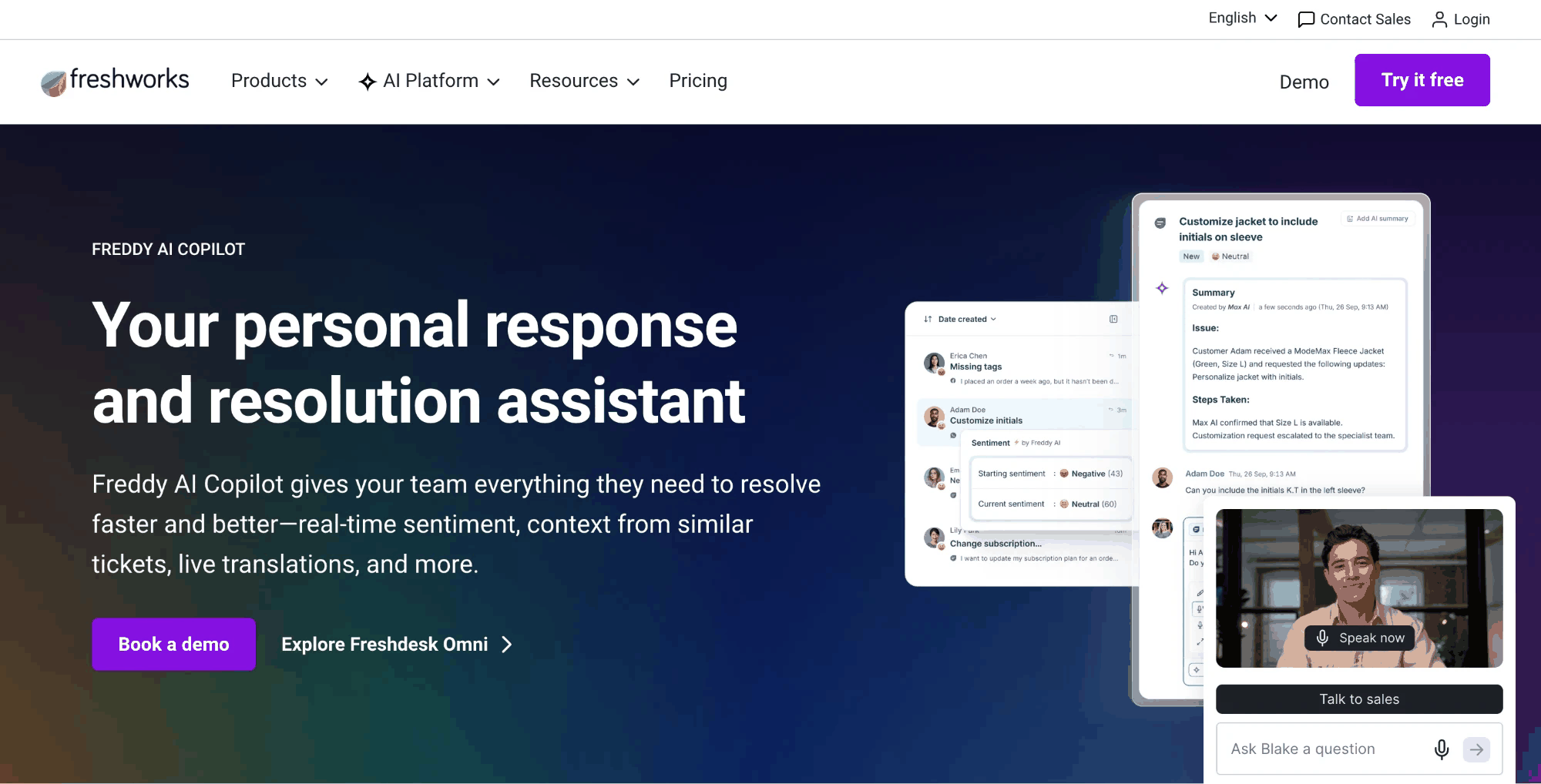
What it is. A full help desk with a customer-facing AI agent, Freddy AI, and an agent copilot.
Key features. KB-trained answers, sentiment analysis, ticket auto-tagging, and agent-assist drafting.
Where it wins. Mature ticketing at a lower entry price than Zendesk, with Freddy answering from your knowledge base in 60+ languages. Decathlon is a named, verifiable customer, and better answers here feed directly into customer satisfaction.
Where it falls short. The free plan now covers only 1–2 agents for six months, down from the old 10-agent tier that many listicles still cite. Freddy AI's customer-facing agent bills per session, a different meter than the per-agent copilot license.
Pricing. Growth starts at $19 per agent per month annually, with a free tier for up to 2 agents. The customer-facing agent includes a block of sessions (500) before charging roughly $49 per 100 additional sessions; the Freddy Copilot license is about $29 per agent per month. Paid plans scale from there.
Best for. Teams that want a Zendesk-style desk with bundled AI features at a lower floor. Not for. Teams expecting the legacy 10-agent free tier, or resolution of deep technical tickets.
5. Zoho Desk with Zia (Path B): budget help desk
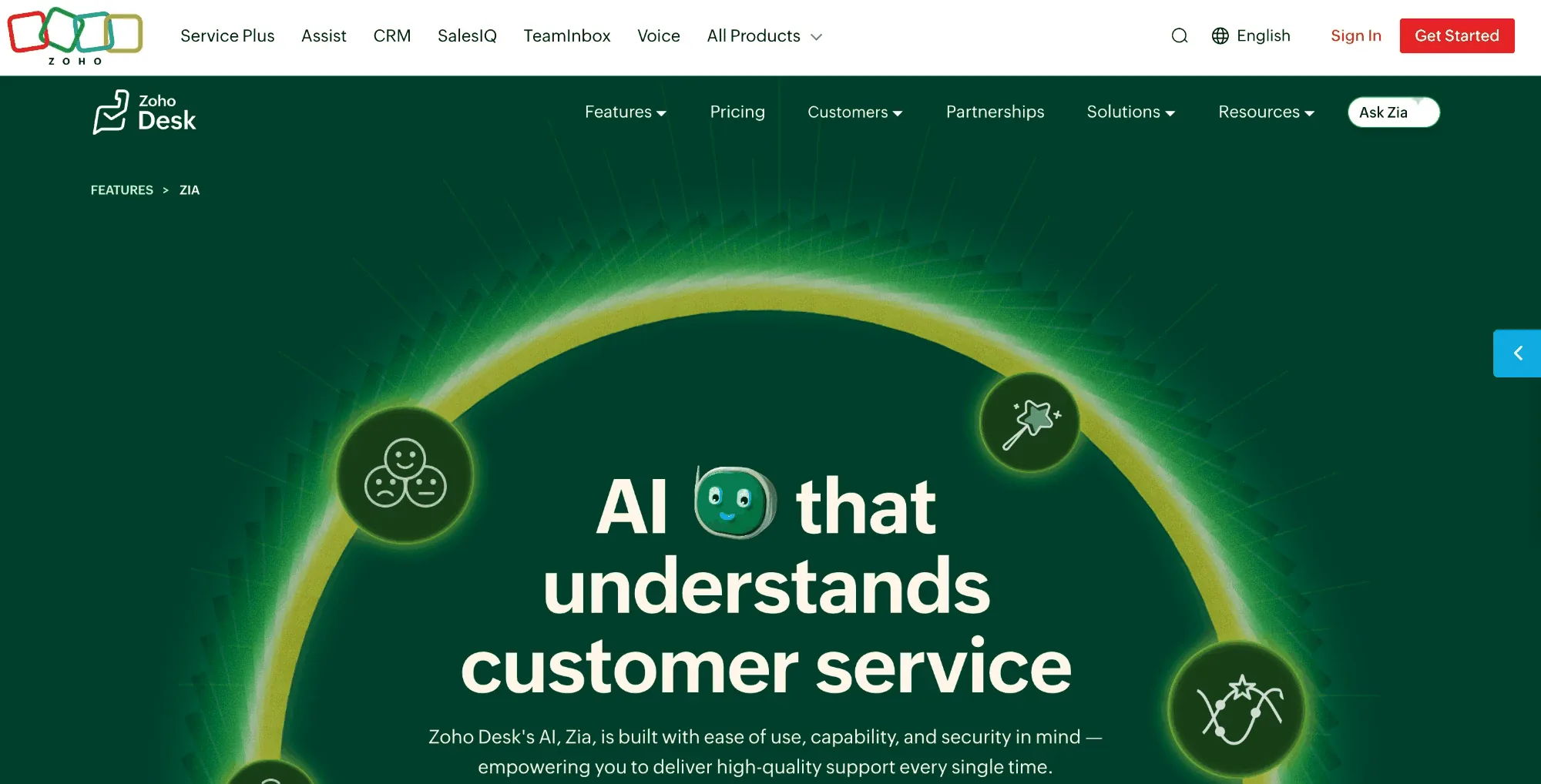
What it is. A low-cost help desk with Zia, Zoho's built-in AI, plus a Zia answer bot for self service.
Key features. Sentiment analysis, ticket auto-tagging, summarization, and AI assistance for agents, bundled by edition.
Where it wins. Among the cheapest credible options, and Zia is bundled rather than metered, so there is no surprise AI cost. Zoho Desk is a strong fit if you already run other Zoho tools, and the intuitive interface keeps the learning curve short. Account management and customer history sit alongside the ticket.
Where it falls short. Zia is capable but not a deep autonomous resolver for complex troubleshooting. The Express tier carries a small agent minimum.
Pricing. Express starts around $7–9 per user per month billed annually, with a free tier for up to three users. Confirm the exact USD figure on the live page, since Zoho serves regional currencies.
Best for. Cost-sensitive teams that want AI capabilities without usage billing. Not for. Complex technical support that needs cross-system actions.
6. Gorgias (Path B): online stores
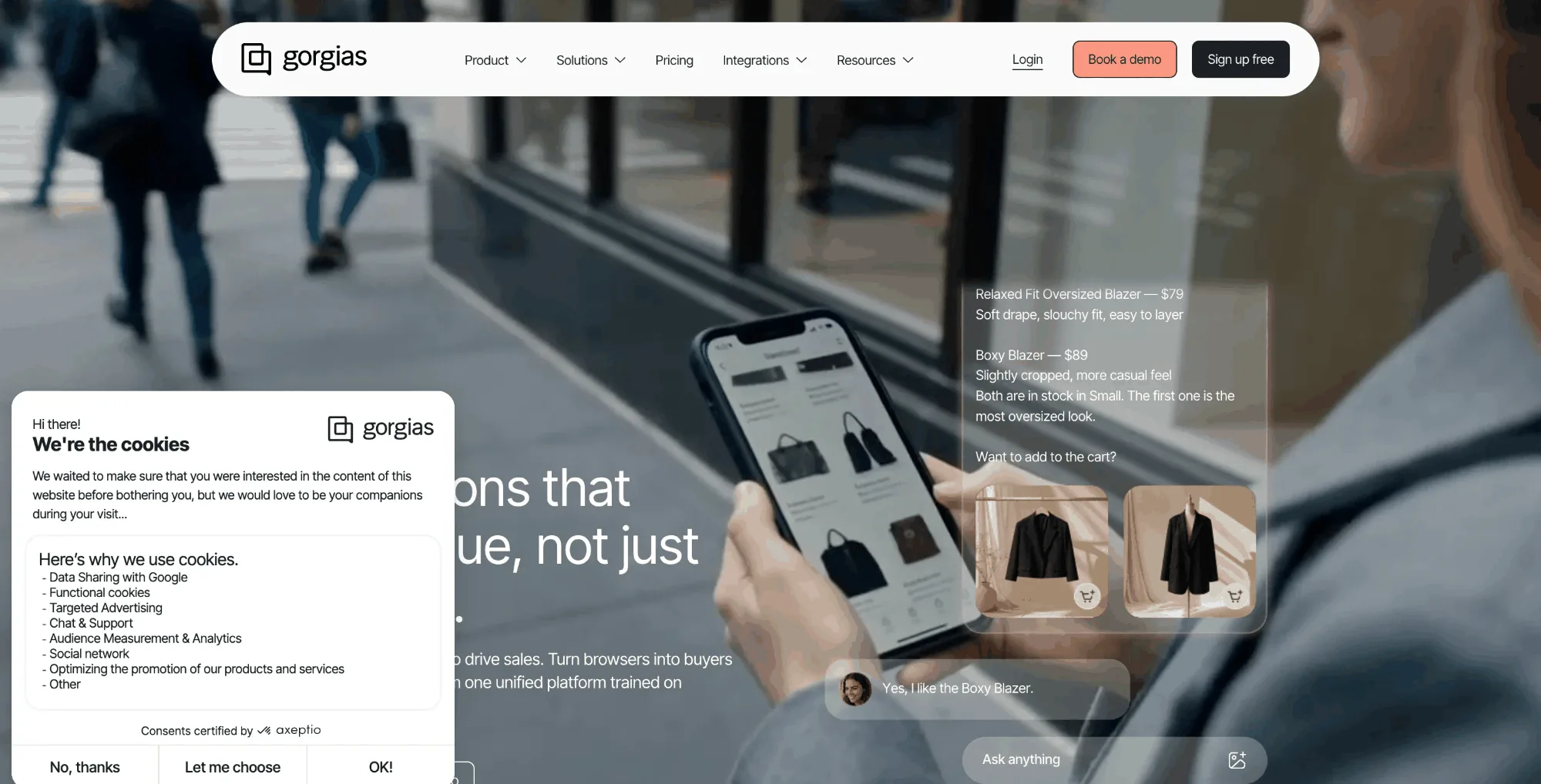
What it is. A help desk built for e-commerce businesses, with an AI resolver that takes order actions.
Key features. Native Shopify actions, order tracking, returns automation, and macro-driven replies.
Where it wins. Deep Shopify connectivity. It checks orders, processes returns, and handles storefront customer requests in ways general tools cannot match out of the box. For a Shopify store, this is the obvious first stop.
Where it falls short. The headline price hides a usage model, and the helpdesk and the AI resolution add-on are separate line items. Starter at $10 a month includes 50 billable tickets, with extra tickets around $0.40. The AI add-on runs about $0.90 per resolved interaction ($1 on Starter) and is not sold on Starter. If the AI hands a conversation to a human, Gorgias says you are not charged for both, so model the two lines rather than assuming a double charge.
Pricing. Helpdesk from $10 per month for 50 tickets, AI resolution as a separate per-interaction add-on.
Best for. Shopify and online stores. Not for. B2B SaaS or technical support outside retail workflows.
7. Crisp (Path B): lightweight chat
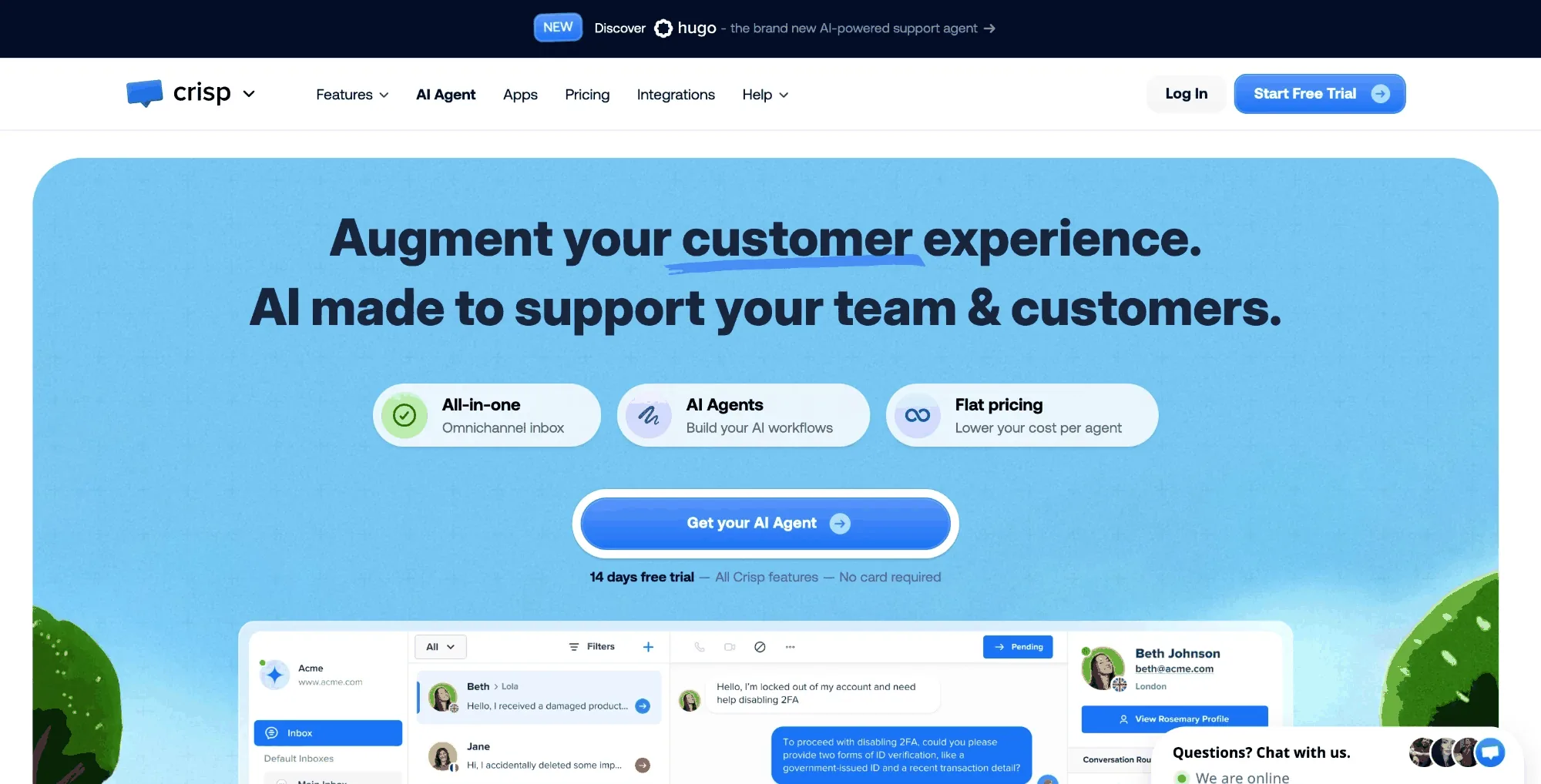
What it is. A messaging suite with a trainable chatbot and a genuinely free plan.
Key features. Trainable chatbot, shared inbox, co-browsing, proactive messages, and in app messaging widgets.
Where it wins. Fast setup and a flat, predictable price. The chatbot trains on your content, proactive messages reach visitors before a ticket is filed, and the user friendly interface suits non-technical staff and small teams.
Where it falls short. It is a lighter desk solution than a full enterprise platform, and the AI is better at FAQs than at multi-step technical resolution.
Pricing. Free for up to 2 seats, then Mini at $45 per month, Essentials $95, and Plus $295, priced per workspace.
Best for. Small teams that want a clean chat experience and self-service AI on a flat rate. Not for. High-volume technical support or deep system actions.
8. Help Scout (Path B): shared inbox
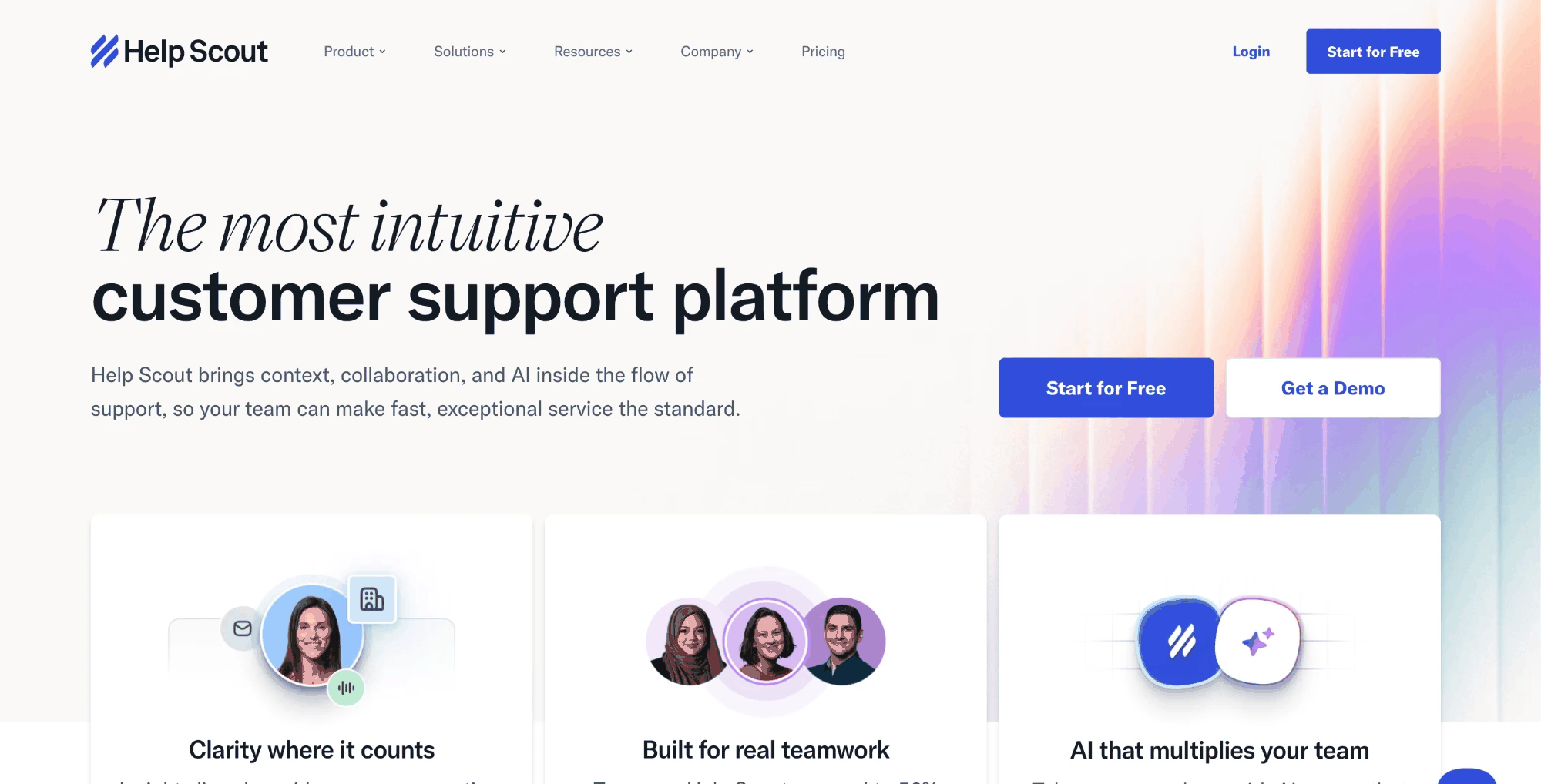
What it is. An email-first, collaborative shared inbox known for a simple, user friendly interface, with an AI Answers add-on.
Key features. Shared inbox, saved replies, a self-service knowledge base, and per-resolution AI Answers.
Where it wins. Teams can learn the platform in under an hour, and AI Answers resolves conversations for a clear $0.75 each, charged only when it resolves, not when it escalates. The personal touch stays close, which some teams prefer.
Where it falls short. It is intentionally lightweight. The AI resolves common questions, not complex troubleshooting.
Pricing. Free for up to 5 users, then Standard at $25 per user per month, Plus $45, and Pro $75. Note the paid entry is $25; a free plan exists below that.
Best for. Small teams that want a simple shared inbox and pay-only-when-it-works AI. Not for. Bigger teams needing heavy automation or deep integrations.
9. Ringly.io (Path B): voice
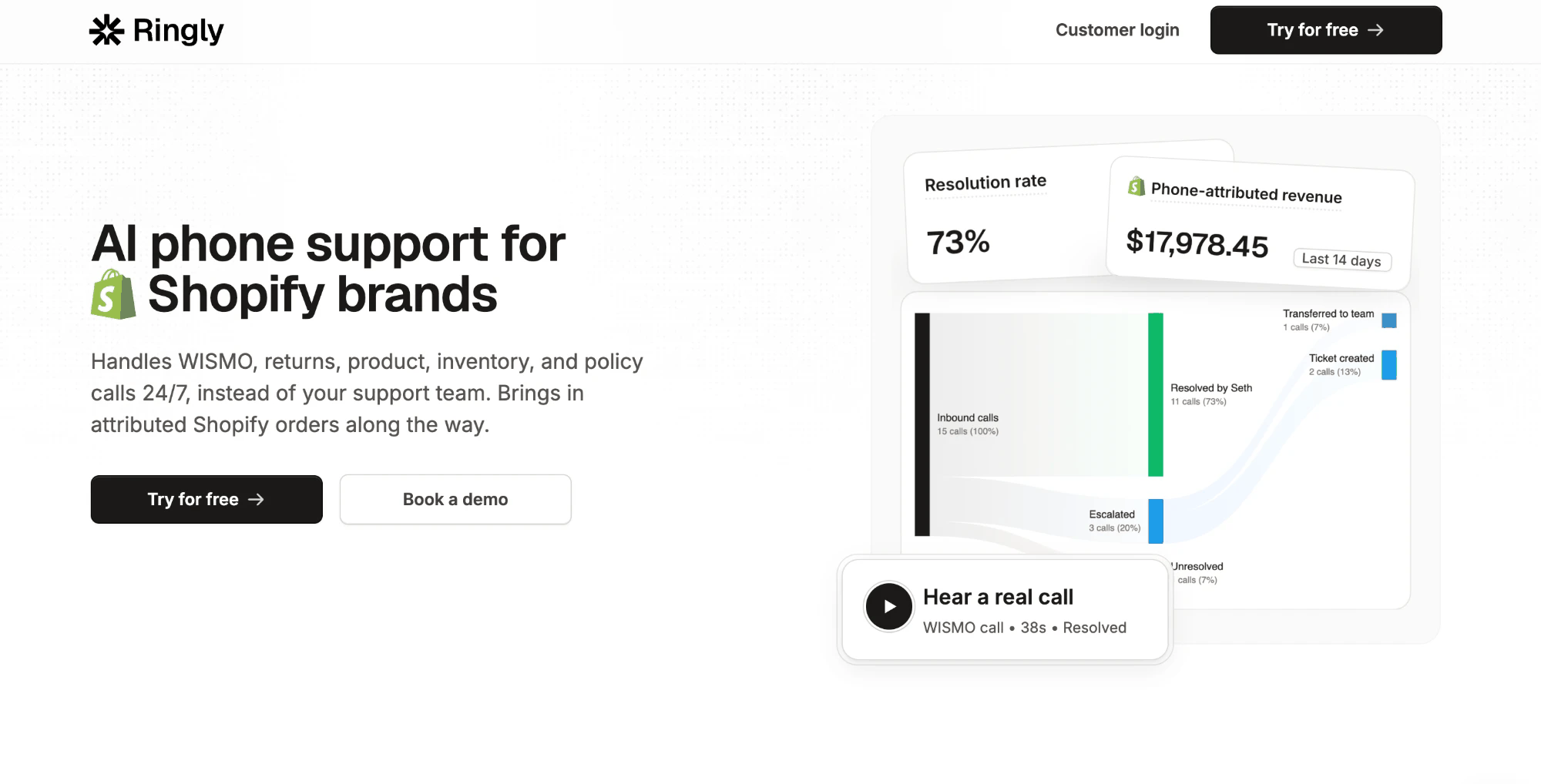
What it is. An AI voice agent that answers and resolves phone calls, the one channel the legacy bot never covered.
Key features. Natural-voice phone support, order lookups, multilingual calls, and human handoff.
Where it wins. It resolves the majority of phone calls without human agents. Ringly claims 70–73% in recent months against a 65% guarantee, and says teams go live in under an hour. For phone support, this fills a real gap.
Where it falls short. It is voice-focused, so it complements a text help desk rather than replacing one.
Pricing. Usage-based, with published plans starting around $349 per month; quoted by call volume.
Pricing comparison
The sticker price rarely matches the bill. What follows is the mechanic that drives your real cost, which matters more than the entry number.
| Tool | Entry price | AI billing mechanic | Buyer impact |
|---|---|---|---|
| Zendesk | $55/agent/mo (Suite Team) | Resolutions; small plan allotment then overage; flat overage not publicly listed | Cost tracks AI volume; allotments are small (5/agent on Team) |
| Pluno | Resolution-based (custom, not public) | Tied to resolved tickets | Cost tracks value; model against your mix |
| Intercom Fin | $29/seat/mo; Fin without seats | $0.99 per outcome | Clean, but linear at scale |
| Freshdesk | Free (1–2 agents); Growth $19/agent/mo | 500 sessions, then ~$49/100; Copilot $29/agent | Two AI meters to track |
| Zoho Desk | ~$7–9/user/mo (Express); free 3 users | Zia bundled by edition | No usage-based AI cost |
| Gorgias | $10/mo (50 tickets) | Helpdesk + AI add-on, separate lines ($0.90–$1.00) | Model both lines, not a double charge |
| Crisp | $0, then $45/mo | Flat per workspace | Most predictable |
| Help Scout | Free (5 users); Standard $25/user | $0.75 per AI resolution | Charged only when it resolves |
| Ringly.io | From $349/mo | Usage by call volume | Scales with phone load |
Two mechanics deserve a flag. Zendesk and Gorgias both count resolutions on inactivity windows, which can record a resolution the customer would not call solved. Crisp and Zoho keep pricing plans the most predictable because AI is flat or bundled. Match the mechanic to your ticket pattern, not to the headline, and get a written quote before committing to any usage model.
Setup and implementation
Time-to-value separates these tools as much as price does.
Zendesk's native AI is the slowest to reach full performance. Strong results need well-tagged content, defined intents, confidence thresholds, and fallback rules, plus dedicated admins to maintain them. Teams often report multi-month timelines to deploy meaningfully, though that figure is user-reported rather than official, and the learning curve is real for non-technical staff.
Most Zendesk alternatives are faster by design. Crisp and Help Scout are close to self-serve, Gorgias and Ringly go live quickly, Intercom says Fin can switch on in under an hour on an existing helpdesk, and Front offers a built-in Zendesk importer for migrations. Pluno installs into Zendesk and starts learning from your historical tickets, so first useful results arrive in days by Pluno's account. Tools that learn from existing data shorten setup; tools that depend on hand-built intents lengthen it.
Integration and system connectivity
How deeply a tool reaches your other systems decides whether it can resolve issues or just describe them. This is where Path A and Path B diverge most.
Path A. Zendesk's native AI works inside the Zendesk ecosystem. It can call external systems through Zendesk's action and app builders, per the pricing page, but a seamless integration with Shopify, Stripe, or Salesforce Service Cloud often needs configuration. In many setups its data model is ticket-centric, so integrations pass ticket metadata more readily than live customer service data mid-conversation.
Path B. Resolution-first tools lead with real-time API access, so the AI can fetch order or payment status during the chat and write results back to your CRM. Gorgias goes deep on Shopify, Zoho's Zia ties into CRM data and account management, and for complex support Pluno reaches past tickets, internal docs, Slack, Jira, and APIs to gather the context article-matching misses. If your stack runs on Jira Service Management, Salesforce Service Cloud, or HubSpot Service Hub, confirm the connector to that service hub is native before you commit, because a seamless integration is what turns a suggestion into a real resolution.
Channel coverage
Channel reach caps how many customer interactions your AI can handle. A bot that only works on web chat leaves every WhatsApp and phone customer to your agents.
The native tool covers the web widget, email, and chat, with WhatsApp and social available through messaging add-ons that each need setup. It does not resolve phone calls, and multilingual coverage often means duplicating content per language.
Alternatives vary, so judge them across multiple channels one by one. Intercom Fin and Freshdesk push into WhatsApp and in app messaging; Crisp centers on live chat with customizable widgets and proactive messages; Gorgias focuses on storefront channels; and Ringly.io adds phone support, resolving most calls without human agents. Where a tool offers a unified workspace, support interactions and cross-channel history stay in one place, which improves team collaboration and cuts agent context switching. Some tools also add a self service portal and Microsoft Teams or Slack for internal routing. Pluno stays inside your Zendesk text channels rather than adding new ones, so pair it with a voice tool if phone is a priority.
Who each option is best for
Path A, stay on Zendesk. If your knowledge base is already clean and your tickets are mostly simple FAQs, turn on the native tool and skip the migration. This is the right, money-saving answer for a real share of customer support teams.
Path B, add a resolution layer. Choose your Zendesk alternative by use case.
- Shopify stores: Gorgias. It is purpose-built, so you do not need Pluno or a general tool here.
- Lowest budget: Crisp's free tier or Zoho. If you only need a cheaper shared inbox at low volume, Help Scout solves it without an AI resolver at all.
- Phone support: Ringly.io, alongside your text desk.
- Complex or technical B2B: Pluno or Intercom Fin. Fin is the stronger fit for broad conversational support across channels. Pluno is the stronger fit if your tickets need troubleshooting, past-ticket knowledge, and safe escalation into Jira and Slack while staying inside Zendesk.
Team size sharpens it further. Small teams and startups usually want a lighter, cheaper option, sometimes just a shared inbox with self service rather than a full agent. Mid-market teams should weigh per-resolution against flat-rate on answer quality per dollar and the customer experience it delivers. Large enterprises with deep Zendesk investment often keep the ticketing system, or a service hub like HubSpot Service Hub, and layer a Path B agent on front-line resolution, since migration and security costs are real.
Two of those recommendations send you away from Pluno on purpose. An e-commerce store belongs on Gorgias, and a five-person team with simple questions belongs on a free inbox. Matching the tool to the job beats forcing one answer, and it protects the customer experience either way.
Final verdict by path
There is no single winner here, because the right answer depends on the path you are on.
Path A verdict. Stay on Zendesk and use the native tool when your content is clean, your volume is simple, and your investment in the platform is deep. Switching would cost more in migration than it returns.
Path B verdict. Add a dedicated AI layer when article-matching cannot finish your tickets. Among the best Zendesk alternatives and wider Zendesk competitors, Gorgias wins retail, Zoho or Crisp wins on budget, and Ringly wins voice. For complex and technical B2B support, Pluno and Intercom Fin share the top tier: Fin for omnichannel breadth, Pluno for depth on complex tickets, past-ticket learning, and escalations that keep support and engineering in sync. Pick the one that matches how your tickets behave.
FAQ
Is Zendesk Answer Bot discontinued? Zendesk retired the standalone Answer Bot and renamed its capabilities under Zendesk's AI agents. The article-matching behavior still exists, but AI usage is now measured in resolutions rather than sold as a separate bot.
What are the best Zendesk alternatives? There is no universal best. For online stores, Gorgias. For omnichannel conversational support, Intercom Fin. For complex or technical B2B tickets, Pluno. For the lowest budget, Zoho or Crisp. Zendesk competitors worth comparing also include Freshdesk, Help Scout, and Front. Match the Zendesk alternative to your ticket type and volume.
How much does Zendesk AI cost per resolution? Zendesk bills AI in resolutions. Each plan includes a small allotment per agent (5 on Suite Team, up to 15 on Enterprise), then you buy more or pay overage. Zendesk does not publish a flat per-resolution rate, so request a quote for your volume.
Which AI tools work without leaving Zendesk? Tools like Pluno run inside Zendesk and resolve or escalate tickets there, so you keep your ticketing system, workflows, and reporting while upgrading only the AI layer. This hybrid path avoids migration cost.
Why do teams switch from the Zendesk bot? Two reasons dominate: cost that is hard to predict as ticket volume grows, and an AI that deflects simple FAQs but escalates anything complex. Teams that need real resolution, not just deflection, look for a tool that connects to their data.
Is a cheaper Zendesk alternative as good? For simple, high-volume FAQs, cheaper customer support software like Zoho or Crisp can match the outcome at a fraction of the price. For complex troubleshooting, price is not the deciding factor; resolution quality and integration depth are.
Decide your path
Not sure whether to stay on Zendesk or add a resolution layer? Start by measuring your current support system: your resolution rate, your escalation rate, your cost per resolved ticket, and your customer satisfaction. Those numbers usually make the path obvious.
If your tickets are complex and you want to see how a past-ticket-trained agent would handle them, you can trial Pluno on your own historical Zendesk tickets before changing anything. Either way, let the evidence on your own queue decide.