Intercom built one of the better live chat widgets on the market. The tradeoff is cost predictability.
You pay per seat, and Fin bills from $0.99 per outcome, so the per-outcome line climbs as Fin resolves more. WhatsApp and SMS stack on top as separate charges. Many pricing analyses and customer reviews suggest the real bill can land well above the headline seat price.
So teams start shopping. The recurring reason is cost that is hard to forecast. The per-outcome line grows as automation improves, and the add-on stack (Copilot, proactive messaging, WhatsApp, SMS, and phone) adds separate charges on top. The other reason is fit. On complex B2B tickets, teams want to confirm Fin resolves their hardest historical tickets, since the repetitive FAQs were never the hard part.
This guide ranks 10 live chat alternatives by who they fit, with list prices checked in June 2026. Pricing in this category varies by region, billing term, usage, and plan packaging, and it changes often, so confirm the current figures on each vendor's page before you buy. It also covers a decision most of these lists skip. Your live chat platform and your AI layer are two separate choices, and you can pick them separately.
TL;DR: the quick answer
The right pick depends on your support model and your budget. A feature checklist won't decide it.
- Small team that wants simple chat plus docs: Help Scout. Clean shared inbox, a help widget (Beacon), and AI Answers are billed only when the bot resolves something.
- Tight budget or you want a free tier: Crisp. Flat per-workspace pricing and a free plan with unlimited live chat for 2 seats.
- You want LiveChat as your primary channel: The longest-running pure live chat tool, strong widget, proactive chats built in.
- Small e-commerce store: Tidio or Gorgias. Tidio for a free tier and light AI, Gorgias if your support is order-heavy and Shopify-native.
- B2B team that needs collaboration around chat: Front. Shared inbox with assignment, internal comments, and AI that you scope per workflow.
- You plan to standardize on one mature platform: Zendesk. Omnichannel, with live chat inside Zendesk messaging. Our Zendesk vs Intercom breakdown covers the trade-offs.
- You run complex B2B SaaS support on Zendesk, Intercom, Salesforce, HubSpot, Jira Service Management, or Freshdesk: add a third-party AI layer, such as Pluno, that's best for technical tickets.
What Intercom live chat is, and what you're replacing
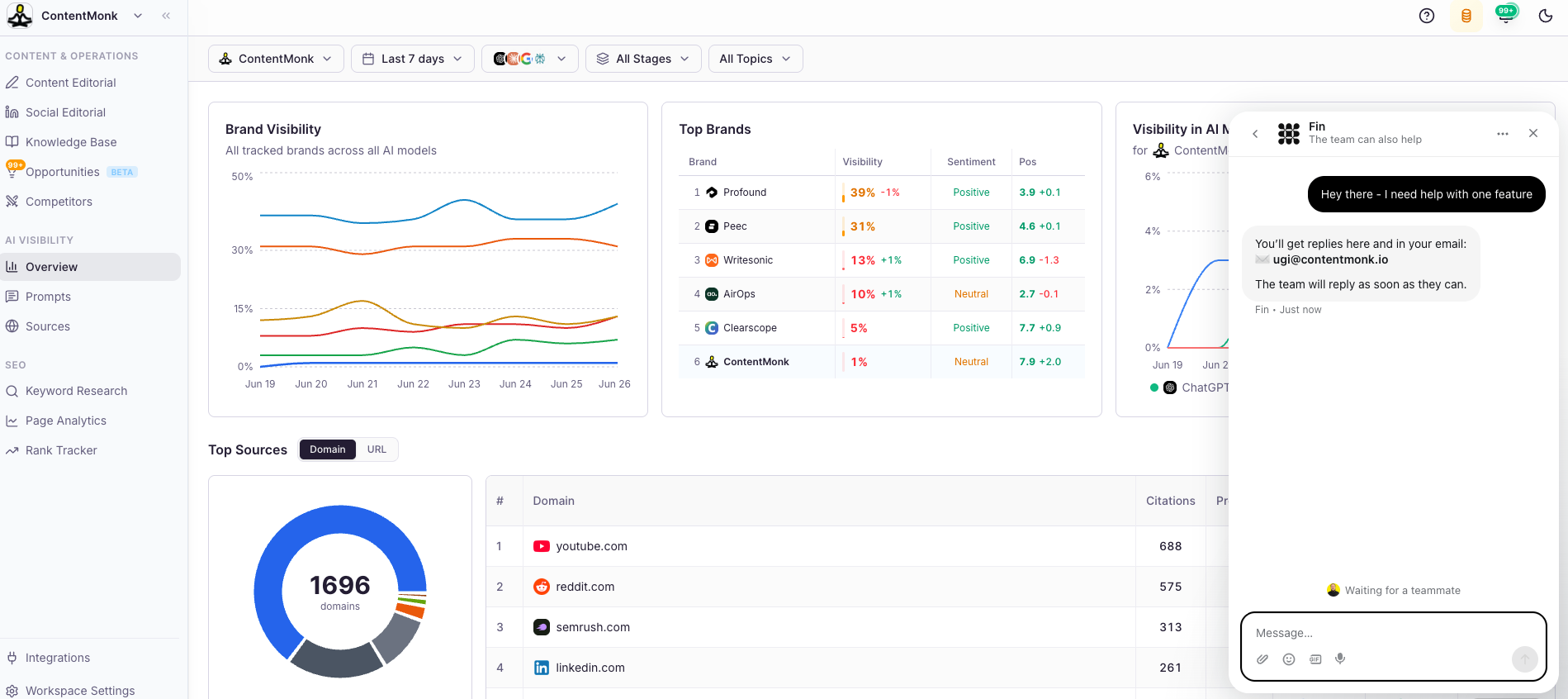
Intercom's live chat is the Messenger widget plus everything behind it: a shared inbox, a help center, proactive messages, a mobile SDK, and Fin, the AI agent that answers before a human steps in.
Two changes are worth knowing in 2026. Intercom renamed its company to Fin in May 2026, and in June 2026 Salesforce signed a definitive agreement to acquire it for about $3.6 billion, and Salesforce completed the deal on September 10, 2026.
The product most people still search for as "Intercom" is now part of Salesforce. Most of the market still calls it Intercom, so this guide does too.
When you leave, you're making two decisions at once. First, where your live chat lives (the platform). Second, what resolves and assists on those chats (the AI layer). Intercom bundles both. The alternatives below let you separate them, which matters most for the last section of this guide.
Why teams leave Intercom live chat in 2026
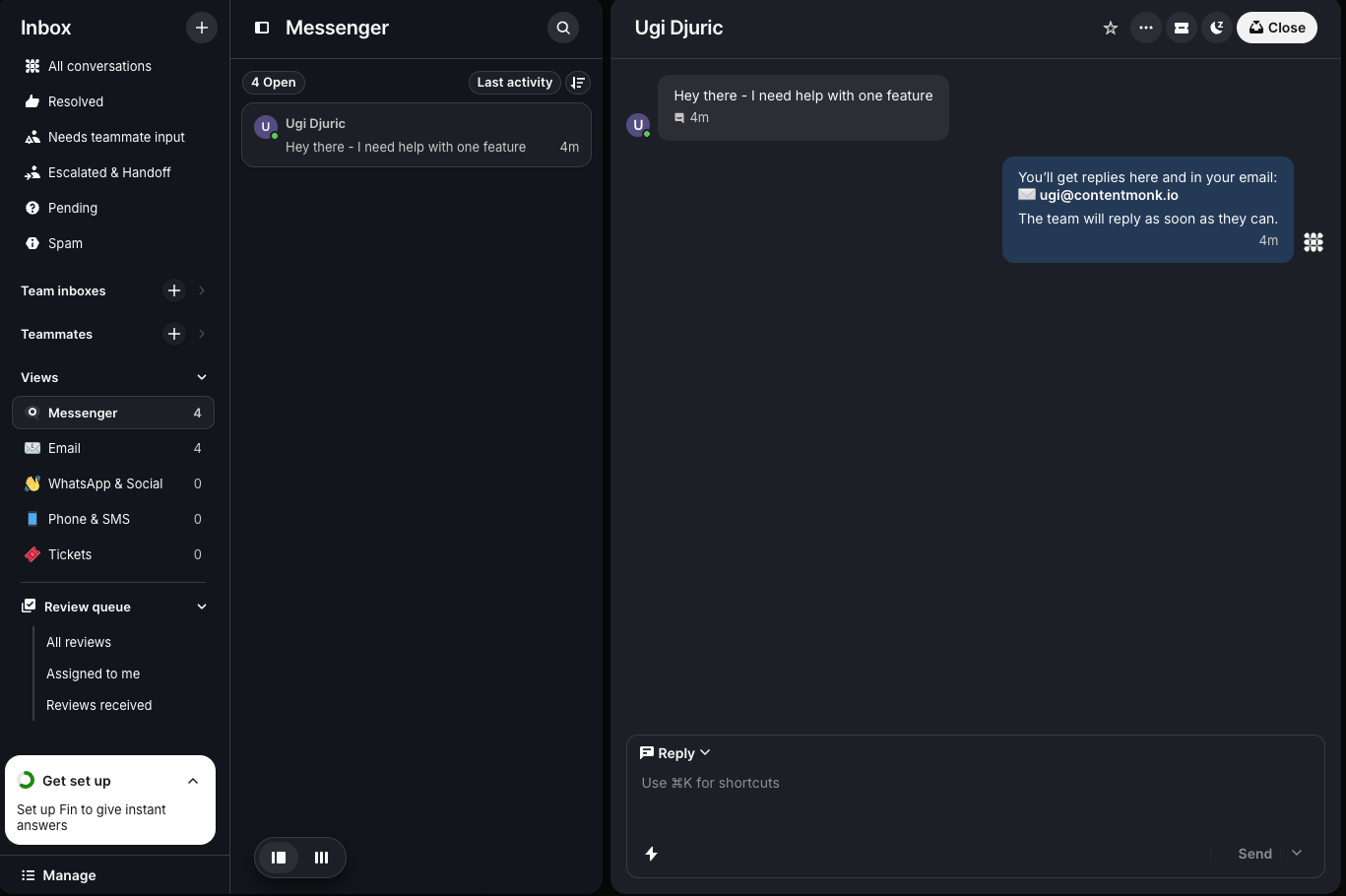
- The bill scales with your automation. Intercom seats run $29 (Essential), $85 (Advanced), and $132 (Expert) per seat per month on annual billing, per Intercom's pricing page. Fin bills from $0.99 per outcome, where an outcome is a resolution, a Procedure handoff, or a disqualification. A minimum monthly commitment applies (Intercom's pricing page gives 50 outcomes as the example). As Fin's outcome volume climbs, the per-outcome line grows with it, and there's no volume cap above the minimum.
- Fin's grounding depends on what you set up. Fin can draw on your help center, past conversations, added knowledge sources, data connectors, and Procedures you build and maintain. For B2C and transactional support, that setup covers most of the volume. For B2B SaaS tickets that turn on live account state, billing tier, prior issues, or an open engineering bug, coverage depends on the connectors and Procedures you have wired up, and teams report more escalations on those cases. The test that matters is whether Fin resolves your hardest historical tickets, the ones that turn on account data and engineering state.
- The add-on stack adds up. Copilot (agent assist) is $35 per user per month. Proactive messaging, WhatsApp, SMS, and phone are separate line items, each metered on its own.
- The early-stage discount expires. Intercom's Early Stage Program offers a heavy first-year discount, then steps down over the next two years. By the time the bill bites, your workflows, bots, and integrations are built on Intercom, and switching takes real work.
None of this makes Intercom a bad product. It makes the total cost something you should price out before you commit.
How to choose an Intercom live chat alternative
Skip the feature checklist. Six questions decide fit.
- Native live chat depth. Does it ship a real web widget with proactive messaging and a mobile SDK, or is chat bolted onto an email tool?
- Resolution quality, beyond deflection. A bot that closes easy FAQs is table stakes. The question is whether it resolves the messy tickets or escalates them.
- What the AI can read. Help center only, or past tickets, account data, and connected systems like Jira and Slack?
- Cost predictability. Per seat, per conversation, per resolution, or flat? Model your real volume, including peak months.
- Channel breadth. Web, WhatsApp, Instagram, SMS, email, voice. Pay for what you'll use.
- Migration effort. Can you export your data cleanly and rebuild your bots and automations without a hard cutover?
The pricing model matters less than people think. Outcome and per-resolution billing is common now, though some tools charge by session, credits, seats, interactions, or bundled usage. Fin runs standalone on Zendesk at the same $0.99 per outcome. The better question is whether the AI earns its fee on the tickets you struggle with.
The 10 best Intercom live chat alternatives
1. Help Scout
Best for small teams that want simple live chat plus a knowledge base.
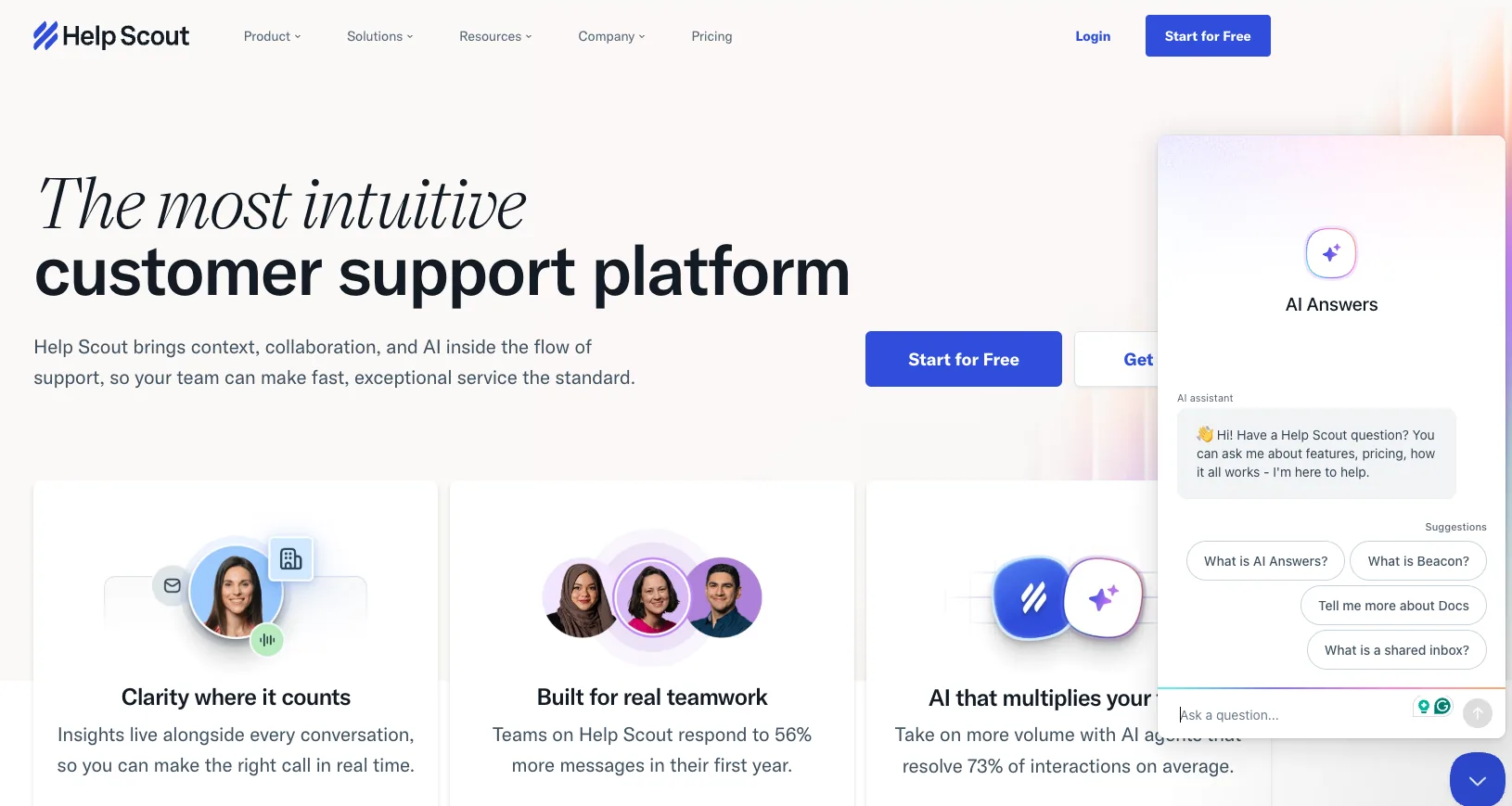
Help Scout is a shared inbox built around email-style workflows, with a help widget called Beacon that surfaces articles, a contact form, and live chat in one package. The interface is easy to adopt, and the handoff from bot to human is one click for the customer.
Beacon is reactive, so it waits for the customer to open it and doesn't fire based on behavior. AI Answers resolves questions from your docs and bills only when it closes a conversation without a human.
Pricing: Standard $25, Plus $45, Pro $75 per user per month (annual). AI Answers is a $0.75-per-resolution add-on with a 3-month free trial.
2. Crisp
Best for tight budgets and teams that want a real free tier.
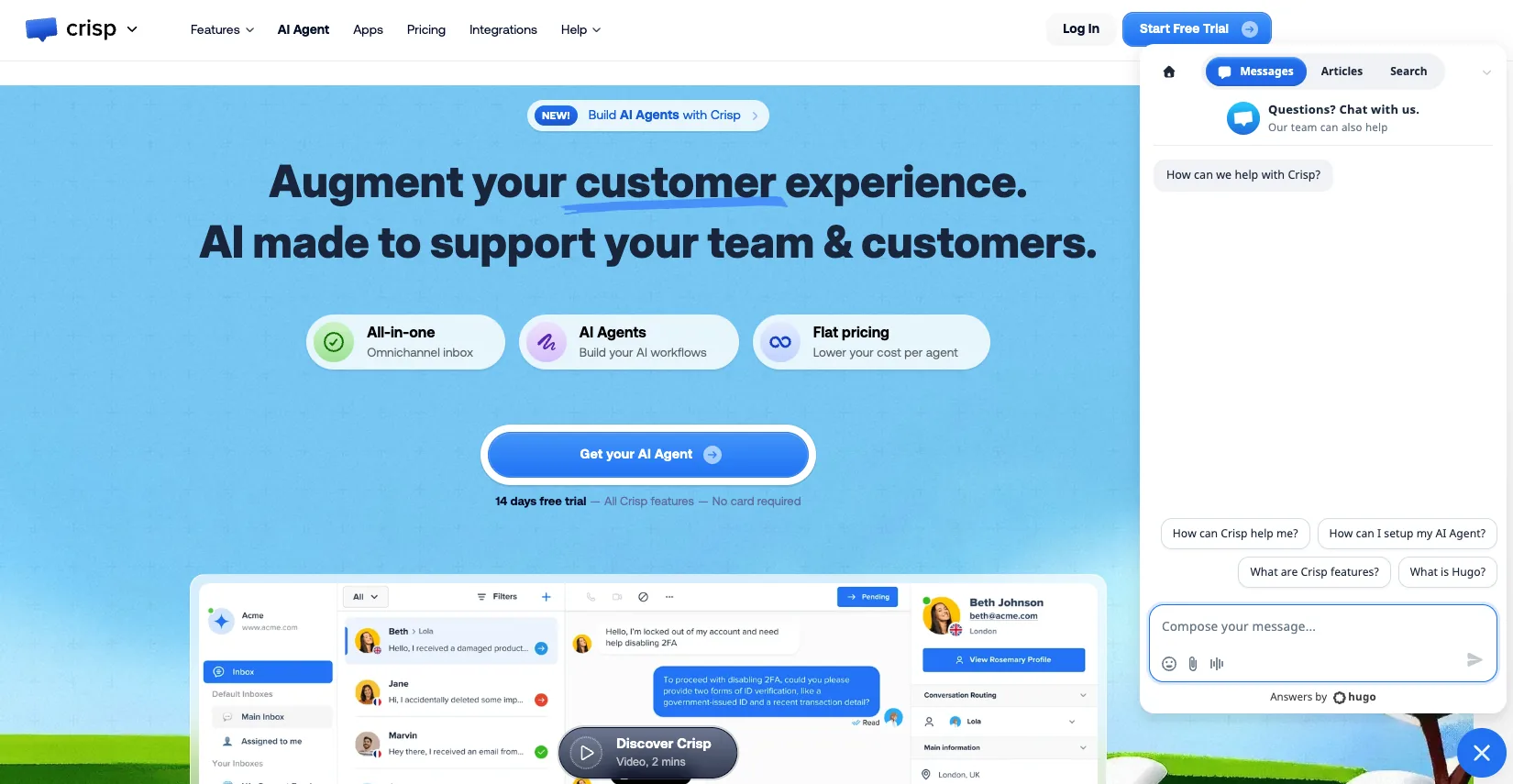
Crisp charges one flat fee per workspace, so the more agents you add, the lower your effective per-seat cost. The free plan gives you 2 seats and unlimited live chat with no time limit, so a small team can run support at zero cost.
Crisp restructured its plans in 2026. Its AI agent, Hugo, answers from your knowledge base, with AI credits included on paid plans instead of sold separately. Crisp is France-based with EU hosting, which helps teams meet data residency requirements. Because Hugo draws on the knowledge base, it resolves FAQ-style questions well and passes account-specific or technical tickets to a person, and its routing and workflow tooling is lighter than a full support suite.
Pricing: Free; Mini €45; Essentials €95; Plus €295 per workspace per month.
3. LiveChat
Best for teams that want live chat as their primary channel.
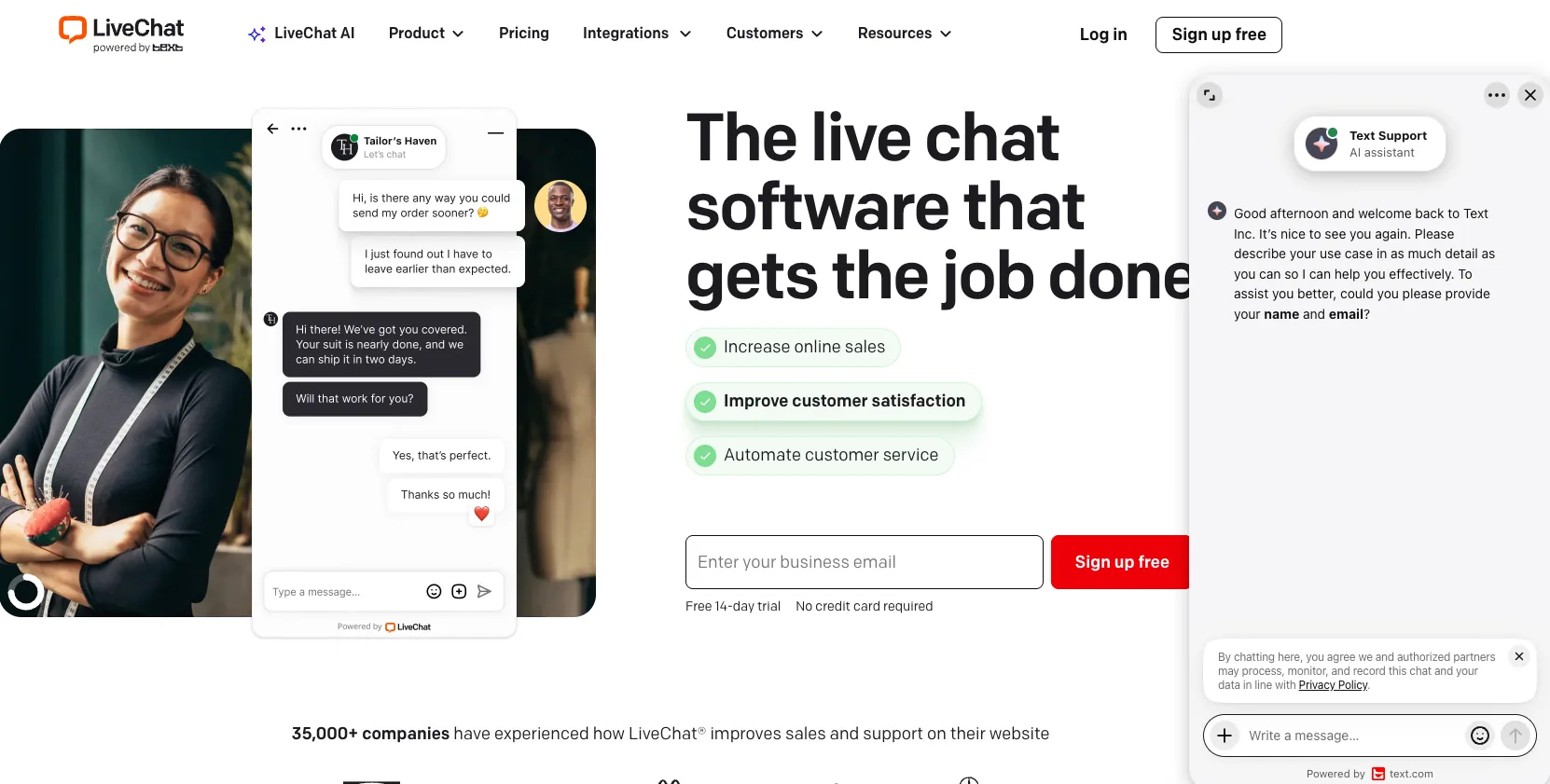
LiveChat is the longest-running pure live chat platform, and the agent experience reflects that maturity. You get a strong widget, proactive chat invitations, an eye-catcher, ticketing, and a Copilot AI assistant on every plan.
There's no free plan, and the native chatbot is a separate product instead of a built-in AI agent. If you want autonomous resolution baked in, LiveChat pairs that bot at extra cost.
Pricing: Starter around $20, Team $49, Business $79 per agent per month (annual). Enterprise is custom.
4. Tidio
Best for small e-commerce stores that want chat plus light AI.
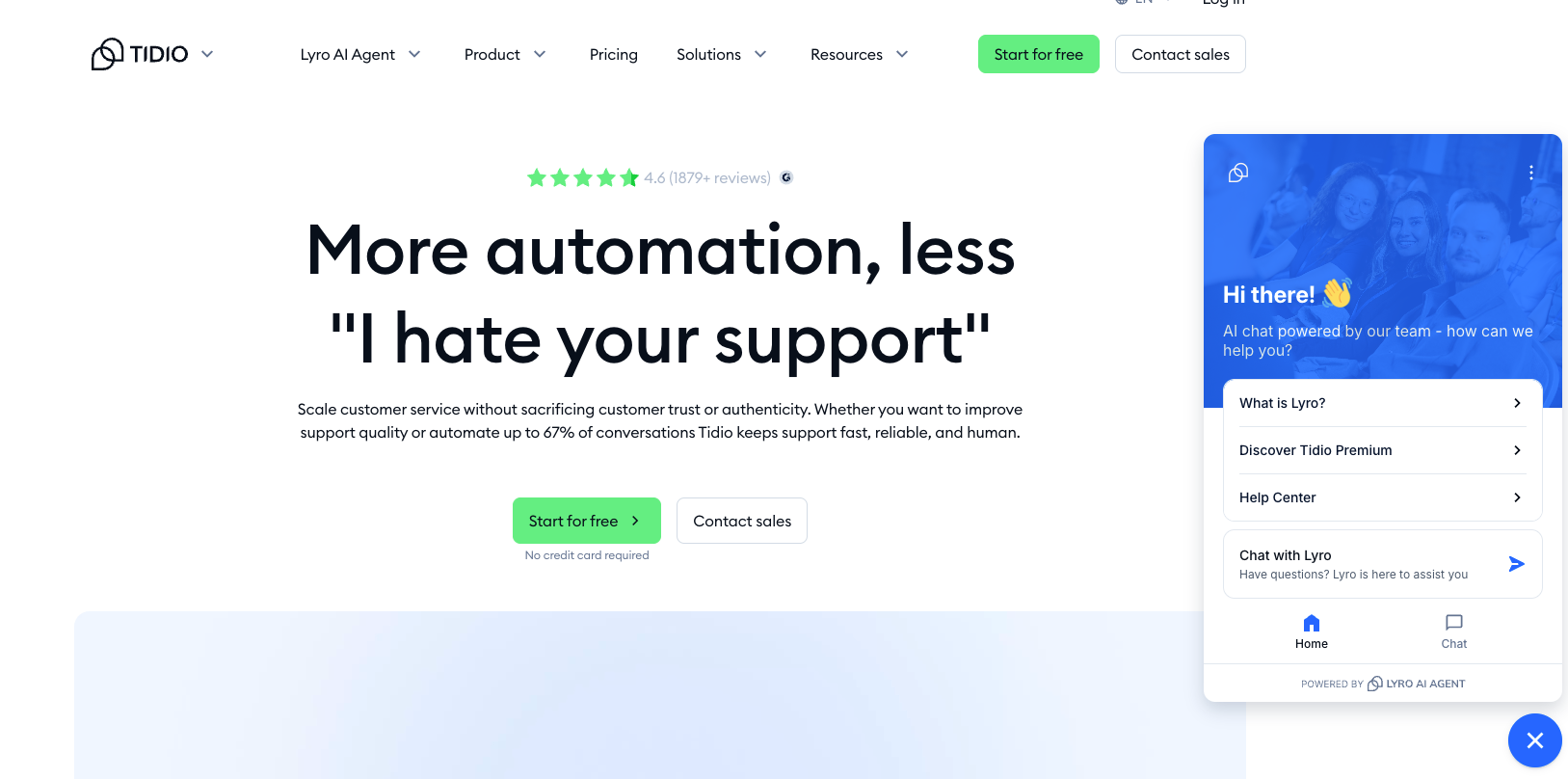
Tidio combines live chat, chatbot flows, and its Lyro AI agent in one widget that's quick to set up. The free plan covers 50 conversations a month, which works for low-traffic stores testing the waters.
Two things to watch. Lyro is a separate add-on, so the AI you came for costs extra on top of the base plan. And the jump from Growth ($59) to Plus ($749) is a 12x cliff with nothing in between, which strands mid-market teams.
Pricing: Free, Starter $29, Growth $59, Plus from $749 per month. Lyro AI starts around $32.50 per month for 50 conversations.
5. Front
Best for B2B teams that need collaboration around chat.
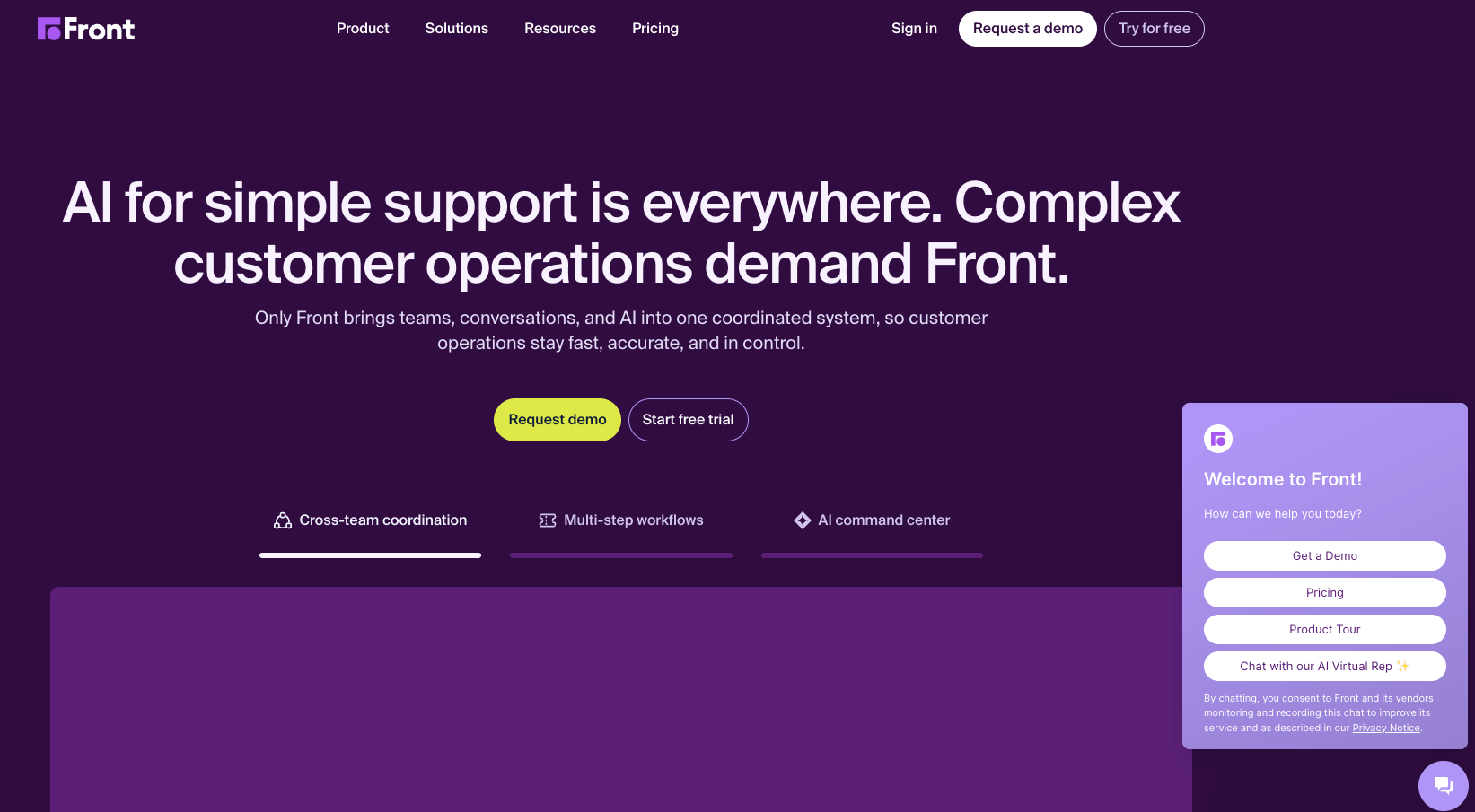
Front centralizes email, chat, SMS, and social in a shared inbox built for teamwork. Reps assign conversations, leave internal comments, and loop in other teams without forwarding threads. Its AI splits into Autopilot (handles routine questions you choose) and Copilot (assists agents on the complex ones).
Front suits B2B operations where ownership and coordination matter more than raw deflection, and our Front vs Zendesk comparison covers how that plays out against a ticketing-first platform. Smaller B2C stores chasing maximum automation may not use its full range.
Pricing: Starter $25, Professional $65, Enterprise $105 per seat per month (annual). Autopilot pricing is in a pilot, so contact sales.
6. Zendesk
Best for teams that want to standardize on one mature platform.
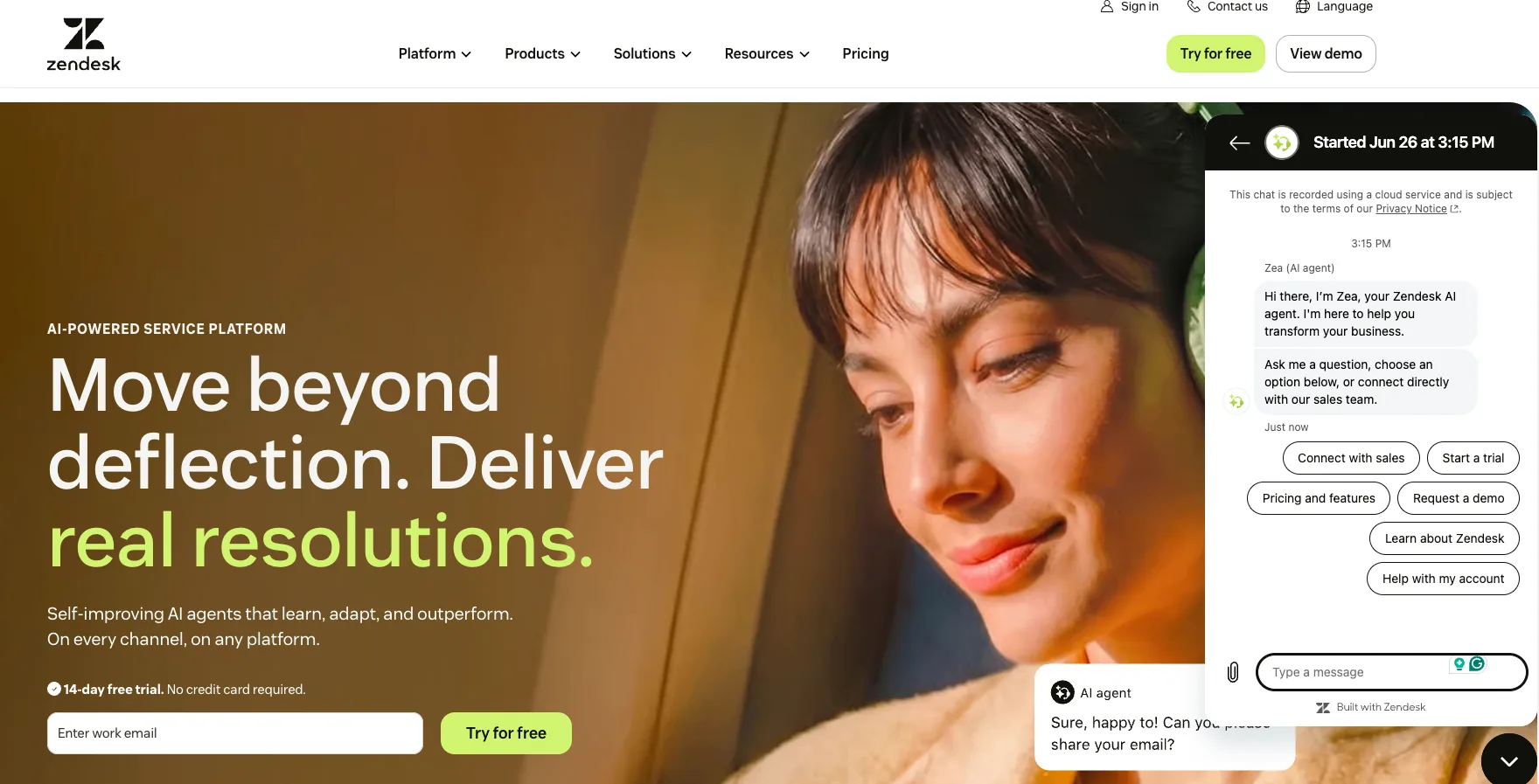
Zendesk is the established omnichannel choice. Live chat lives inside Zendesk messaging, which is the parent channel, with the web widget and WhatsApp as channels within it. You get ticketing, help center, voice, and a deep app marketplace.
The standalone "Zendesk Chat" product is retired for new customers, so live chat now comes with a Suite plan. Teams still on it can compare options in our guide to the best alternative to Zendesk Chat. Setup and cost both scale, and the native AI is its own quality and pricing question (covered in the next section).
Pricing: Support Team $19 (email and ticketing only), Suite Team $55 (the live chat entry point), Suite Professional $115 per agent per month (annual). AI agents bill per resolution on top.
7. Freshchat (Freshworks)
Best for SMB and mid-market teams that want affordable omnichannel chat.
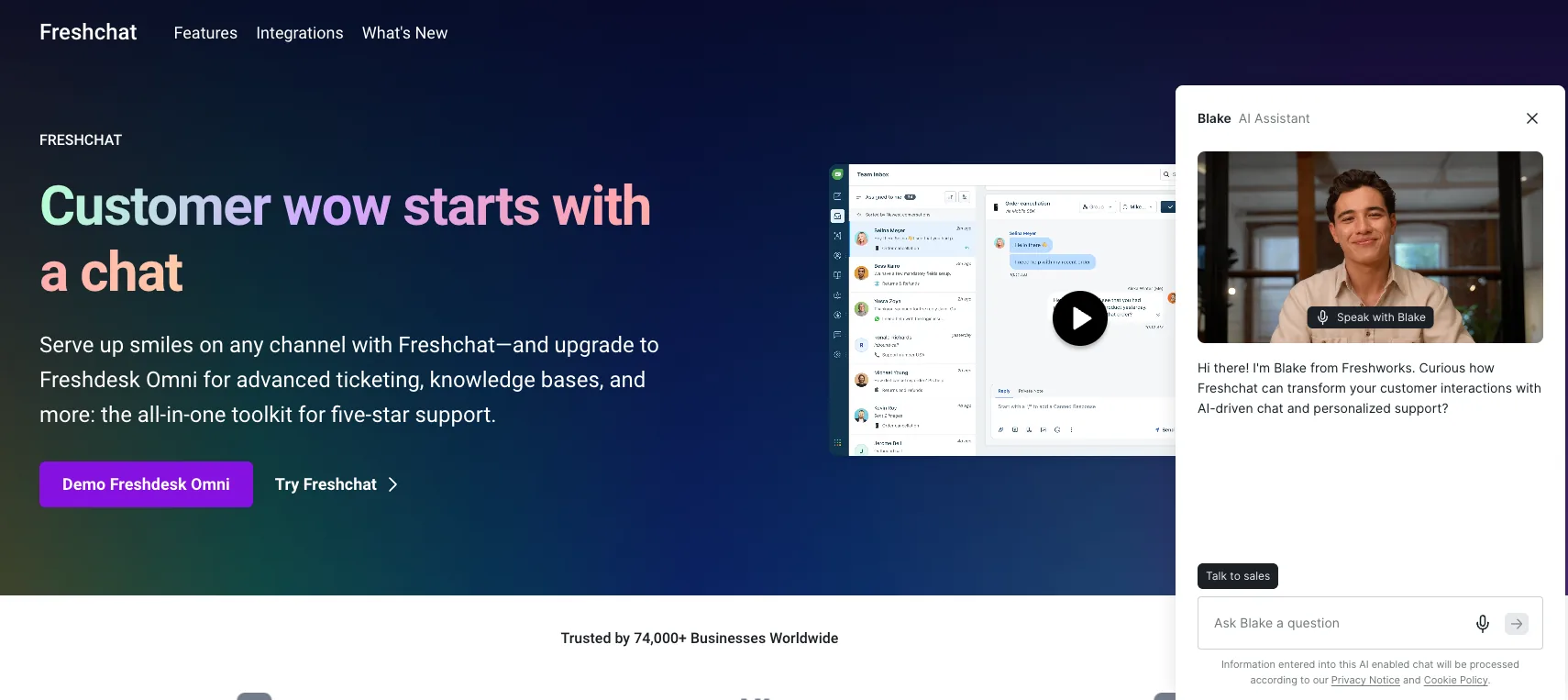
Freshchat puts web chat, WhatsApp, Instagram, Messenger, SMS, and email into one inbox, with a customizable widget and a no-code bot builder. A conversation that starts on one channel continues on another without losing context.
The free plan is rare in this category, covering up to 10 agents on web chat and email. AI sits on top: Freddy AI Agent runs on sessions, and Freddy Copilot is a per-agent add-on, so model your volume before you commit.
Pricing: Free (up to 10 agents), Growth $19, Pro $49 per agent per month (annual). Freddy AI Agent runs $49 per 100 sessions after a one-time free batch; Freddy Copilot is $29 per agent per month.
8. Gorgias
Best for Shopify and DTC stores with order-heavy support.
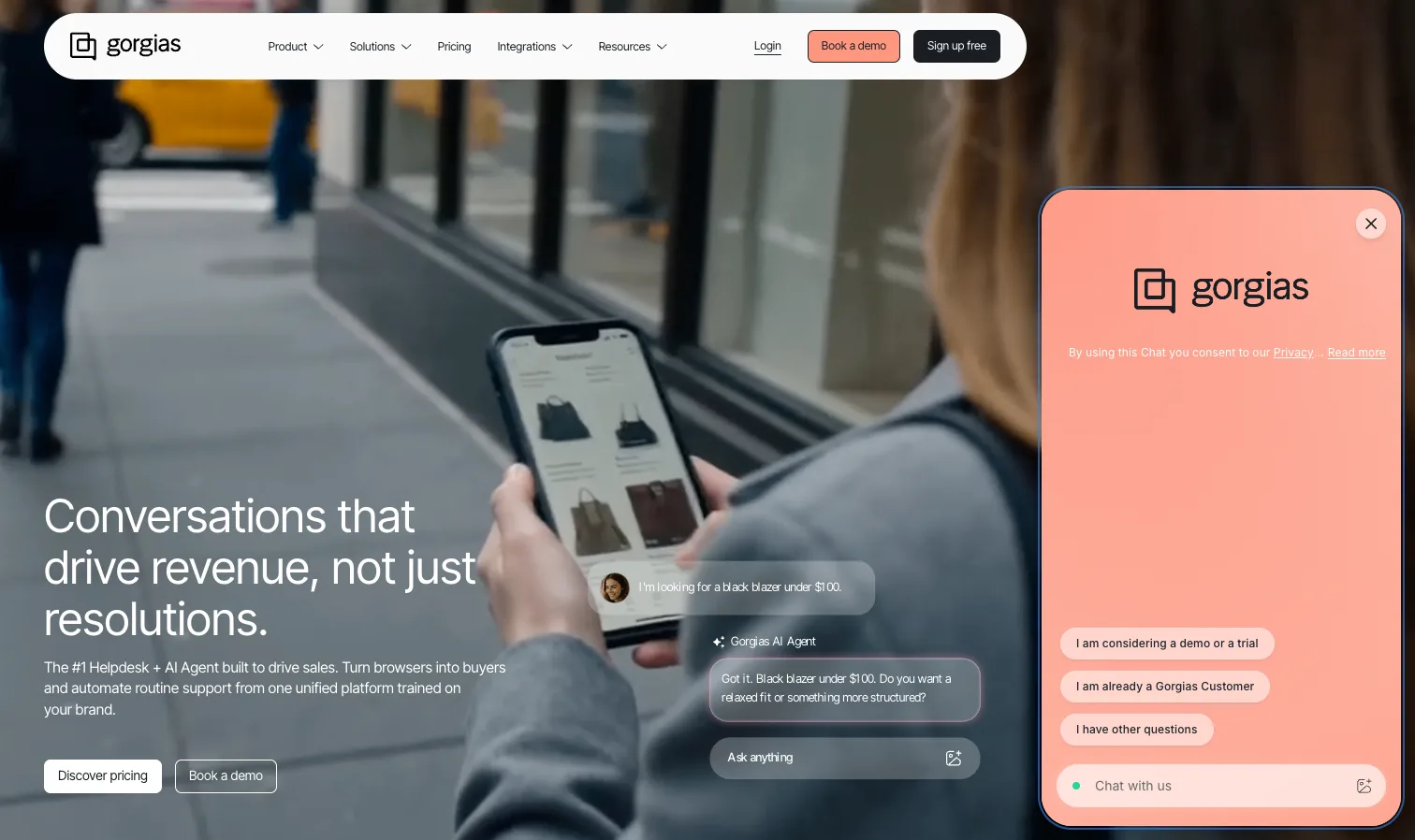
Gorgias is purpose-built for e-commerce, with deep Shopify integration that puts order data, edits, and refunds inside the chat. Its AI Agent handles order status, returns, and subscription questions using live store data across email, chat, and SMS.
The AI Agent is built for Shopify. One billing nuance matters for forecasting. A conversation the AI resolves entirely on its own counts as both a helpdesk ticket and an AI resolution, so those cleanly automated cases carry two charges. If the AI hands the conversation to a human, it reverts to a standard helpdesk ticket with no AI resolution fee. For non-e-commerce or B2B SaaS workflows, Gorgias is aimed at a different buyer.
Pricing: ticket-based, from Starter around $10, Basic $60, Pro $300 per month. AI Agent runs $0.90 per resolved conversation on annual billing, or $1.00 monthly.
9. HubSpot Service Hub
Best for teams already living in HubSpot.
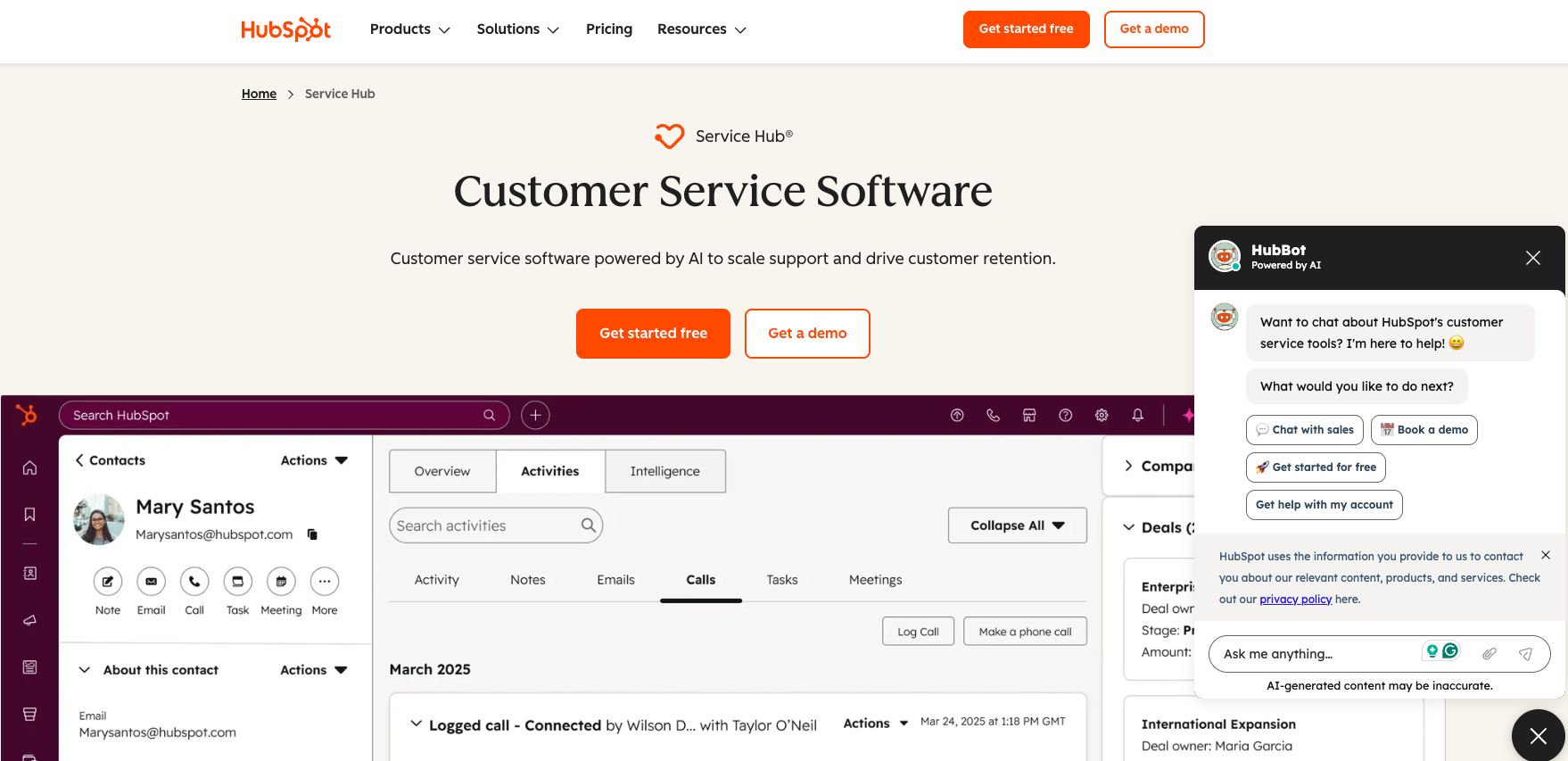
If your sales and marketing run on HubSpot, Service Hub adds support on top of the same CRM, so every chat ties back to the customer record. Live chat is available even on the free CRM, which makes it an easy starting point for small teams.
Real support operations need the paid tiers, where SLAs, the knowledge base, and routing live. Onboarding fees apply on Professional and above, and the AI (Breeze) runs on HubSpot credits.
Pricing: Free (up to 2 users), Starter around $15 to $20 per seat, Professional around $90 to $100 per seat per month, plus a one-time onboarding fee on Pro and up.
10. HelpCrunch
Best for an affordable all-in-one that bundles chat, docs, and email.
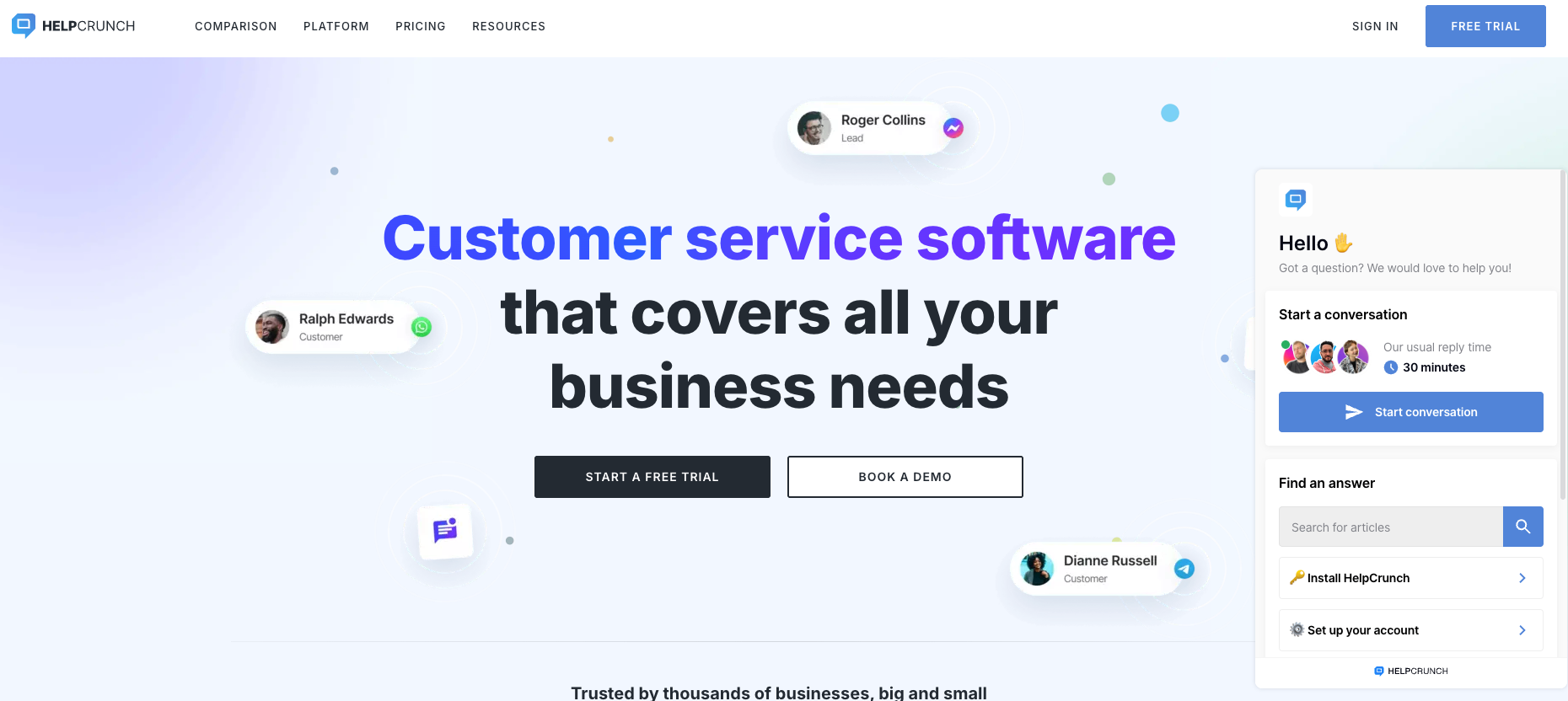
HelpCrunch combines live chat, a help desk, a knowledge base, and email marketing in one dashboard at a lower price than most. It's a practical pick for small teams that want support and lifecycle email without two subscriptions, and it migrates your Intercom data for free.
The platform is leaner than a full enterprise suite, and AI features sit on the higher tiers. For teams that want simple chat plus light marketing, the trade is usually worth it.
Pricing: starts around $15 per team member per month, with a 20% annual discount. AI features are on Pro and Unlimited.
Self-hosting? If data ownership is a hard requirement and you have engineers to run it, Chatwoot is the main open-source option. Its Community Edition is free under an MIT license; cloud plans run $0 to $99 per agent per month, with the Captain AI suite metered in credits.
Intercom live chat alternatives: side-by-side comparison
| Tool | Best for | Native chat widget | Proactive messaging | AI chat resolution | Free tier | Starting price (annual) |
|---|---|---|---|---|---|---|
| Help Scout | Simple chat + docs | Yes (Beacon) | No | AI Answers, $0.75/resolution | Limited | $25/user/mo |
| Crisp | Budget / free tier | Yes | Yes | Hugo AI, credits included | Yes (2 seats) | €45/mo per workspace |
| LiveChat | Chat as primary channel | Yes | Yes | Add-on (ChatBot) | No | ~$20/agent/mo |
| Tidio | Small e-commerce | Yes | Yes | Lyro, add-on | Yes (50 convos) | $29/mo |
| Front | B2B collaboration | Yes | Yes | Autopilot (pilot pricing) | No | $25/seat/mo |
| Zendesk | One mature platform | Yes (messaging) | Yes | AI agents, per resolution | No | $55/agent/mo (Suite Team) |
| Freshchat | Affordable omnichannel | Yes | Yes | Freddy, session-based | Yes (10 agents) | $19/agent/mo |
| Gorgias | Shopify / DTC | Yes | Yes | AI Agent, $0.90/resolution | No | ~$10/mo |
| HubSpot Service Hub | Existing HubSpot users | Yes | Yes | Breeze, credit-based | Yes (2 users) | ~$15/seat/mo |
| HelpCrunch | All-in-one on a budget | Yes | Yes | On higher tiers | Trial | ~$15/member/mo |
Moving to Zendesk? Your live chat is only half the decision
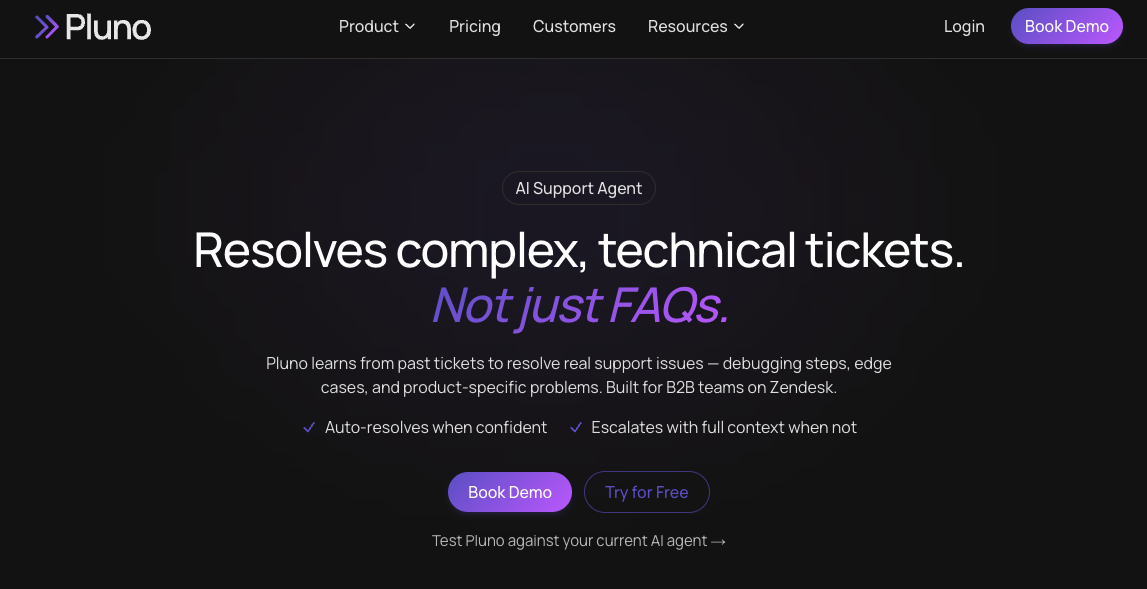
If you're moving to Zendesk and your chats touch product, billing, and engineering, the AI layer is where the hard tickets get resolved or escalated. Pluno is built for that case. It sits on top of Zendesk as the AI layer and learns from your past resolved tickets, so it handles the account-specific and troubleshooting chats that help-center-only bots send to a human. Your support platform stays in place; Pluno replaces the native AI on top of it. Pluno now integrates with Intercom as well as Zendesk, so its AI layer applies whichever of the two you use.
What stands out:
- It learns from your past resolved tickets, where the diagnostic steps and edge-case fixes already live, so it keeps resolving when the product changes and help-center content falls behind.
- Deflection AI resolves chats and tickets across the web widget, WhatsApp, and email, and escalates with the full history and a written summary when it isn't confident, so the agent picks up with context in place.
- For the tickets you keep human, AI Copilot drafts replies from past tickets, and a Troubleshooting Agent digs through code, logs, Sentry, Linear, and databases.
Where it falls short. It's tuned for complex technical support, so high-volume order status and returns are a weaker fit, and it needs real ticket history to learn, so a brand-new help desk won't see the full benefit.
The honest test is to run your historical Zendesk tickets through Pluno and your current AI side by side, then compare answer quality and escalation behavior. Pluno offers a simulation of your past tickets for exactly that.
Start a Pluno trial from the Zendesk Marketplace or read the full Pluno vs Fin breakdown.
How to switch off Intercom cleanly
Switching live chat is a multi-step process. Plan for four things.
- Export your data first. Pull the conversation history and contacts from Intercom (Settings > Data > Export) before you cancel anything. You want your history to be queryable in the new tool instead of being stranded in the old one.
- Time to move around your renewal. Intercom's discounts and contracts make mid-term exits expensive. Align the cutover with your renewal date so you're not paying for two tools longer than necessary.
- Rebuild bots and automations. Your Fin answers, workflows, and routing rules don't port over. Budget time to recreate them in the new platform, and re-embed the chat widget and reconnect channels like WhatsApp and email.
- Retrain the team and run it in parallel. Move one team or one ticket type first, validate resolution time and CSAT for 30 to 60 days, then cut the rest over. Most teams complete a migration in 30 to 60 days.
FAQ
What's the best Intercom live chat alternative? There's no single best. Help Scout fits small teams that want simple chat plus docs, Crisp fits tight budgets, LiveChat fits chat-first teams, and Zendesk fits teams that want one mature platform. Match the tool to your support model and budget.
What's the cheapest or free alternative to Intercom? Crisp has a free plan with unlimited live chat for 2 seats and flat per-workspace pricing above that. Tidio, Freshchat, and HubSpot also offer free tiers. For self-hosting, Chatwoot's open-source edition is free if you have engineers to run it.
Can Intercom's Fin AI run without Intercom? Yes. Fin runs standalone on Zendesk, Salesforce, and HubSpot at the same $0.99 per outcome, with no Intercom seat required. That's why your chat platform and your AI layer are separate decisions.
Are there open-source Intercom alternatives? Chatwoot is the main one. Its Community Edition is free under an MIT license and self-hostable, with paid cloud plans if you'd rather not manage servers. Plan for infrastructure and engineering time on the self-hosted path.
How hard is it to migrate off Intercom? Most teams finish in 30 to 60 days. The work is exporting your data, rebuilding bots and automations, re-embedding the widget, reconnecting channels, and retraining the team. Time the cutover around your renewal to avoid paying for two tools at once.
Is Pluno an Intercom alternative? Pluno is an AI layer, not a live chat platform, so it doesn't replace Intercom's Messenger widget itself. It now integrates with Zendesk, Intercom, Salesforce Service Cloud, HubSpot, Jira Service Management, and Freshdesk, so you can keep your platform and run Pluno in place of the native AI as the layer that handles complex B2B tickets. If you're choosing a chat platform, pick from the 10 above, then decide your AI layer separately.
Pricing in this guide is current as of June 2026. Verify the latest figures on each vendor's pricing page before purchasing.