Your Zendesk knowledge base used to be a place where customers read articles. Now it also feeds your AI. Zendesk's AI agents, Copilot, and generative search draw their answers from the knowledge you connect, starting with your help center and any external sources you link. An AI answer is only as good as that underlying knowledge, so stale, thin, or conflicting content shows up as wrong answers, a lower automated resolution rate, and agents pulled back into tickets the bot was supposed to handle.
Keeping that knowledge current is the other half of the problem, and much of the work is manual. Zendesk's article verification runs on rules you set by label, category, or age, so it flags content on a schedule, which can miss the article that broke the day engineering shipped. As the product moves, the gap between what your docs say and what's true widens.
A better knowledge base fixes some of this. The right Zendesk Knowledge Base alternative depends on what's breaking for you: authoring, search, maintenance, or analytics. For some teams, though, a new knowledge base won't fix the real problem, because the answer they need was never going to live in an article. Start by pinning down what's wrong.
Why teams outgrow Zendesk Knowledge Base
There are a few reasons people are looking to switch away from Zendesk's knowledge base:
Your AI is only as good as the knowledge behind it
Zendesk's AI agents, Copilot, and generative search draw their answers from the knowledge you connect: your help center plus external sources like SharePoint, Notion, Confluence, or Guru. Zendesk says it plainly: without a trusted, current source to pull from, the AI surfaces outdated or incomplete information, and agents step back in.
The failure modes are specific:
-
Two articles that contradict each other produce inconsistent answers.
-
A stale article hands the customer steps that no longer work.
-
An article covering three topics at once makes the AI guess which part applies.
Each failure stays invisible until a customer gets a bad answer, and by then you've taken a hit to trust.
Keeping content up-to-date is mostly manual
A help center drifts the moment your product moves. Zendesk gives you article verification, but the rules fire on a schedule or by age, so they catch articles you set to revisit while missing the one that broke when engineering shipped on Tuesday. Bulk edits and restructuring are slow, duplicates pile up, and ownership blurs over time. Someone has to notice the drift and fix it, and that someone is usually already buried in tickets.
Static articles, hard to find
Zendesk Knowledge gives you articles and a search box. For simple questions that works. For anything else, customers scan long pages hoping the right paragraph is in there, with no guidance tailored to their situation and no help surfacing inside the product where the question came up. When customers can't find the answer fast, they open a ticket, which is the outcome the knowledge base was supposed to prevent.
Analytics that don't always connect to outcomes
Zendesk Knowledge does report on articles, search, and bot performance, so you can see views, top and failed searches, and deflection. What's harder is connecting that article performance to real support outcomes: whether a page actually prevented a ticket, shortened handle time, or resolved the workflow behind the question. Without that outcome-level view, spotting the articles that quietly underperform or the gaps driving repeat tickets takes more digging.
When the problem isn't your knowledge base
Sometimes the knowledge base isn't the thing holding you back. If you've tightened your content, search, and structure and your tickets still aren't dropping, a different knowledge base tool won't move them, because the limit is what a help center can do.
A help center works well for documented answers a customer can search, read, and apply on their own. It struggles when the answer depends on account-specific context, product state, or real troubleshooting. Those answers usually aren't in your articles. They live in past resolved tickets, in engineering tools like Jira, in Slack threads, and in the API or system data your team checks every day. Editing articles won't move that knowledge into the help center, so an AI agent that reads nothing beyond your knowledge base tends to miss the hard tickets.
Resolving those tickets is a different job from documenting them, and it takes a different kind of tool: an AI agent that reads more than your help center.
The 6 best Zendesk knowledge base alternatives in 2026
Six tools stand out here, each suited to a different problem.
Document360 - Best Zendesk Knowledge Base Alternative for a Structured Standalone Help Center
Overview: Document360 is built for teams that treat documentation as a product in its own right. You write in markdown or a visual editor, organize content into clean categories with version history, and publish a branded help center that lives outside your help desk. Well-organized, consistently formatted articles are exactly what an AI agent needs to give reliable answers, and Document360 keeps that structure manageable as your library grows. It integrates with Zendesk, so agents can search for and insert articles inside a ticket.
Key advantages:
-
Roles, permissions, and review workflows for multi-author teams, with edits passing through approval before they publish.
-
Version history on every article, with full rollback.
-
A category structure that stays organized as the library grows, plus analytics on which articles get used and where readers drop off.
Where it falls short:
-
Review reminders and approval workflows exist, but you run them, so they only help if someone keeps the schedule
-
Adopting Document360 means migrating off Zendesk Knowledge, with the usual work of exporting, restructuring, and retraining.
Pricing: Quote-based and billed per project. Document360 stopped publishing its rates, so evaluating it means a sales call. A free trial is available.
Helpjuice - Best Zendesk Knowledge Base Alternative for Search and Findability
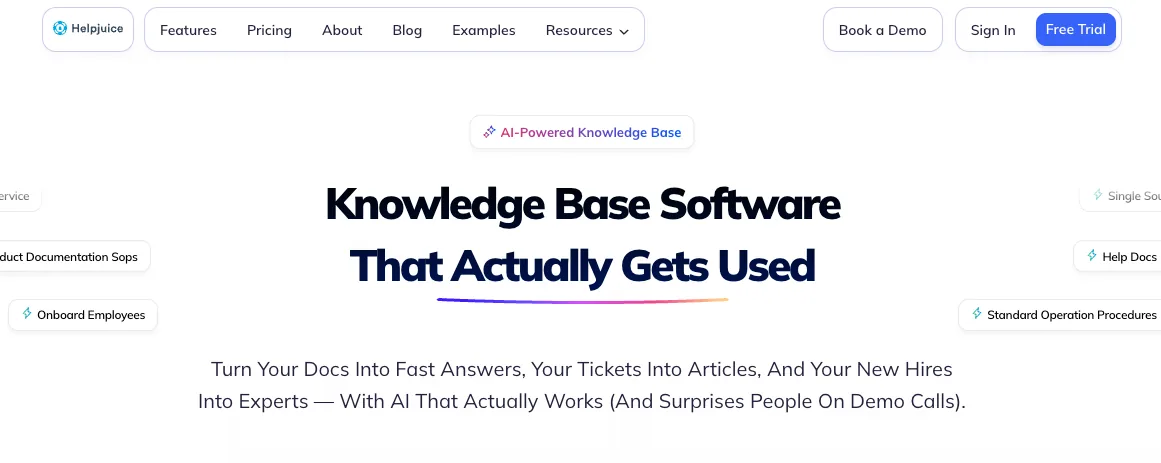
Overview: Helpjuice's strength is search. It supports search across PDFs and images and returns answers quickly, even in a deep library. Helpjuice also styles your help center to your brand through a free design service.
Key advantages:
-
Strong search across a large library, including PDF and image content.
-
Search analytics that flag the queries returning no results, showing which articles are missing.
-
Swifty AI, an on-content chatbot and help widget that answers with citations.
-
A free design service that brands your help center without developer work.
Where it falls short:
-
Helpjuice surfaces the content you're missing, but it won't flag existing articles that have gone stale, so maintenance stays on you.
-
The AI features are available on higher plans, and adopting Helpjuice means migrating off Zendesk Knowledge.
Pricing: Tiered by number of authors. Public pricing starts around $249 per month, with the AI Suite on the higher tiers. A 14-day free trial is available.
Stonly - Best Zendesk Knowledge Base Alternative for Interactive, Step-by-Step Guides
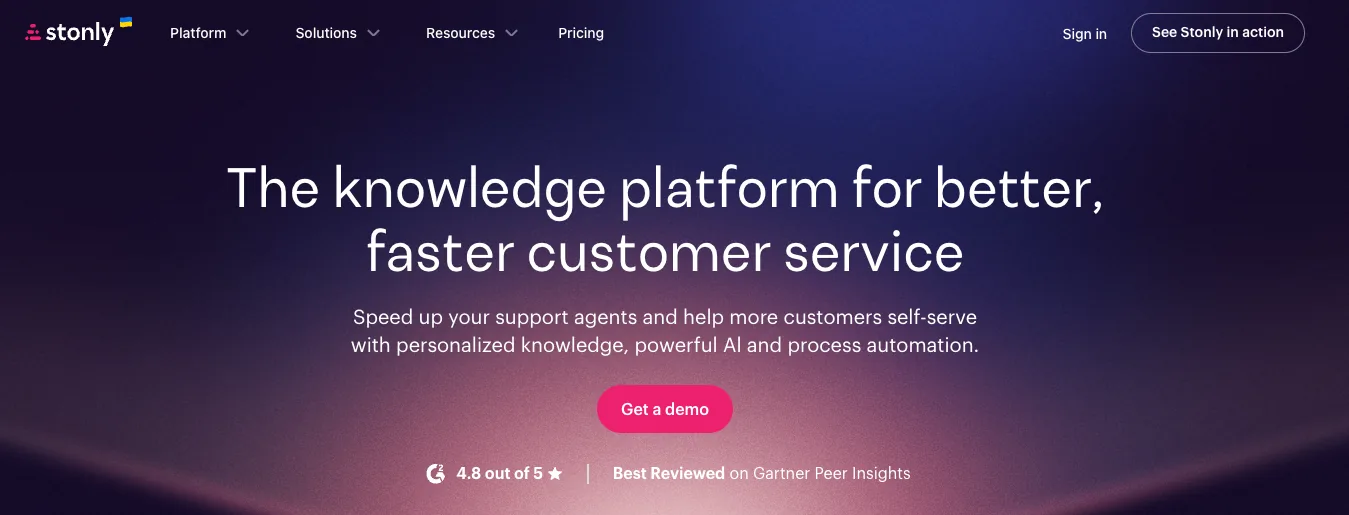
Overview: Where a flat article gives you one long page, Stonly builds step-by-step guides and decision trees that adapt to each answer a customer gives, so a multi-step setup or a troubleshooting flow with ten possible causes becomes a guided path. Agents can run the same flows inside Zendesk, and Stonly layers AI answers and agent assist on top.
Key advantages:
-
Interactive guides and decision trees that branch with each answer a customer gives.
-
The same guided flows are available to agents inside Zendesk.
-
A strong fit for multi-step troubleshooting where the path changes by situation.
Where it falls short:
-
Guides are built by hand, so there's real setup work, though Stonly's newer AI Knowledge Agents now flag stale or missing content and draft updates for review.
-
The format is narrow. It handles branching processes well and does little for the broad library of reference articles that most help centers still need.
Pricing: Stonly offers a free interactive-guide tier. Paid-plan pricing isn't listed on the current pricing page; third-party trackers have cited plans from around $124 per month, so confirm current rates with Stonly. A free trial is available.
GitBook - Best Zendesk Knowledge Base Alternative for Product and Developer Documentation
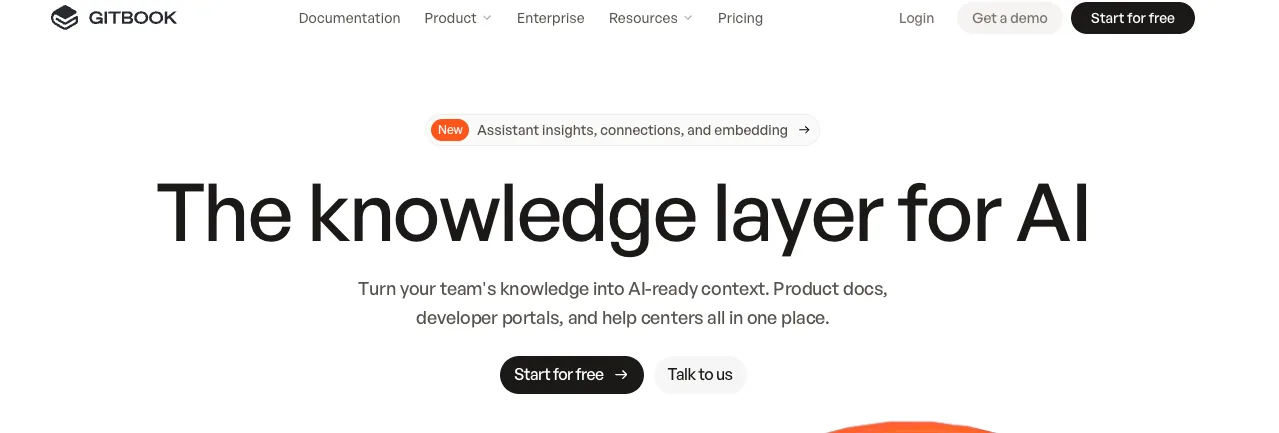
Overview: GitBook is where technical teams publish product docs and API references. It syncs with GitHub and GitLab, uses a clean block editor, and ships public documentation sites, so engineers can maintain docs the same way they manage code. AI writing assists in the editor, with AI Search on the Premium tier and the more advanced AI (Assistant and Agent) on Ultimate. If your knowledge base is really product documentation your engineers own, GitBook fits how they already work.
Key advantages:
-
A Git workflow with GitHub and GitLab sync. Docs are versioned and reviewed like code.
-
Public documentation sites and API references built for technical readers.
-
AI writing in the editor, with AI Search on Premium and more advanced AI (Assistant and Agent) on Ultimate.
Where it falls short:
-
GitBook is a documentation tool, so it does less to deflect support than the help-center-first options here, and it doesn't connect to your ticketing system the way a support knowledge base does.
-
It's overkill if your team isn't technical.
Pricing: Free for a single user. Public pricing shows paid plans billed per documentation site plus per user, with Premium around $65 per site per month plus $12 per user, and Ultimate around $249 per site.
Guru - Best Zendesk Knowledge Base Alternative for Verified Internal Knowledge

Overview: Guru is built around keeping internal knowledge verified. Subject-matter experts are prompted to re-confirm each card on a set schedule, cards past their review date are flagged as unverified, and every change leaves an audit trail. Guru's AI then surfaces those verified answers where agents already work, inside Zendesk, Slack, and Chrome, without a tab switch. Zendesk can also connect Guru as an external knowledge source, so its verified content feeds Zendesk's AI and search directly.
Key advantages:
-
Scheduled verification that prompts owners to re-confirm each card and flags those past their review date.
-
A trust status on every card and an audit trail on every change.
-
Verified answers surfaced inside Zendesk, Slack, and Chrome, where agents already work.
-
Connectable as an external knowledge source for Zendesk's AI and search, not only the sidebar app.
Where it falls short:
-
Guru is built for internal knowledge, so it isn't a public help center, and you'll still need one for customers.
-
The Zendesk integration surfaces information for a person to use; it doesn't resolve tickets on its own.
-
Because it's internal-only, Guru sits alongside your customer help center as a second tool to manage.
Pricing: Per seat. Public pricing shows around $25 per user per month with a roughly 10-seat minimum; enterprise is custom. A free trial is available.
ProProfs Knowledge Base - Best Zendesk Knowledge Base Alternative for Smaller Teams on a Budget
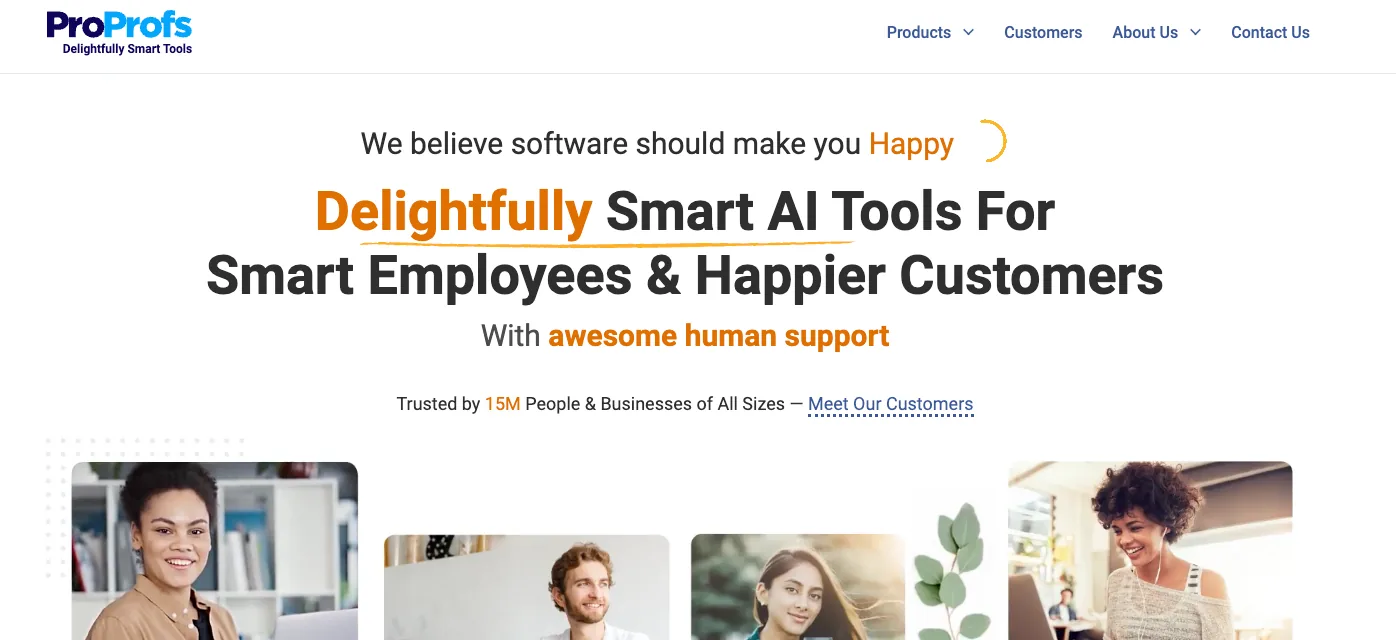
Overview: ProProfs covers the basics well at a lower price. You get AI-assisted authoring, contextual help you can embed in your app, articles for both customers and agents, and multilingual support through translation features. For a small team that wants a clean, searchable help center without paying for features it won't use, ProProfs does the job.
Key advantages:
-
A lower price point aimed at smaller teams.
-
AI-assisted authoring and contextual in-app help via tooltips, popups, and embedded widgets.
-
One library for both customers and agents, with multilingual support through translation features.
Where it falls short:
-
ProProfs is lighter on the deep versioning, review workflows, and analytics that larger libraries need, so it fits better before your content sprawls than after.
-
It's a capable generalist, and it won't match a specialist like Document360 on structure or Helpjuice on search.
Pricing: Public pricing starts around $49 per author per month, with a free plan for up to 25 articles and a 15-day trial.
Side-by-side comparison of the best Zendesk Knowledge Base Alternatives
The tables below list the six criteria that determine most choices, including price.
Capabilities and fit:
| Document360 | Helpjuice | Stonly | GitBook | Guru | ProProfs | |
|---|---|---|---|---|---|---|
| Best for | Structured standalone help center | Search and findability | Interactive, step-by-step guides | Product and developer docs | Verified internal knowledge | Smaller teams on a budget |
| Authoring and structure | Markdown and visual editor, categories, version history | Visual editor, deep customization, free design service | Decision-tree and guide builder | Block editor, GitHub and GitLab sync | Card-based editor | AI-assisted authoring, simple editor |
| Search and findability | Strong | Strong; PDF and image search | In-guide navigation | Good | Strong, surfaced in workflow | Good |
| AI features | Eddy AI search, AI writing, AI chatbot | Swifty AI chatbot, AI Suite on higher plans; gap detection via search analytics | AI answers, agent assist, Knowledge Agents | AI writing; AI Search on Premium+, Assistant/Agent on Ultimate | AI knowledge agents, scheduled verification | AI authoring, AI search |
| Maintenance and review controls | Review reminders and approval workflows (you run them) | Surfaces missing content, no staleness flagging | AI Knowledge Agents flag stale/missing content; guides built by hand | Git-based versioning and review | Scheduled card verification, trust status, audit trail | Basic versioning |
| Zendesk integration | Search and insert articles in a ticket | Search the KB from a ticket | Guided flows and agent assist in a ticket | Limited; built as a docs tool | Surfaces cards in Agent Workspace; also connectable as an external knowledge source | Integrates with Zendesk |
Pricing and logistics:
| Tool | Pricing model | Entry price | Free option or trial | Migration off Guide |
|---|---|---|---|---|
| Document360 | Per project, quote-based | Not public; contact sales | 14-day trial | Yes |
| Helpjuice | Tiered by authors and editors | Public pricing from about $249/month; AI Suite on higher tiers | 14-day trial | Yes |
| Stonly | Tiered, quote-based above entry | Free tier; paid ~$124/mo+ (not fully public) | Trial | Yes |
| GitBook | Per site plus per user | Premium about $65/site/month plus $12/user/month | Free for 1 user | Yes |
| Guru | Per seat, seat minimum | About $25/seat/month, around 10-seat minimum | Free trial | No, runs alongside |
| ProProfs | Per author, tiered | From about $49/author/month | Free up to 25 articles, 15-day trial | Yes |
How to choose the right Zendesk Knowledge Base alternative for you?
Match the tool to the problem in front of you:
-
Structure and review controls, especially to keep content AI-ready: Document360.
-
Search and findability in a deep library: Helpjuice.
-
Complex, branching troubleshooting: Stonly.
-
Product and developer documentation: GitBook.
-
Verified internal knowledge for agents: Guru.
-
A clean help center on a budget: ProProfs.
-
Tickets your knowledge base won't resolve on its own, or weak performance from Zendesk's own AI: an AI agent like Pluno.
Two things to keep in mind before you switch. A knowledge base usually fails in one specific way, so pin that down, whether it's authoring, search, maintenance, or analytics, and don't pay for features aimed at a problem you don't have.
The second point is about a different problem. If your content is already solid and your tickets still aren't dropping, a new help center won't move them. And if the thing letting you down is Zendesk's own AI, weak deflection or Copilot drafts your agents keep rewriting, better articles won't fix Zendesk's AI either.
You need a stronger AI layer, and Pluno is built for that case.
Pluno learns from your past resolved tickets, where the troubleshooting happened, and pulls from connected systems like Jira, Slack, Notion, and your APIs. Deflection AI draws on both to resolve complex tickets that the native agent escalates. AI Copilot regenerates a fresh draft as each new message arrives, where Zendesk's Copilot suggests an opening reply and leans on macros your team maintains. You'd run Pluno in place of Zendesk's native AI, as the one AI layer on top of your help desk.
[Pluno Free Trial CTA]
FAQ
Will a new knowledge base reduce my ticket volume and fix my AI agent's bad answers? Up to a point. Cleaner, better-organized content gives your AI more reliable source material, so its answers improve and more customers self-serve. But an AI agent whose knowledge stops at your help center is limited by what your articles cover, and articles won't cover every complex or account-specific case. For those tickets, the fix is an AI agent that also learns from past tickets and connected systems.
Does switching mean migrating my articles? Usually, yes. Standalone help centers like Document360, Helpjuice, GitBook, and ProProfs mean exporting your content and rebuilding it in a new platform. Guru is the exception, since it sits alongside your help center as an internal layer, so there's nothing to move.
Which alternative is best for AI-ready knowledge? Document360 for customer-facing content and Guru for internal knowledge. Both give your AI the structure, consistency, and freshness it depends on, from opposite ends. Keep the limit in mind: well-structured articles make your AI better, and they don't extend it to tickets the articles were never written for.
Is there a free option? GitBook is free for a single user, and ProProfs is free for up to 25 articles. Most of the others run a trial so you can test before paying.
What about Zendesk's own Knowledge builder and native AI? Knowledge builder generates a fresh help center from your last 90 days of tickets, which helps if you're starting thin, though Zendesk notes it won't improve an existing, well-maintained library. Zendesk has been reworking how its AI is packaged and priced in 2026, including outcome-based pricing for AI resolutions, so check what your current plan includes.