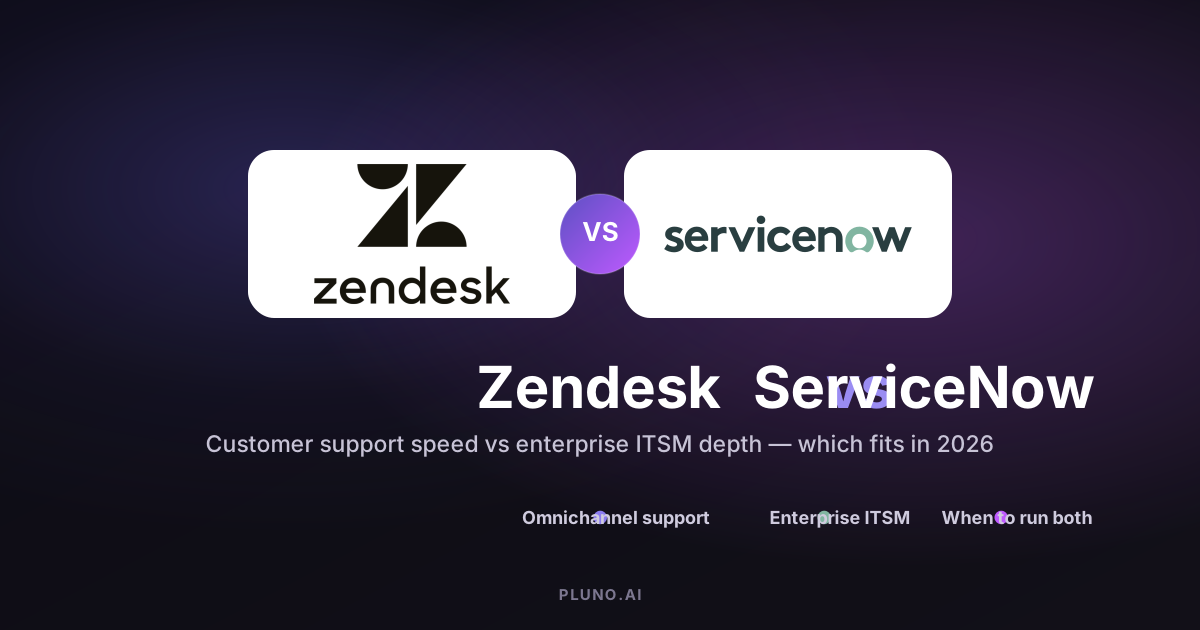
Choosing between Zendesk and ServiceNow affects your support workflow complexity, implementation effort, customization depth, and total cost of ownership. Zendesk is a customer support platform built for fast ticket resolution across multiple channels. ServiceNow is an enterprise workflow platform that includes Customer Service Management capabilities but is designed specifically for IT service management (ITSM), cross-department operations, and governance.
ServiceNow vs Zendesk is not a simple feature-checklist comparison. Zendesk is usually the better fit when the main job is to manage customer requests quickly across channels. ServiceNow is usually the better fit when support work must connect to IT services and enterprise-wide service management. Most mid-sized businesses lean toward Zendesk; large enterprises with complex IT infrastructure often need ServiceNow. This Zendesk vs ServiceNow comparison lays out where each platform wins to help you decide.
Choose Your Path
Use this table as a fast starting point, then read the sections below for the reasoning behind each recommendation.
| Your situation | Recommended path |
|---|---|
| You mainly manage external customer inquiries across email, chat, social, and phone | Choose Zendesk — fast to deploy, user-friendly, omnichannel support |
| You need ITSM governance, CMDB depth, change management, asset management, and cross-department workflows | Choose ServiceNow — enterprise service management with audit trails and process control |
| Support work lives in Zendesk but escalations touch internal IT, HR, and operational workflows | Use both — Zendesk as the customer front door, ServiceNow for internal operations |
| Support tickets need context from product data, CRM, engineering tools, and docs to resolve | Consider an AI support layer — an AI agent that carries context across tools during escalation |
Zendesk vs ServiceNow: Key Differences
In a Zendesk vs ServiceNow evaluation, the core difference comes down to what each platform was built to do.
- Zendesk focuses on customer support — omnichannel ticketing, agent productivity, and fast resolution. It's purpose-built help desk software — a ticketing system for support teams handling customer interactions across email, chat, social, and phone.
- ServiceNow orchestrates enterprise processes — incident management, problem management, change management, asset management, and compliance workflows. It connects support with IT, HR, and operational workflows under one unified platform. (ServiceNow ITSM)
Both Zendesk and ServiceNow can handle support tickets, but they approach them with fundamentally different philosophies. Zendesk treats the ticket as the center of the experience. ServiceNow treats the ticket as one piece of a larger enterprise service system that includes configuration management, service catalogs, service portals, and digital workflows across other business functions.

Platform Purpose and Target Users
Understanding who each platform was designed for will save you months of evaluation time.
Zendesk: Customer Support-First Platform
Zendesk is designed for organizations seeking rapid deployment of customer support solutions. It's built around a simple idea: every customer inquiry — whether it comes through email, chat, social media, or phone — becomes a ticket that agents can track, prioritize, and resolve.
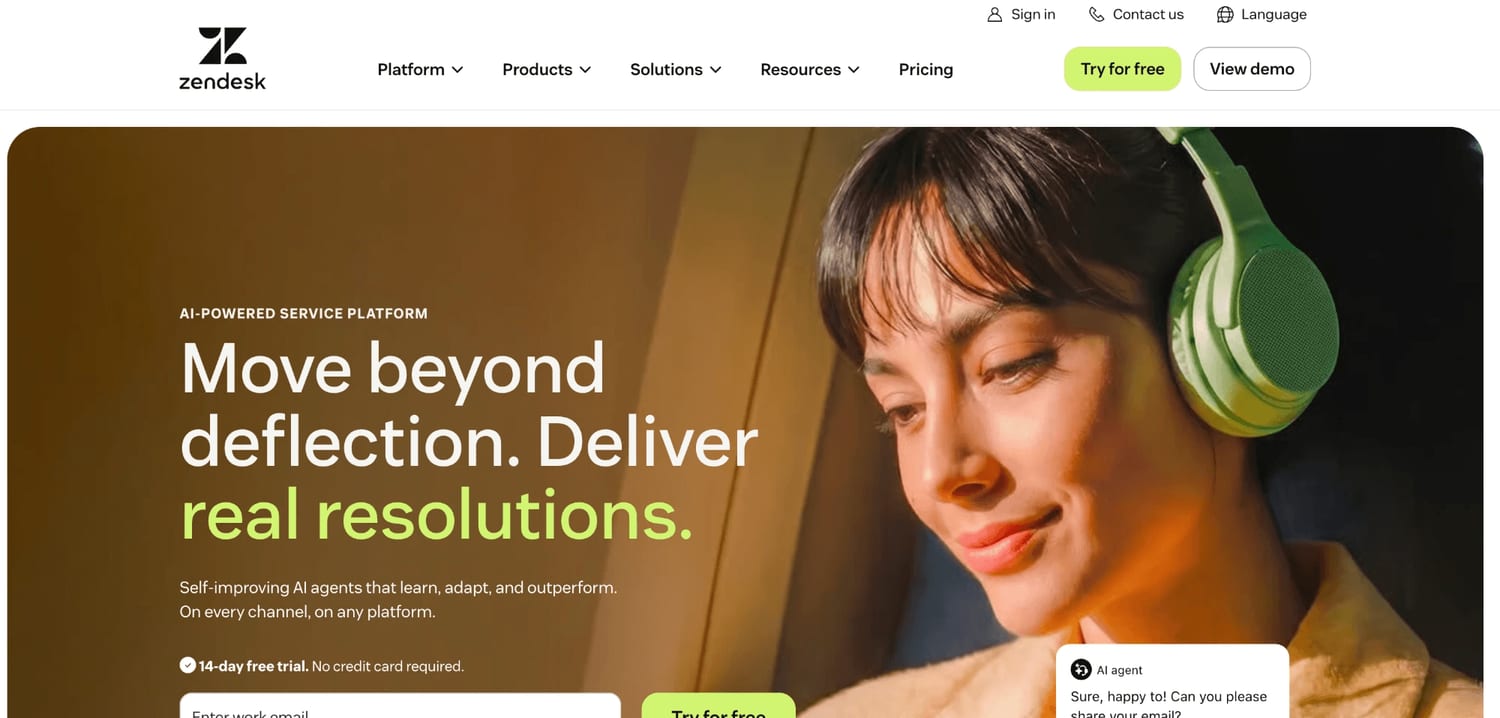
As customer service software, Zendesk offers native omnichannel support across multiple channels, and the platform emphasizes metrics that improve customer satisfaction, like CSAT and first-response time. It integrates well with sales, marketing, and CRM tools rather than enterprise infrastructure. Zendesk scales well for support organizations of various sizes, from a 10-person ecommerce team to operations with thousands of agents.
Zendesk is not a full ITSM tool, but it is ITIL-aligned — meaning it can support basic IT service desk and employee service workflows without the depth of a dedicated ITSM solution.
ServiceNow: Enterprise ITSM and Operations
ServiceNow is an enterprise platform built for IT departments managing infrastructure, assets, and compliance. Its core modules cover incident management, problem management, request management, and a full Configuration Management Database (CMDB) with service dependency mapping. (ServiceNow ITSM)
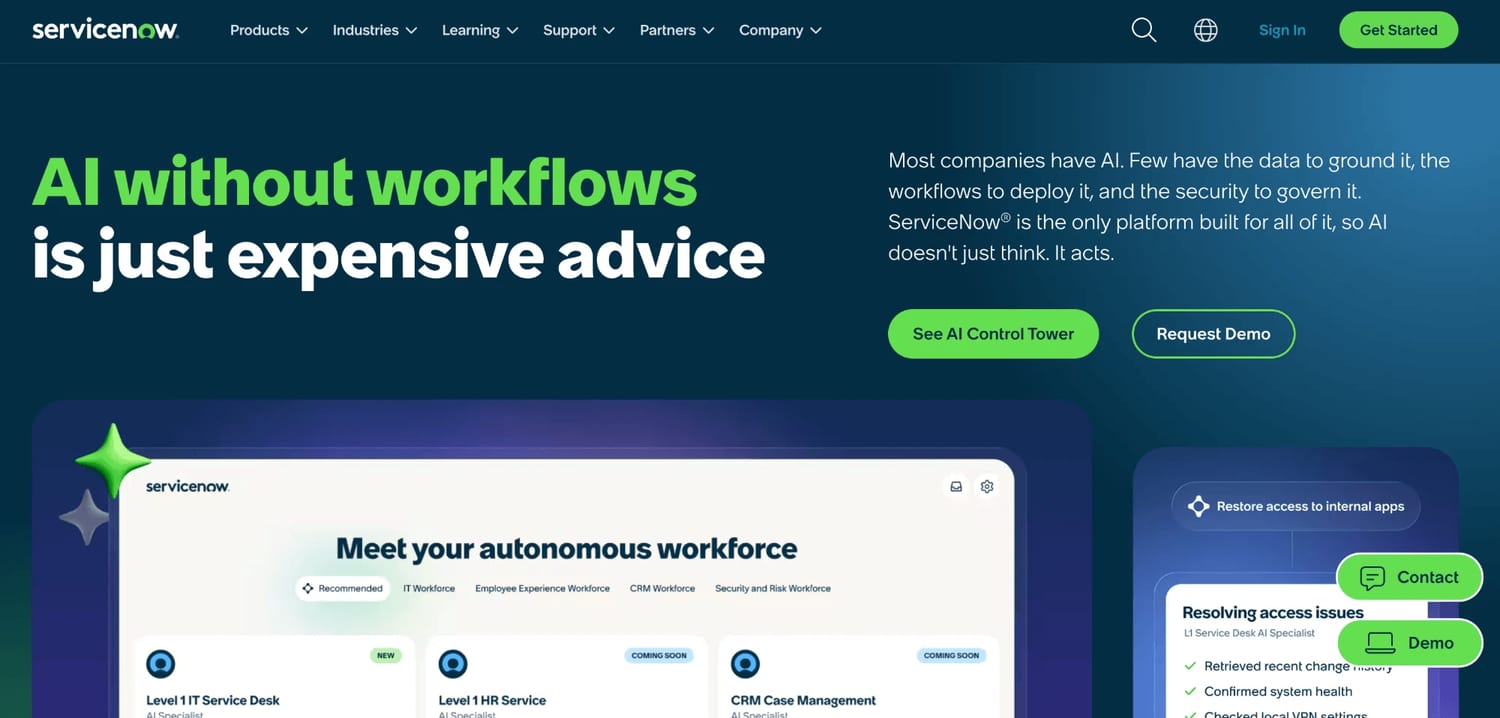
ServiceNow is suited for organizations pursuing enterprise-wide digital operations. Beyond IT, it extends into HR service delivery and employee service, security operations, facilities management, and operations management. ServiceNow is often chosen by large enterprises needing extensive workflow automation that spans multiple departments and teams. The ServiceNow Customer Service Management module adds case management, agent workspace, self-service, and knowledge management, with predictive intelligence for external support teams. (ServiceNow CSM)
Where Zendesk treats a ticket as the end goal, ServiceNow treats it as one node in a network of business processes, assets, and dependencies. For enterprises that need governance, CMDB depth, change control and asset tracking, audit trails, and cross-department workflow design as hard requirements, ServiceNow is usually the more comprehensive solution and the stronger platform for IT services at scale.
Implementation and Ease of Use
This is where the two platforms diverge sharply — and where many buying decisions are actually made.
Zendesk Implementation
Zendesk is usually faster to start for customer service teams because the product is built around ticketing, channels, knowledge base, routing, and agent workspace. Most support teams can set up their ticketing workflows, knowledge base, self-service portals, and routing rules without needing external consultants or a dedicated IT team.
Zendesk requires minimal training for new agents. The interface is intuitive and user-friendly, which means agent adoption happens quickly — most agents can start handling tickets within hours of onboarding.
For teams that need to be operational fast and can't afford a long implementation effort, this speed matters.
ServiceNow Implementation
ServiceNow usually requires a more formal implementation because teams must model workflows, roles, approvals, service data, and often CMDB relationships. A mature deployment involves defining schemas for incident and change workflows, configuring approval chains and business rules, and training staff across multiple modules. Avoid treating this as a universal timeline — the real implementation effort depends on scope.
ServiceNow requires several days of training for proficiency. The interface is complex and requires technical expertise — not just for administrators, but often for the agents and process owners using it daily. ServiceNow generally requires specialized expertise for configuration and administration, and many organizations bring in professional services or system integrators.
The steep learning curve is real. Mistakes in early design decisions — especially around CMDB structure — create downstream problems that are expensive to fix.
Customization and Automation Capabilities
Both platforms offer strong automation capabilities, but they're designed for different kinds of work.
Zendesk Automation
Zendesk's automation includes multiple routing options and drag-and-drop tools. Support teams can set up triggers, macros, SLA policies, skills-based routing, and automated workflows without writing code. Most of this configuration is manageable by a support operations lead rather than a developer.
On the AI side, Zendesk powers features like automatic ticket classification, suggested responses, and AI agents that can handle resolution autonomously. Zendesk uses outcome-based AI resolution pricing — AI agent usage is billed through automated resolutions, so you pay only when the AI successfully resolves an issue, which gives teams more predictable AI spend. (Zendesk automated resolutions)
Where Zendesk hits its ceiling: the data model is flat (ticket-centric), so modeling infrastructure dependencies, complex change approval chains, or cross-system impact analysis isn't practical within Zendesk alone.
ServiceNow Automation
ServiceNow allows users to create AI-powered workflows and automations that span incident management, change control, asset tracking, and cross-department processes. Its Flow Designer and App Engine let teams build entirely new applications on the platform, and business rules govern how records behave across modules.
ServiceNow emphasizes AI for enterprise operations such as workflow automation, predictive intelligence, and machine learning-powered anomaly detection. Its Now Assist capabilities embed AI across modules for tasks like auto-classification and knowledge suggestions, adding to the platform's predictive analytics, performance analytics, and advanced analytics capabilities. These are among its key features for large operations.
However, ServiceNow's automation requires significant technical expertise for setup. The power is enormous — you can automate entire enterprise processes and complex workflows — but the configuration investment is proportionally large.
Integration and Ecosystem
The integration capabilities of each platform reflect their different philosophies.
Zendesk Integrations
Zendesk offers over 1,800 pre-built apps and open APIs for customization. The marketplace covers CRM systems, communication tools, ecommerce platforms, analytics tools, and project management software. Most integrations can be installed and configured directly from the Zendesk admin panel.
Zendesk has also adopted the Model Context Protocol (MCP), which allows external AI systems to connect to Zendesk and share context — an important step for teams building AI-powered customer support workflows that span multiple tools.
For teams that need to integrate Zendesk with third-party tools like Jira, Salesforce, Slack, or Stripe, the ecosystem is mature and well-documented. Some advanced integrations may require higher-tier subscription plans.
ServiceNow Integrations
ServiceNow's integration strengths lie in enterprise back-end systems: ERP, infrastructure monitoring, identity management, HR platforms, and security tools. Its Integration Hub provides connections to major enterprise applications, and the platform is designed to be a single system of record for enterprise operations — including scenarios like order management and asset tracking that touch multiple departments.
The CMDB and service mapping capabilities are central to how ServiceNow handles integrations — they model how services, assets, and configuration items relate to each other across the organization, which is often what teams migrating from legacy platforms are trying to achieve.
The tradeoff: complex integrations often require middleware, custom connector development, or professional services. Integration with third-party tools like Microsoft Teams, Slack, or external monitoring platforms is possible but typically demands more implementation costs than Zendesk's plug-and-play approach.
Pricing and Total Cost of Ownership
In a Zendesk vs ServiceNow cost comparison, pricing is where many teams get surprised, especially with ServiceNow.
Zendesk publishes transparent pricing with clear, seat-based per-agent tiers: (Zendesk pricing)
| Plan | Price (per agent/month, annual billing) |
|---|---|
| Support Team | $19 |
| Suite Team | $55 |
| Suite Professional | $115 |
| Suite Enterprise + Copilot | Custom (Talk to Sales) |
Zendesk pricing starts at $19/user/month. Copilot is listed as a $50 per-agent monthly add-on, the Workforce Engagement Bundle at $50 per agent monthly, and Contact Center at $83 per agent monthly, while AI agent usage is billed through automated resolutions. Voice and certain usage-based features are billed separately, so budget for the add-ons your team actually needs. (Zendesk Suite plan types)
ServiceNow pricing is custom-quoted and not publicly available. Because licensing is negotiated per organization, buyers should budget beyond licenses for implementation, training, administration, integrations, and long-term platform ownership. Keep in mind that Zendesk can also become costly once AI, workforce engagement, quality assurance, voice, and enterprise features are added, so model the full stack for either platform.
The bottom line: Zendesk's flexible pricing is easier to budget because the base numbers are public. ServiceNow's total cost is typically higher and less predictable up front, so the license quote is only the starting point — implementation, administration, training, and integration maintenance all add to it.
Honest Off-Ramps: When Neither Default Is Right
Not every buyer lands cleanly on Zendesk or ServiceNow.
- Choose ServiceNow without Zendesk if your support work is mainly internal IT and employee service. When the primary users are employees raising IT, HR, or facilities requests, ServiceNow can cover both the service desk and the enterprise workflows without a separate support tool.
- Evaluate Jira Service Management or Freshservice if you want ITSM solutions but not ServiceNow's scale. Jira Service Management fits teams already in the Atlassian ecosystem, and both are lighter-weight ITSM solutions than ServiceNow. If you need incident and change management without a large implementation, these are reasonable alternatives to weigh — though for external support at high volume, Zendesk still tends to fit better than Jira Service Management.
This is a comparison guide, not an alternatives roundup — but it's worth knowing that Jira Service Management and similar ITSM solutions exist before committing to a platform this significant.
Use Case Scenarios
Matching the right platform to your actual workflows matters more than feature checklists.
When to Choose Zendesk
- Customer support-focused teams: If your primary goal is handling customer inquiries across email, chat, social, and phone — and measuring customer satisfaction — Zendesk is the more practical fit.
- Fast deployment needs: Teams that need to be operational in weeks, not months, and can't dedicate heavy IT resources to implementation.
- Mid-sized businesses and scaling startups: Organizations where support is the core use case and you don't need CMDB, governance, or complex compliance workflows.
- High-volume omnichannel support: Zendesk provides intuitive ticketing and agent tools for customer support. Teams handling hundreds or thousands of daily customer interactions across various channels benefit from Zendesk's agent workspace and self-service capabilities.
- AI-first support teams: Zendesk's AI agents and outcome-based resolution pricing give teams a way to test AI-powered customer support with controllable costs.
Zendesk allows agents to manage tickets efficiently with minimal training — which matters when you're hiring fast or have seasonal support surges.
When to Choose ServiceNow
- Large enterprises with IT governance requirements: Organizations needing strict incident management, problem management, and audit trail enforcement.
- Cross-department operations: Companies where IT services, HR, security, and facilities all need to share workflows and data under one enterprise platform.
- Regulated industries: Government, financial services, or healthcare organizations needing compliance reporting, data isolation, service catalogs, and process enforcement at scale.
- Infrastructure-dependent support: When support tickets need to map to configuration items, service dependencies, and asset management records to be useful.
- Enterprise-wide service management: ServiceNow is designed to be more than a service desk — it's a comprehensive solution for managing business processes across an entire organization.
ServiceNow connects support with IT, HR, and operational workflows, making it the right choice when customer workflows are part of a larger enterprise process chain.
The Hybrid Approach
A Zendesk vs ServiceNow decision doesn't have to be either/or — many organizations use both Zendesk and ServiceNow. Zendesk serves as the front door for customer interactions — fast, omnichannel, agent-friendly — while ServiceNow manages internal IT operations, change control, and compliance. When a support ticket needs escalation into internal systems (a bug needs engineering triage, a security incident needs SecOps), an integration layer bridges Zendesk and ServiceNow.

This is where an AI layer like Pluno fits — on the Zendesk side of the setup. Pluno runs directly inside Zendesk and learns from your past resolved tickets, so it resolves the complex, multi-step tickets that knowledge-base bots escalate — pulling in context from ticket history, product data, and documentation instead of relying on help-center articles alone. When a case genuinely needs engineering or another team, it escalates with full context into Jira or Slack and syncs updates back, so nothing gets lost between systems. It isn't a replacement for ServiceNow's ITSM governance, and teams with simple FAQ-style support or a purely internal IT problem may not need an extra AI layer — native automation and a solid knowledge base handle a lot.
Zendesk vs ServiceNow: Which Should You Choose?
Choose Zendesk if you want fast customer support implementation, a user-friendly interface, and a platform focused on customer satisfaction metrics and omnichannel support. Zendesk is designed for organizations seeking rapid deployment of customer support solutions, and it fits teams whose primary job is managing customer requests.
Choose ServiceNow if you need enterprise IT service management capabilities, complex workflow automation across departments, and integration with IT services, IT operations, asset management, and compliance processes. ServiceNow is the stronger choice for large enterprises pursuing enterprise-wide digital operations with strict governance.
Consider running Zendesk and ServiceNow together where Zendesk handles external customer support and ServiceNow manages internal IT operations. For teams comparing Zendesk vs Intercom or evaluating other ITSM solutions — including Jira Service Management — alongside these two, the deciding factor is usually scope: are you solving for customer support speed, or for enterprise process optimization?
And for teams whose support workflows span both worlds — where a customer issue touches product data, engineering systems, internal documentation, and multiple tools — evaluate whether an AI support layer can bridge those gaps without requiring you to consolidate everything onto a single platform.
Zendesk vs ServiceNow FAQ
What is the difference between Zendesk and ServiceNow?
Zendesk is a customer support platform built for fast, omnichannel ticket resolution. ServiceNow is an enterprise workflow platform designed for IT service management, with CMDB, change management, and cross-department operations. In short, ServiceNow vs Zendesk comes down to enterprise process depth versus customer support speed.
Is ServiceNow a CRM or an ITSM platform?
ServiceNow is primarily an ITSM and enterprise service management platform, not a CRM. It does offer a Customer Service Management module, but its foundation is IT and cross-department workflow automation rather than sales and marketing relationship management.
Can Zendesk be used for ITSM?
Zendesk is ITIL-aligned and can support basic IT service desk and employee service workflows, but it is not a full ITSM tool. For deep ITSM solutions — CMDB and asset management at scale — ServiceNow, Jira Service Management, or Freshservice are better suited.
Can companies use Zendesk and ServiceNow together?
Yes. A common pattern is Zendesk for external customer support and ServiceNow for internal IT operations, with an integration layer connecting the two so escalations carry context between them.
Which is better for external customer support?
Zendesk. Its omnichannel support, agent tooling, AI agents, and fast deployment make it the stronger choice for customer-facing teams.
Which is better for internal IT service management?
ServiceNow. Its incident, problem, and change management, CMDB, service portals, and governance features make it the stronger choice for internal IT and employee service at enterprise scale.