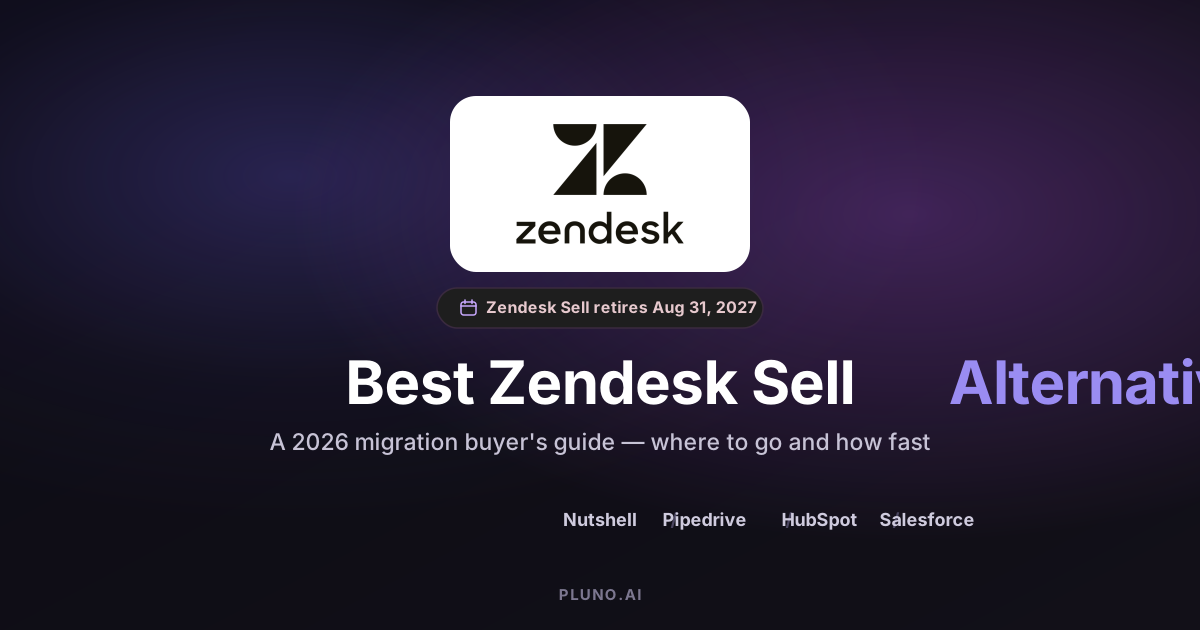
Zendesk Sell will be retired on August 31, 2027, and all Zendesk Sell data will be deleted after that date. So the real question is not whether to switch, but where to go and how fast. The strongest alternatives are Nutshell, Pipedrive, HubSpot Sales Hub, and Salesforce Sales Cloud. The right pick depends on your team size, budget, and how tightly sales connects to support.
TL;DR: verdict by decision path
You have less runway than the 2027 date suggests once you factor in cleanup, test imports, and retraining. Two decisions follow.
Path A - replace the CRM (almost everyone). Choose by team profile. Nutshell is the closest drop-in and fastest migration, and it keeps your Zendesk Support link. Pipedrive is Zendesk's official migration partner and best for clean visual pipelines. HubSpot Sales Hub suits teams unifying sales and marketing. Salesforce Sales Cloud suits enterprises with admin resources.
Path B - fix the layer a CRM was never solving (only some teams). If the pain you blamed on Sell was complex support context never reaching sales reps, swapping CRMs will not fix it. That is an optional AI and context-layer decision.
What you are actually replacing
First, credit where it is due. Zendesk Sell was a clean, lightweight sales CRM. It handled leads, contacts, deals, and basic sales forecasting, and it sat beside Zendesk Support so sales and support teams shared one customer record. That kept customer relationships and customer interactions visible to both sides.
Zendesk announced the retirement on September 9, 2025. Sell works normally until August 31, 2027, but after that the servers shut down and the data is deleted under Zendesk's policy. Zendesk is refocusing on its core support platform.
Here is the reframe. Most teams read "alternatives" as "find another CRM," which is right for a pipeline tool. But some Sell users were never frustrated by the pipeline; they were frustrated that support tickets and customer data never reached deals without manual data entry. That is a context-layer problem, not a CRM problem, and it splits the decision in two.
So the decision forks. Path A is replacing the CRM for contacts, deals, and forecasting, which most of this guide covers. Path B is fixing the support-sales context layer a CRM never touched, an optional decision covered later.

The alternatives fall into two shapes: sales-focused CRMs like Pipedrive and Nutshell that stay close to Sell's simplicity, and comprehensive platforms like HubSpot and Salesforce that bundle marketing and support into heavier ecosystems. Both are mature CRM systems, so your choice is about fit, not raw capability.
How to evaluate a Zendesk Sell alternative
Use the same evaluation criteria for every option, in order, so you compare like for like against your business needs.
Migration ease. Does it have a real Zendesk Sell migration path, or just a generic CSV import? This is your top priority.
Pricing transparency. Look past the sticker price. Onboarding fees, seat types, and storage caps decide the true cost, and hidden fees can turn an affordable price into an expensive one. Check for per-seat pricing and required annual billing.
Feature parity with Sell. Pipeline management, custom fields, sales forecasting, and email integration should survive the move, so weigh each tool's integration capabilities.
Integration and reporting. Native Gmail and Outlook sync, customizable dashboards to identify trends across your customer data, and, if you keep Zendesk Support, a native link that shares one customer record.
The alternatives, one by one
Each option uses the same template, and every CRM below is a Path A choice.
Nutshell (Path A)
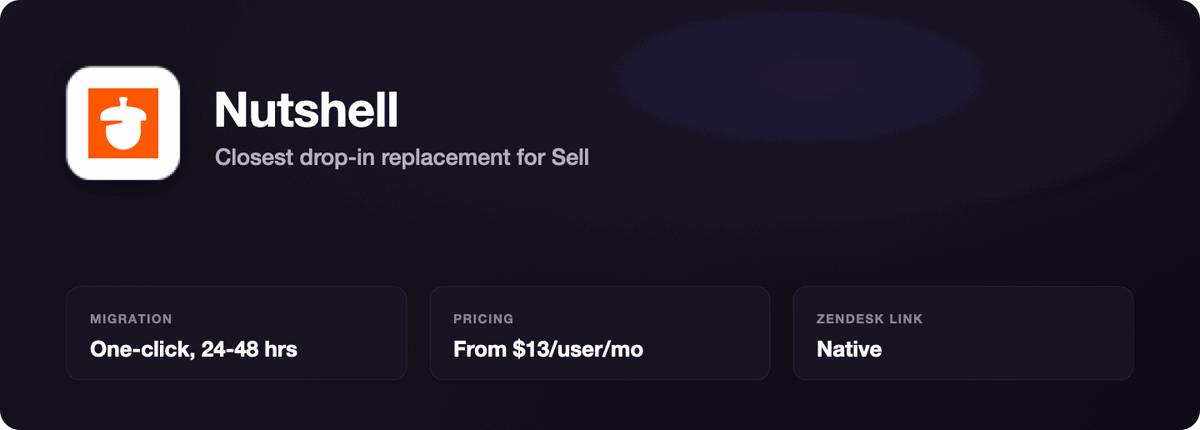
What it is. An affordable sales CRM for small and mid-market teams, positioned as the closest drop-in replacement for Sell's look and feel.
Where it wins. Nutshell has a native Zendesk Support integration, so your sales team sees ticket status and customer conversations in the CRM. It ships one-click migration, free white-glove import, and multiple pipeline views (board, list, map, chart) that mirror Sell. Every plan includes unlimited contacts and storage, so your bill does not climb with your data.
Where it falls short. It is not built for deep enterprise customization or complex sales processes, and very large orgs outgrow its reporting depth.
Pricing. Foundation starts at $13/user/month (annual), rising through Growth $25, Pro $42, Business $59, and Enterprise $79. The hook worth knowing: Nutshell gives Zendesk Sell users an 80% discount for six months, the most generous migration offer among the alternatives. Its official page says most teams are up and running within 24–48 hours, with larger imports finished over a few business days.
Best for. Small and mid-market teams (5–50 users) that want the fastest migration and the sales-support connection preserved.
Not for. Enterprises needing custom objects or heavy admin control.
Pipedrive (Path A)
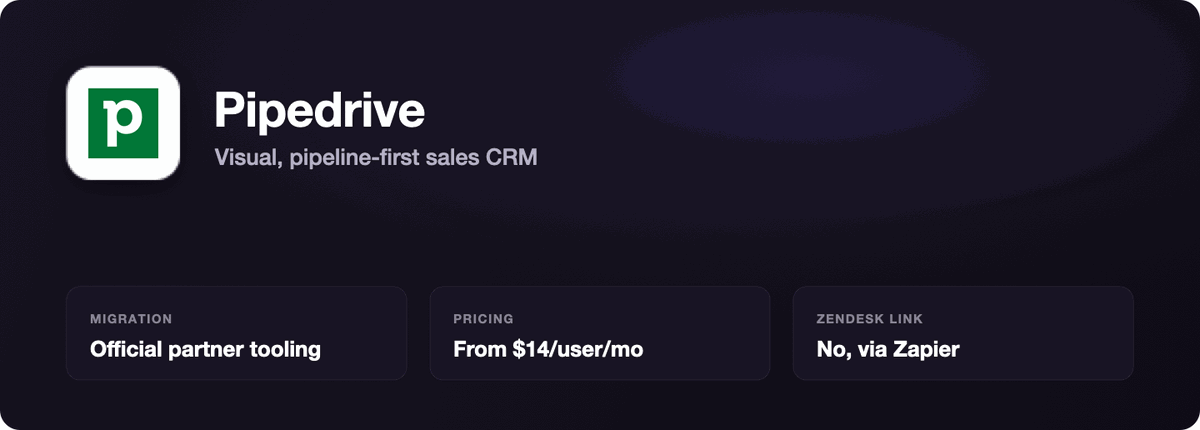
What it is. A visual, pipeline-first sales CRM, and Zendesk's officially recommended migration partner.
Where it wins. Pipedrive is built around drag-and-drop deal pipelines, so a team that lived in Sell's pipeline view will feel at home fast. As the official partner, it maps Sell's leads, contacts, deals, and activities to Pipedrive's equivalents, and onboarding is quick. If you already connect the two products, our Zendesk-Pipedrive integration guide covers the setup.
Where it falls short. There is no native support platform, so if sales and support must share context you will lean on Zapier or manual work. There is no free plan.
Pricing. Lite $14/user/month, Growth $39, Premium $59, Ultimate $79 (annual). Higher tiers unlock automation, two-way email sync, forecasting, and custom fields.
Best for. Sales teams wanting pipeline visibility and a straightforward process.
Not for. Teams that need tight sales-support coordination out of the box.
HubSpot Sales Hub (Path A)
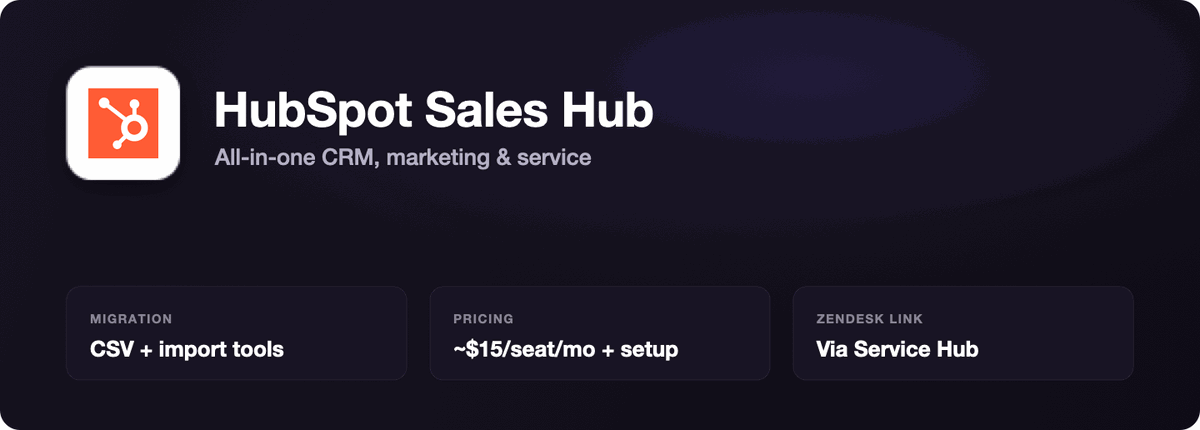
What it is. The sales module of an all-in-one platform spanning CRM, marketing, and service.
Where it wins. HubSpot's free tier covers core contact and deal tracking, so you can start with no commitment. Sales Hub adds workflow automation, sequences, predictive lead scoring, and customizable dashboards, captures leads through web forms, and connects sales to marketing tools and service data. It scales as you grow into one ecosystem.
Where it falls short. Costs climb quickly. HubSpot uses seat types: view-only seats are free, but everyone who edits CRM data needs a paid seat. Professional carries a mandatory $1,500 onboarding fee (Enterprise, $3,500), and AI features draw on a credits system that can exceed the advertised price.
Pricing. Sales Hub Starter is about $15/seat/month annually (around $20 monthly), Professional about $90/seat annually (around $100 monthly) plus the $1,500 onboarding. Adding HubSpot Service Hub means paying for a second product (see our Zendesk vs HubSpot comparison for how it stacks up against Zendesk Support), though it bundles a shared inbox, multichannel ticketing, and a knowledge base, plus self service portals and in app messaging.
Best for. Growing businesses that want sales, marketing, and service on one platform.
Not for. Small teams that need only a pipeline and want to skip onboarding fees.
Salesforce Sales Cloud (Path A)
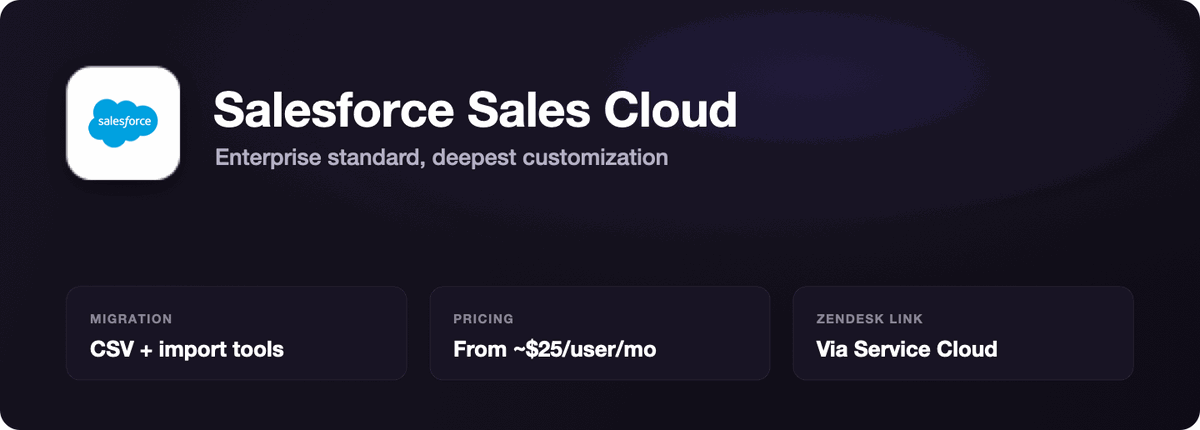
What it is. The enterprise standard for sales, offering the deepest customization in the category.
Where it wins. Salesforce offers advanced customization for large enterprises: custom objects, advanced permissions, territory management, and reporting that identifies trends across large datasets. Paired with Salesforce Service Cloud, it shares a record across sales and service. Teams keeping Zendesk on the support side can review our Zendesk-Salesforce integration guide before committing.
Where it falls short. Setup complexity is high, the steep learning curve is real, and administration needs specialist staff. Salesforce raised prices about 6% across Enterprise and Unlimited in August 2025, and add-ons for AI, CPQ, and Data Cloud push costs back up.
Pricing. Starter Suite about $25/user/month, Pro Suite about $100, Enterprise about $175, Unlimited about $350, and Agentforce 1 Sales about $550. Salesforce users typically negotiate off list, but budget for admin overhead, not just seats.
Best for. Large enterprises with complex processes and dedicated admin resources.
Not for. Small and mid-market teams that want to be live in weeks without a specialist.
Short takes: other options worth a look (Path A)
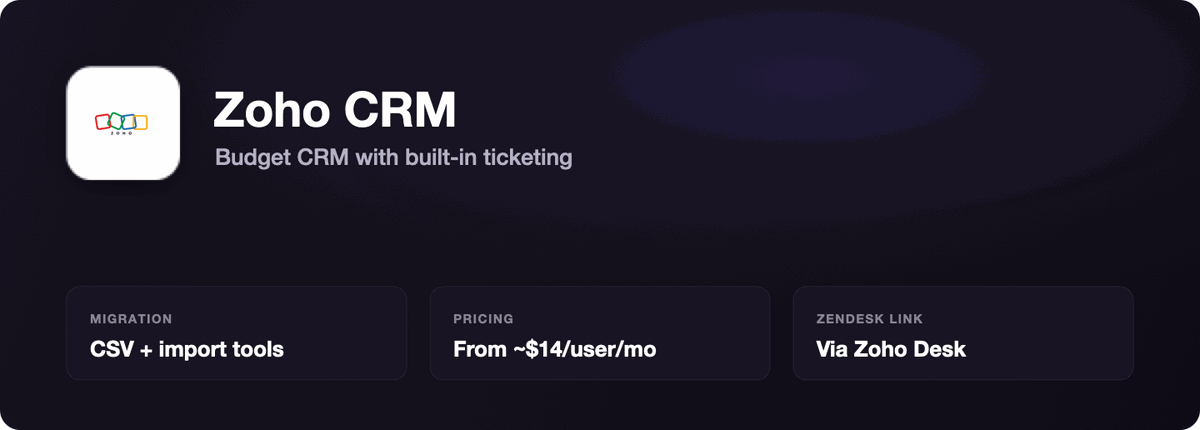
Zoho CRM is budget-friendly and robust for various business needs (from about $14/user/month), and pairs with Zoho Desk, its customer support software, for CRM, ticketing, and multichannel support without enterprise pricing. Good for small businesses.
Copper CRM integrates directly into Google Workspace apps, ideal if your team runs on Gmail and Google Calendar.
Freshsales features built-in Freddy AI for lead scoring, with a free plan for up to 3 users, if AI features rank high for you.
Salesmate is tailored for teams that rely on integrated telephony and SMS.
Head-to-head comparison table
The Path column tags each row to a decision.
| Option | Path | Target user | Migration from Sell | Native Zendesk Support link | Starting price (annual) | Best fit |
|---|---|---|---|---|---|---|
| Nutshell | A | Small / mid-market | One-click + white-glove, 24–48 hrs | Yes (native) | $13/user/mo | Fastest switch, keep support link |
| Pipedrive | A | Sales-focused teams | Official partner tooling | No (Zapier/third-party) | $14/user/mo | Visual pipeline, simple process |
| HubSpot Sales Hub | A | Growing businesses | CSV + import tools | Via Service Hub (extra) | ~$15/seat/mo | Sales + marketing on one platform |
| Salesforce Sales Cloud | A | Large enterprises | CSV + import tools | Via Service Cloud (extra) | ~$25/user/mo | Deep customization at scale |
| Zoho CRM | A | Small businesses | CSV + import tools | Via Zoho Desk | ~$14/user/mo | Budget CRM + ticketing |
| AI support agent (e.g., Pluno) | B | Complex-support teams | Not a CRM; adds context layer | Runs inside Zendesk Support | Not a CRM replacement | Complex support-sales handoffs |
The last row is deliberately different: an AI support agent is not a Zendesk Sell alternative and will not manage your pipeline. It belongs to Path B.
Pricing comparison
CRM pricing varies dramatically, and list price is only part of it. Onboarding fees, seat types, and AI charges decide the real cost.
| Platform | Entry (annual) | Mid-tier (annual) | Watch out for |
|---|---|---|---|
| Nutshell | $13/user/mo | $25–$42/user/mo | Little to watch; unlimited contacts and storage on all plans |
| Pipedrive | $14/user/mo (Lite) | $39–$59/user/mo | No free plan; automation and 2-way email are on higher tiers |
| HubSpot Sales Hub | ~$15/seat/mo | ~$90/seat/mo (Pro) | $1,500 Pro onboarding; paid seats to edit; AI credits |
| Salesforce Sales Cloud | ~$25/user/mo | ~$175/user/mo (Ent.) | Admin staff, add-ons (AI, CPQ, Data Cloud), annual price rises |
Two commercial mechanics matter most for Sell migrants. Nutshell's 80% discount for six months makes the first half-year unusually cheap, while HubSpot's onboarding fees and seat types mean the advertised entry price rarely reflects what a real team pays. All four bill per seat on annual billing, and none offer unlimited users, so model your real headcount first.
Migration and setup comparison
Most migrations from Zendesk Sell typically take 2–4 weeks for mid-complexity setups, and cleanup often takes longer than the transfer.
Nutshell and Pipedrive have purpose-built paths. Nutshell's one-click migration plus white-glove import gets most teams live within 24–48 hours, per its official page. Pipedrive, as the official partner, provides documented tooling to map Sell's entities cleanly, though custom fields still need attention.
Know what will not export. Per Zendesk, exports cover Leads, Contacts, Deals, Notes, Tasks, smart lists, full account data, and the Total Sales report. Activity history, appointments, emails, call logs, and documents cannot be exported, so preserve those separately.
HubSpot and Salesforce rely on CSV exports and standard import tools. Expect more manual mapping and field-type mismatches, since Sell picklists may not map directly.
A safe backup strategy. Export everything now, keep raw archives, and run a test import before committing, since Zendesk Sell data is permanently deleted after August 31, 2027. For heavy custom objects or large attachments, plan for 1–3 months.
The support-sales layer: where an AI agent fits (Path B)
This section is only for teams whose real problem was never the pipeline. If not, skip ahead.
Many Sell users picked it because it sat beside Zendesk Support and shared one customer record. A native integration (Nutshell) or a bundled suite (HubSpot, Salesforce) restores most of that for standard cases, keeping sales and service teams aligned on customer relationships across multichannel support.
The harder cases are complex support-sales handoffs. Most AI support tools and basic help desk features rely on help center or knowledge base content, which covers simple FAQs but misses what lives in past tickets, Slack, and internal systems. That is the lane an AI support agent like Pluno works in, running inside Zendesk Support and escalating to Jira or Slack with full history when needed. On those customer interactions it delivers a more personalized experience than a scripted flow.
Where Pluno fits. Teams that keep Zendesk Support and handle technical or high-context tickets: billing disputes, bug reports, and customer issues where the answer depends on past tickets, internal docs, Jira, Slack, or product data. This matches its positioning as an AI support agent for complex products, typically B2B SaaS with a technical product.
Where Pluno is not the right fit. It is not a CRM and will not manage deals, forecasts, or pipelines, so it is never a Zendesk Sell replacement. It is also unnecessary if your handoff is a simple Slack message, if your tickets are mostly basic FAQs, if you are leaving Zendesk Support, or if you lack the historical ticket data it learns from.
That doubles as the honest off-ramp, with no counter-pitch: if any of those describe you, a native integration or a basic Zapier setup is plenty. Most teams stay entirely in Path A.
Which Zendesk Sell alternative should you choose
The best Zendesk Sell alternative depends on team size, budget, and how tightly sales connects to service teams. When you compare Zendesk alternatives, weigh migration speed first; the best alternatives for you fit your workflow, not the biggest names.
Choose Nutshell (Path A) if you want the fastest migration and the closest experience to Sell, with the native Zendesk Support link preserved and 80% off for six months.
Choose Pipedrive (Path A) if pipeline visibility is your priority and your process is straightforward; the official-partner data path is well documented.
Choose HubSpot Sales Hub (Path A) if you want to unify sales, marketing, and service on a single platform, with growth plans that scale as you expand, and can budget for onboarding fees and paid seats.
Choose Salesforce Sales Cloud (Path A) if you need an alternative CRM with deep customization, dedicated admin resources, and budget for setup.
Honest off-ramp 1. If you only need a pipeline and a shared support view, do not buy a big platform; a focused CRM like Nutshell or Pipedrive beats HubSpot or Salesforce on cost and speed.
Honest off-ramp 2. If your handoff is simple, ignore Path B; the CRM's native integration is enough. It is only worth it when your team handles complex escalation workflows that pull context from many systems.
Final verdict by path
There is no single universal winner; the paths answer different questions.
Path A verdict. For most Sell users, Nutshell and Pipedrive are the two strongest, same-tier picks. Step up to HubSpot for a unified platform, or Salesforce for enterprise depth. Whatever you pick, run a test migration before August 2027.
Path B verdict. Optional, and only worth it for teams with complex, multi-system support-sales handoffs. If that is you, an AI support agent such as Pluno adds a context layer no rule-based integration can.
Migrating off Zendesk Sell is a decision, not a purchase. If you are on Path A, shortlist Nutshell and Pipedrive first, then test-import a sample before you commit. If you might be on Path B, check whether your complex tickets need cross-system context before adding a layer.
FAQ
Is Zendesk Sell really being discontinued?
Yes. Zendesk announced on September 9, 2025 that Zendesk Sell retires on August 31, 2027. Sell works normally until then, but data is deleted after that date under Zendesk's data deletion policy.
What is Zendesk's recommended replacement?
Zendesk partnered with Pipedrive as its officially recommended migration solution, and Pipedrive built tools to move your Sell data. You are still free to choose any alternative; Pipedrive is the endorsed path, not the only one.
What are the best Zendesk Sell replacements for most teams?
For most Zendesk Sell users, Nutshell and Pipedrive are the strongest Zendesk alternatives: Nutshell for the fastest switch and a native support link, Pipedrive for a clean visual pipeline. HubSpot and Salesforce fit larger needs.
What is the cheapest Zendesk Sell alternative?
Nutshell (from $13/user/month) and Pipedrive (from $14/user/month) are the most affordable dedicated CRMs, with Zoho CRM (from about $14) close behind. Nutshell's 80% six-month discount for Zendesk Sell users makes it the cheapest to start.
How long does migrating from Zendesk Sell take?
Typically 2–4 weeks for mid-complexity setups. Nutshell says most teams are up and running within 24–48 hours, while heavy customization or large attachment libraries can push a full move to 1–3 months.
Can I keep my Zendesk Support connection after Sell is gone?
Yes. Nutshell offers a native Zendesk Support integration, and HubSpot and Salesforce can bundle their own service products. For complex support-sales context, an AI support agent that runs inside Zendesk Support can bridge the gap.
Do I need an AI agent to replace Zendesk Sell?
No. An AI support agent is not a CRM and will not manage your pipeline. It is optional and only helps teams with complex support-sales handoffs.
What Zendesk Sell data cannot be exported?
Per Zendesk, exports cover Leads, Contacts, Deals, Notes, Tasks, smart lists, full account data, and the Total Sales report. Activity history, appointments, emails, call logs, and documents cannot be exported, so preserve those separately.
Will I lose data if I wait until 2027?
You risk it. Zendesk Sell data is permanently deleted after August 31, 2027, and a last-minute migration leaves no room for cleanup or test imports. Export and archive now.