Your Zendesk instance does the job it was bought for. Support requests come in, agents reply, CSAT surveys go out. But your support team still hits the same walls: slow first response on high-volume days, customer context buried across multiple apps, and QA coverage that barely touches 2 percent of conversations.
Those gaps are not Zendesk's fault. They are why the Zendesk marketplace exists. The right add-ons turn a decent help desk into a system that compounds: faster resolutions, cleaner customer data, fewer unnecessary escalations, and a support experience that keeps customers around.
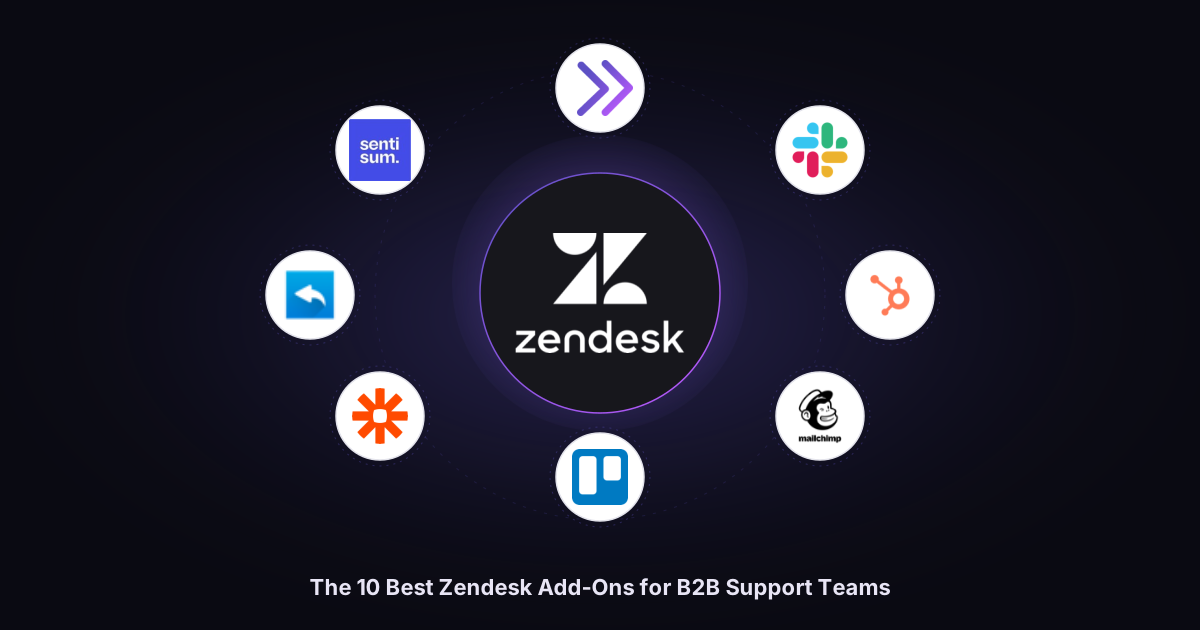
This guide skips the Zendesk marketplace noise. Below are 10 standout picks for B2B support teams in 2026, chosen for measurable impact on deflection, agent productivity, and customer satisfaction, with setup detail and tradeoffs you need before committing.
TL;DR
The strongest Zendesk add-on stack for most B2B SaaS support teams in 2026:
- Complex ticket resolution: Pluno AI
- Quality assurance: Zendesk QA
- Workforce management: Zendesk WFM
- Automation: Zapier
- Team collaboration: Slack for Zendesk
- CRM: HubSpot Data Sync
- Feedback: Nicereply
- Sentiment analysis: SentiSum
- Marketing: Mailchimp Activity
- Project tracking: Trello
Together, they close almost every workflow gap Zendesk alone leaves open.
What Zendesk add-ons actually are
The Zendesk Marketplace includes over 1,500 apps and integrations, letting support teams customize their help desk without waiting for every new feature to land on Zendesk's official roadmap. These extensions span AI and automation, agent productivity, analytics and sentiment analysis, workforce management, knowledge base and self-service tools, customer communications, and CRM or marketing integrations that support proactive campaigns.
Zendesk's Marketplace includes several types of extensions, including public apps, integration apps, bots, and themes. In this article, "add-on" is used as a practical umbrella term for marketplace apps, native Zendesk products, and integrations that extend Zendesk workflows.
Comparison table
| Add-on | Category | Best for | Native integration | Starting price | Setup |
|---|---|---|---|---|---|
| Pluno AI | AI support agent | Complex B2B tickets | Zendesk, Jira, Slack | Custom (free simulation) | Medium |
| Zendesk QA | Quality assurance | 100% native QA coverage | Zendesk native | $35/agent/mo, billed annually | Low |
| Zendesk WFM | Workforce management | Staffing forecasts | Zendesk native | $25/agent/mo, billed annually | Medium |
| Zapier | Automation | No-code triage and sync | Premium connector | Paid plan required for Zendesk Premium app; Professional from $19.99/mo billed annually | Low |
| Slack for Zendesk | Collaboration | Team escalations | Zendesk native | Free | Low |
| HubSpot Data Sync | CRM | 360-degree customer view | HubSpot native | Free | Low to Medium |
| Nicereply | Feedback | CSAT, NPS, CES | Zendesk native | From $79/mo, or $59/mo billed annually | Low |
| SentiSum | Analytics | Sentiment and churn risk | Zendesk native | From $3,000/mo | Medium |
| Mailchimp Activity | Marketing | Campaign visibility in support | Mailchimp native | Requires Zendesk customer lists; Mailchimp plan varies | Low |
| Trello for Zendesk | Project management | Ticket-to-task links | Trello native | Free app; Trello paid plans from $5/user/mo billed annually | Low |
How we evaluated the options
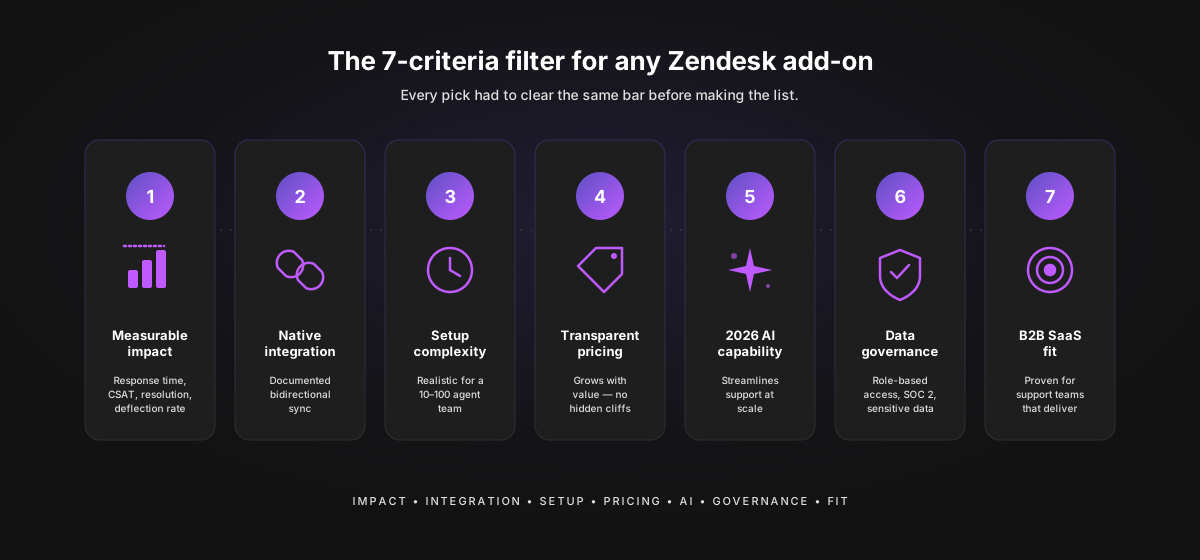
Every pick had to clear the same bar:
- Measurable impact on support metrics (response time, resolution time, CSAT, or deflection rate)
- Native Zendesk integration or documented bidirectional sync
- Setup complexity realistic for a 10-to-100 agent support team
- Transparent pricing or a pricing model that grows with value
- 2026-relevant AI capability that streamlines support processes and handles customer queries at scale
- Admin permissions and controls that respect sensitive data and role-based access
- Proven fit for B2B SaaS customer service teams that need to deliver exceptional customer support
Where a category has a clear native winner (QA, WFM), we recommend the native option. Where other tools do the job better, we say so and explain the tradeoff. We also favored products with a user friendly interface and free trials so support teams can test before they commit.
The top 10 Zendesk apps and integrations for 2026
1. Pluno AI: Best for resolving complex B2B support tickets
Best for: B2B SaaS teams whose tickets involve troubleshooting, diagnostic questions, and multi-step resolutions that FAQ bots cannot handle.
What it does: Pluno AI is a full AI support platform for Zendesk. It automates deflection, agent copilot suggestions, field tagging, call summarization, and quality assurance from one product.
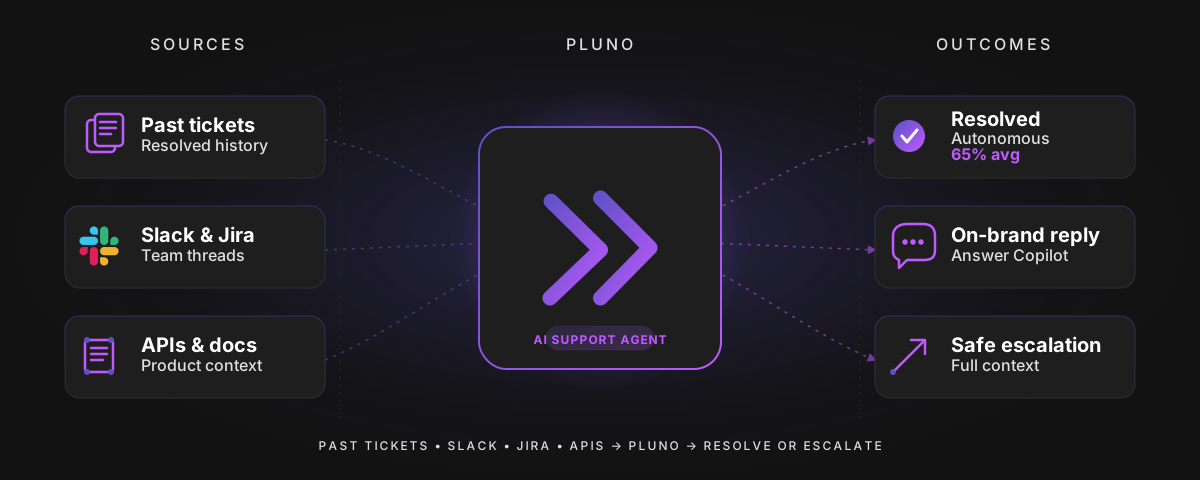
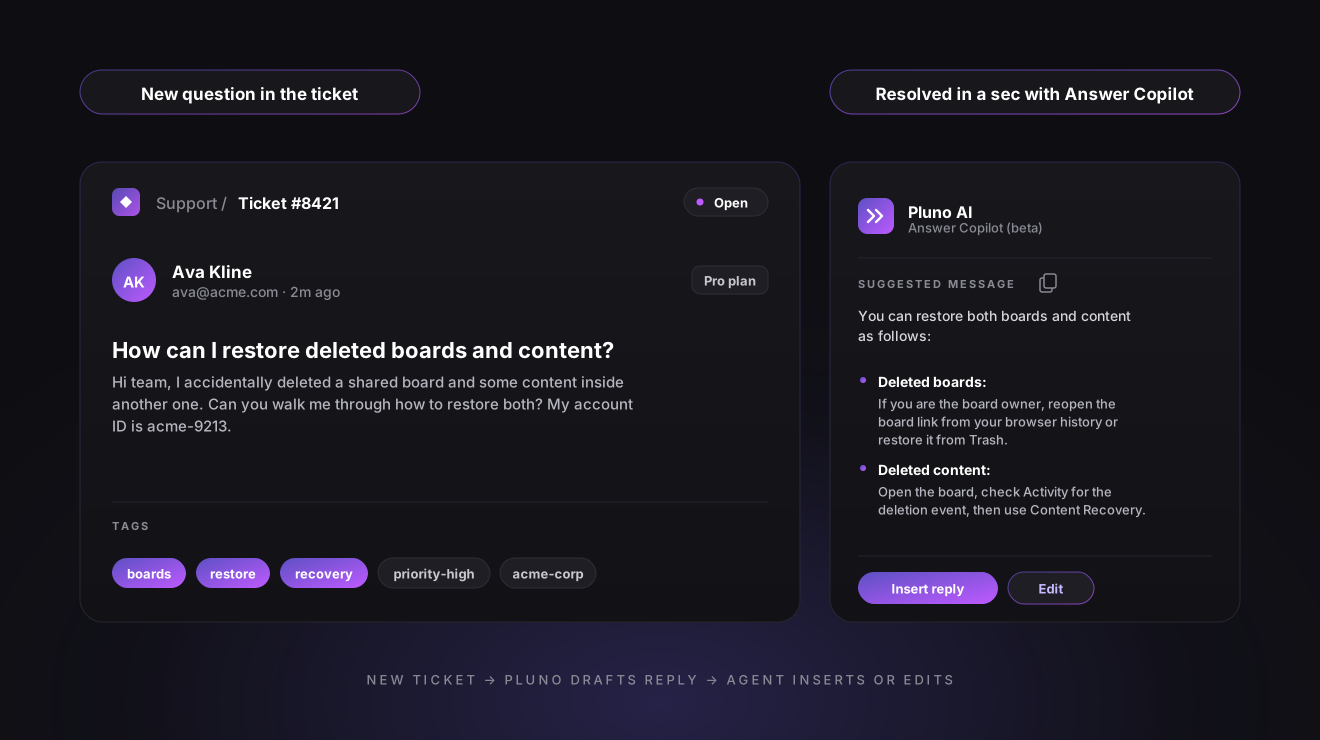
How it works: When a support request arrives, Pluno's Deflection AI checks it against past conversations, your knowledge base, help center articles, Slack threads, Jira issues, and connected APIs. If confident, it answers and auto-resolves after an inactivity window. If not, it escalates with full context so agents can find answers fast. The Answer Copilot drafts replies in the Zendesk sidebar and can enhance writing, adjust tone, and simplify or expand responses based on context. AI Tagging and knowledge capture from resolved conversations fill custom fields, and the QA Evaluator grades resolved tickets so coverage moves from a sampled 2 percent to 100 percent.
Key features:
- Deflection AI that only auto-responds when confident, otherwise escalates with a full summary
- Answer Copilot that enables agents with sidebar suggestions, source references, and macro recommendations
- AI Tagging and Field Filling on ticket create, resolve, or manual trigger
- Call Insight Summary for Zendesk voice recordings, posted as internal notes
- Escalation Copilot that turns tickets into enriched Jira issues or Slack threads
- Support QA against custom criteria (binary, five-level, or numerical) that streamlines complex workflows
Pricing: Custom, based on conversation volume and seats. A free simulation against your past tickets is available. Book a demo or try Pluno for free.
Setup complexity: Moderate. Connect Zendesk, pick which fields Pluno can fill, point it at your knowledge sources, set deflection workflows and QA criteria. Teams reach steady state in two to four weeks.
Why it stands out: Unlike AI add-ons that only deflect or only draft replies, Pluno covers the full resolution path, so escalations arrive with context and QA runs on grounded evidence. For teams fielding repeat questions and complex issues side by side, automating the easy cases and enriching the hard ones is how Pluno delivers measurable results.
Who should choose it: B2B SaaS teams that escalate often to engineering, care about deflection quality over raw deflection rate, and want QA coverage that scales without more reviewers.
"I know that these resolved tickets are real resolved tickets. So right now I know that if it's taking over 40% of our tickets, that's a real number."
Joseph D'Apuzzo, Customer Support Manager at Smartness
2. Zendesk QA: Best for native quality assurance at 100% coverage
Best for: Teams that already live in Zendesk Support and want AI-scored QA without a second vendor.
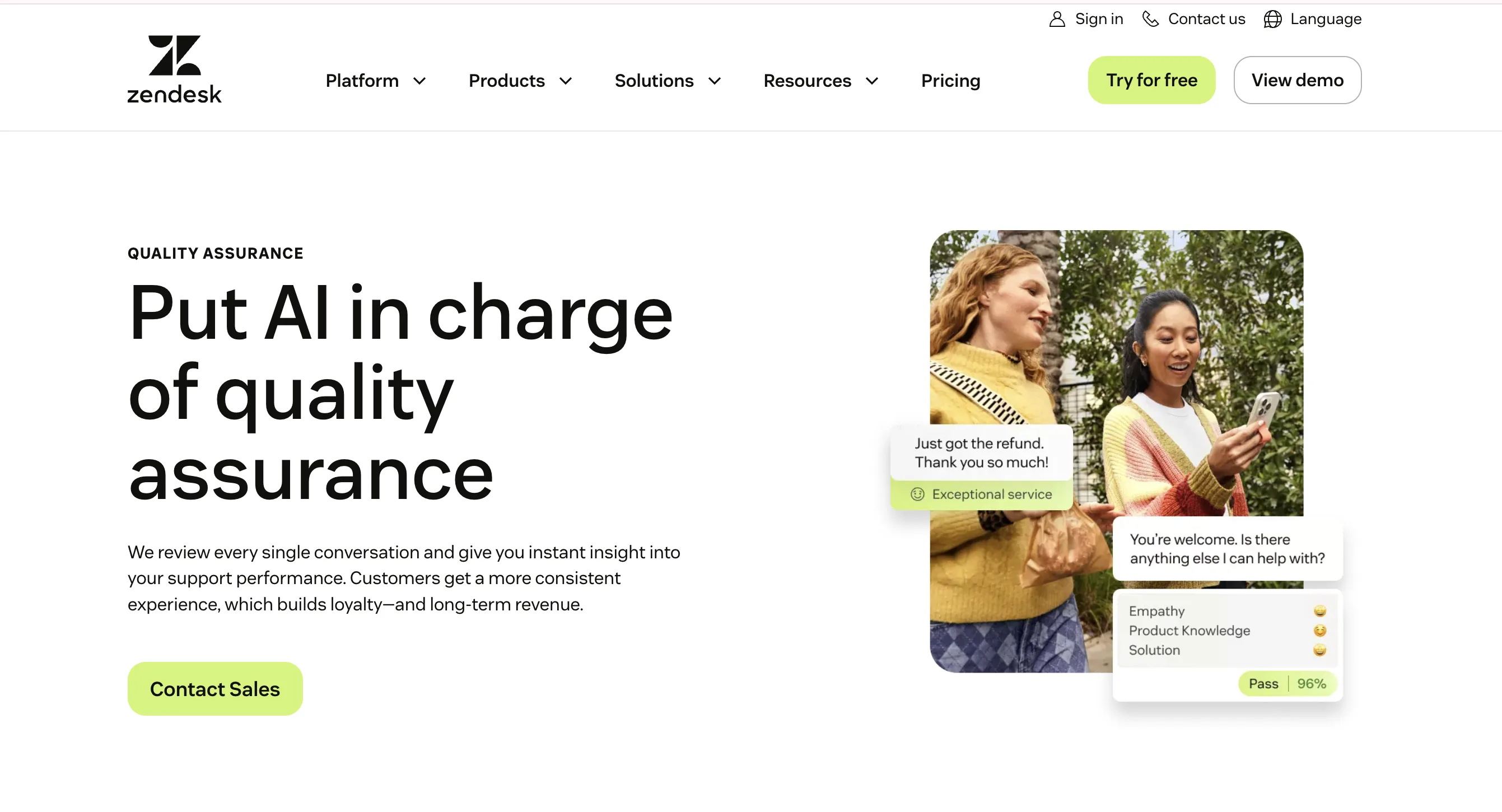
What it does: Zendesk QA (formerly Klaus) reviews agent conversations automatically and surfaces the ones that need human attention, replacing sampling-based manual QA.
How it works: The product pulls resolved tickets and scores them against custom scorecards using AI. It flags policy misses, unresolved customer queries, sentiment drops, and repeat questions. Reviewers confirm or adjust ratings, and dashboards surface agent-level trends and performance insights.
Key features:
- AI-generated scores on 100% of resolved tickets
- Custom scorecards with weighted categories
- Reviewer assignments and calibration sessions
- Agent-level dashboards and coaching feedback
- QA and survey dashboards that help managers review conversation quality, monitor customer satisfaction, and identify coaching opportunities
Pricing: Zendesk lists Quality Assurance at $35 per agent per month, billed annually.
Setup complexity: Low. Native integration with Zendesk Support. Custom scorecards typically take a week or two of iteration with QA leads.
Main limitation: Works best when Zendesk Support is the primary ticketing surface. Support operations running across two platforms may need a more agnostic QA tool. For a broader comparison of QA platforms, see StackBriefly's 2026 customer support QA software guide, which covers MaestroQA, Zendesk QA, Scorebuddy, evaluagent, and Observe.AI.
Why it stands out: The only QA product that ships from Zendesk itself, which means tighter roadmap alignment and fewer auth surprises than bolt-on competitors. The performance insights help managers coach with evidence rather than intuition.
Who should choose it: Support leaders who want measurable QA coverage fast and prioritize the official Zendesk integration over best-of-breed flexibility.
3. Zendesk Workforce Management: Best for agent scheduling and staffing forecasts
Best for: Teams of 15+ agents dealing with seasonality or multi-channel volume swings.
What it does: Zendesk WFM (formerly Tymeshift) handles forecasting, agent scheduling, intraday adherence, and real-time reporting for Zendesk support operations.
How it works: It reads ticket and conversation volume history from Zendesk, predicts spikes, and generates schedules that match forecasted demand. Managers adjust shifts in a drag-and-drop view, and adherence is tracked in real time.
Key features:
- AI-assisted forecasting that predicts ticket spikes based on historical data to match staffing needs to demand
- Automatic shift scheduling with rules for breaks, skills, and time zones
- Intraday adherence tracking and alerts
- Native Zendesk pipeline, no CSV imports
- Performance analytics that visualize support metrics on real-time dashboards, making it easier for teams to access key indicators like average resolution time and CSAT
Pricing: Zendesk lists Workforce Management at $25 per agent per month, billed annually. Zendesk also offers a Workforce Engagement bundle that combines Workforce Management and Quality Assurance at $50 per agent per month, billed annually.
Setup complexity: Moderate. Zendesk WFM uses historical ticket data for forecasting; when WFM is first activated, Zendesk migrates six months of historical ticket data, and longer historical periods can improve forecast quality. Configuring skills, schedules, and adherence rules takes a cross-functional sprint.
Main limitation: Teams under 15 agents often find it over-engineered for their staffing needs.
Why it stands out: As an official Zendesk integration, Zendesk workforce management reads support volume directly and avoids the lag third-party WFM tools inherit from API-based sync. It ties response time, agent scheduling, and CSAT into one operational picture.
Who should choose it: Support ops leaders who need defensible staffing numbers for finance and commit to Zendesk Suite long-term.
4. Zapier: Best for no-code automation and intelligent ticket triage
Best for: Teams that need to wire Zendesk to apps outside the marketplace without a developer.
What it does: Zapier connects Zendesk to 8,000+ other apps so repetitive tasks (creating tickets from forms, syncing customer data, notifying external tools) run automatically.
How it works: A "Zap" watches a trigger event (new ticket, status change, tag added) and runs one or more actions. In 2026, Zapier offers AI-powered paths that provide intelligent triaging options to automate categorizing tickets by intent, language, and sentiment before they hit an agent. Integrating automation tools into customer support systems can significantly reduce response time and improve overall customer satisfaction by providing timely, accurate assistance.
Key features:
- 8,000+ app connectors including Zendesk
- Multi-step Zaps with filters, paths, and delays
- AI paths that classify or summarize ticket content before routing
- Tables and Forms bundled into paid plans
- Webhooks for edge cases not covered by prebuilt connectors
Pricing: Zapier has a free plan, but Zendesk is a Premium app, so most Zendesk automations require a paid Zapier plan. Professional starts at $19.99 per month when billed annually, and Team starts at $69 per month when billed annually.
Setup complexity: Low for single Zaps, medium once you chain five or more steps. Most Zaps are live within an hour.
Main limitation: Tasks are metered, so high-volume automations can blow past plan limits fast. Premium-app status means Zendesk Zaps cost more than free-tier connectors.
Why it stands out: Automation tools like Zapier let businesses connect various applications and automate repetitive tasks without coding, which enhances efficiency in customer support operations even when engineering has no bandwidth. AI-powered automation can also streamline service processes by handling simple inquiries, so human agents focus on complex issues. The result is efficient service delivery for teams stitching together multiple apps.
Who should choose it: Support ops who want to prototype workflows quickly, and customer service operations that live outside Zendesk's official integration list.
5. Slack for Zendesk: Best for team collaboration on complex issues
Best for: Support teams that already use Slack as their primary async collaboration hub.
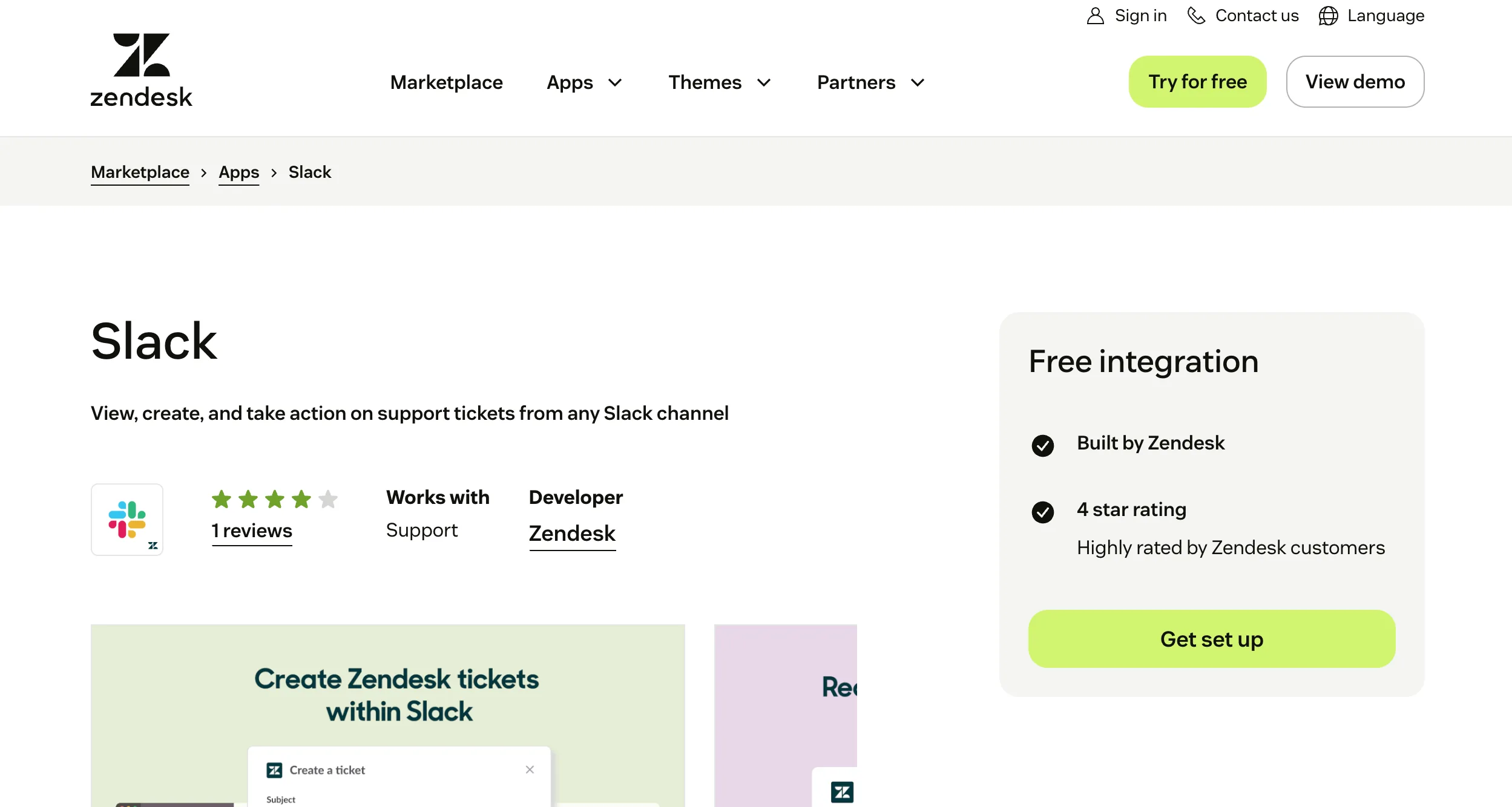
What it does: The free, official Slack for Zendesk app creates a two-way bridge between Zendesk tickets and Slack channels so agents can collaborate without context switching.
How it works: Admins set triggers that post ticket events to Slack channels. Agents can create tickets from Slack messages with a shortcut, and on higher-tier plans, use Side Conversations to loop subject matter experts into Slack threads that sync back to the ticket. Agent productivity improves because communication channels integrate directly into ticket management. For a full walkthrough of setup, trigger configuration, and common pitfalls, see our Zendesk Slack Integration guide.
Key features:
- Free official integration built by Zendesk
- Trigger-based notifications with custom fields (ticket ID, priority, last comment)
- Create tickets directly from Slack messages
- Side Conversations for Slack (Suite Professional and above, or via the Collaboration add-on on Support Professional and above)
- Two-way sync between Slack threads and ticket history
Pricing: Free add-on. Side Conversations for Slack require side conversations to be activated and the latest Slack for Zendesk Support app to be installed. Side conversations are available on Suite Professional, Enterprise, and Enterprise Plus, and are also available on Support plans with the Collaboration add-on.
Setup complexity: Low. Install from the marketplace, connect Slack, configure triggers. Most teams finish in under an hour.
Main limitation: The free integration covers notifications and ticket creation, but Side Conversations require eligible Zendesk plan or add-on access, plus admin configuration.
Why it stands out: Communication platforms such as Slack reduce context switching for support teams, letting them manage tickets and collaborate without leaving their primary communication hub. Built by Zendesk itself, it remains one of the most popular Zendesk apps for team collaboration.
Who should choose it: Any support team whose escalations already happen in Slack, especially B2B customer service teams that regularly loop engineering into complex issues.
6. HubSpot Data Sync: Best for a 360-degree customer view inside Zendesk
Best for: GTM teams that need sales, marketing, and support aligned in one customer record.
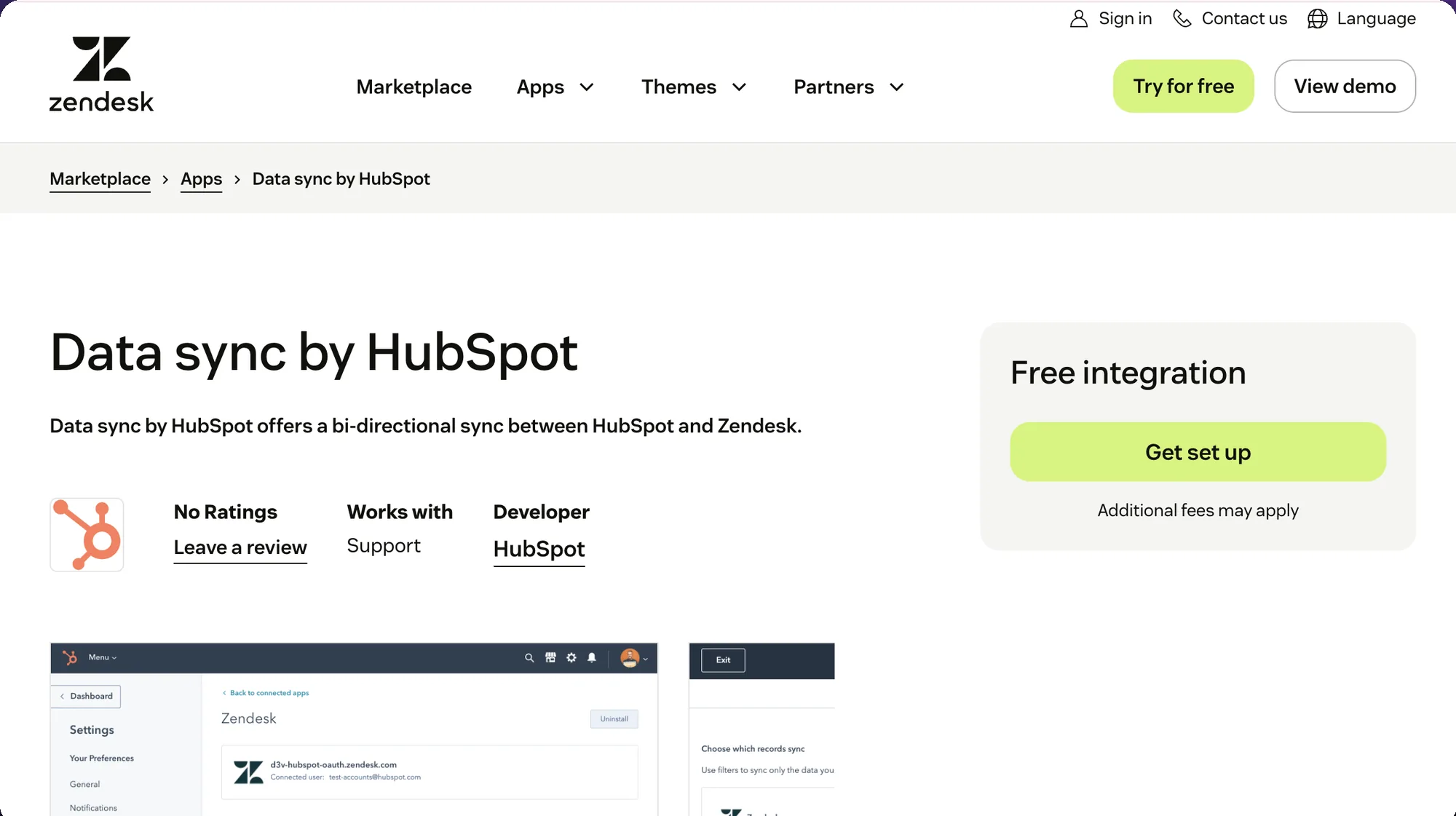
What it does: HubSpot Data Sync creates a two-way sync between HubSpot and Zendesk contacts and companies, and surfaces ticket activity in HubSpot, so agents see the full customer lifecycle in one place.
How it works: Admins map HubSpot Contacts to Zendesk Users and HubSpot Companies to Zendesk Organizations. Default fields sync name, email, phone, and company. Custom fields need Data Hub Starter or higher. Ticket activity flows one way, Zendesk to HubSpot.
Key features:
- Bidirectional contact and company sync in near real time
- Default mappings for name, email, phone, company
- Ticket activity visible in HubSpot contact records
- Custom field mappings with Data Hub Starter or higher
- CRM integrations give agents a 360-degree view of the customer's lifecycle and loyalty status, powering more personalized customer communications
Pricing: Free app from HubSpot. Custom field mappings require HubSpot Data Hub Starter or higher.
Setup complexity: Low to medium. Default fields take an hour. Custom mappings can stretch to a week if your CRM schema is messy.
Main limitation: Ticket sync is one-way from Zendesk to HubSpot; HubSpot also offers conversation history syncing through Smart Transfer. If you need full two-way sync, a middleware tool like Unito is required.
Why it stands out: Integrating marketing signals into support workflows enhances customer satisfaction and service outcomes, and the free Data Sync app is the cleanest path to a complete view of each customer without middleware or a CDP project.
Who should choose it: B2B SaaS teams whose marketing lives in HubSpot and whose support lives in Zendesk, and who need shared context without a full data platform build.
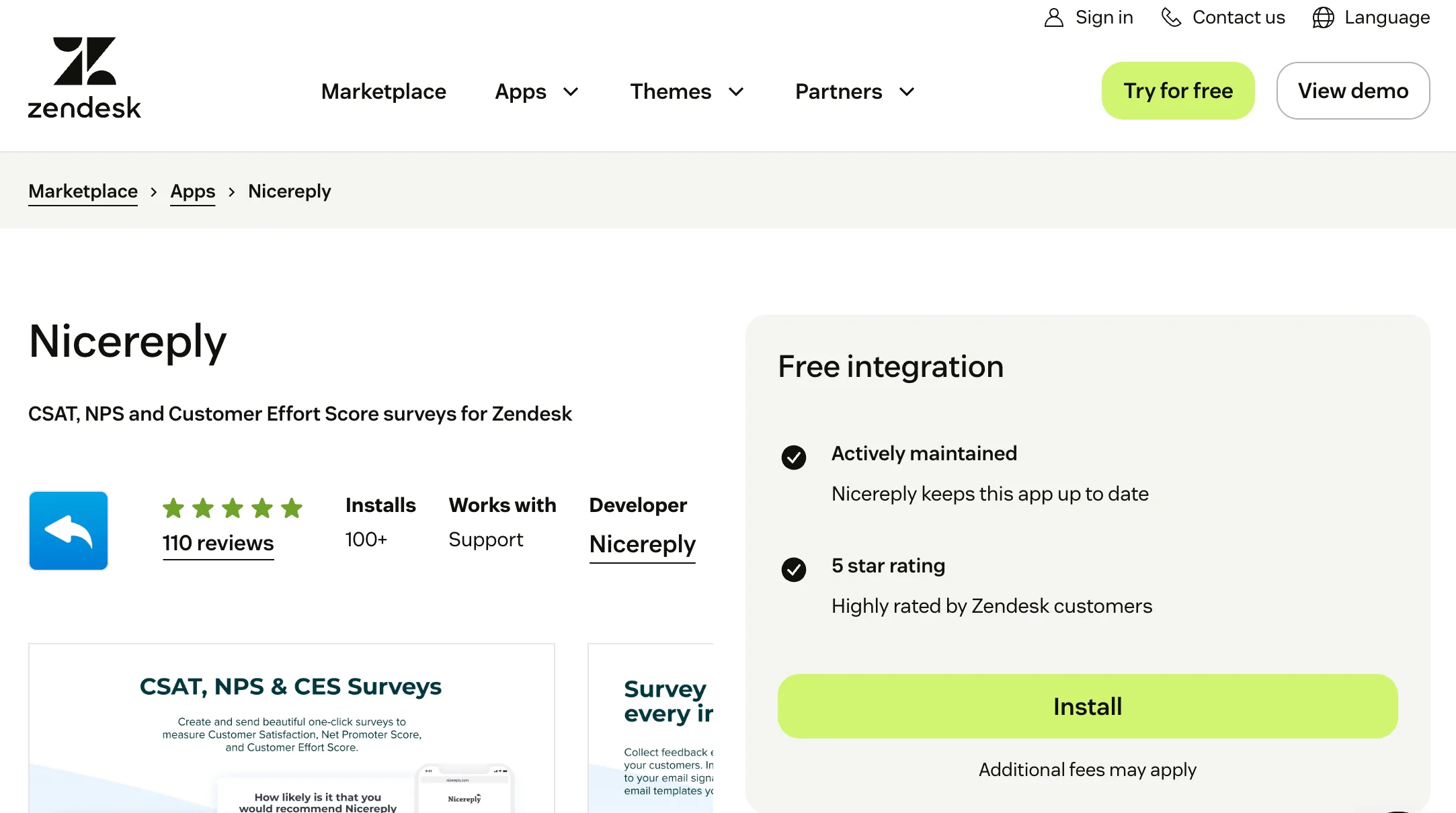
7. Nicereply: Best for CSAT, NPS, and CES surveys built around Zendesk
Best for: Teams that want post-ticket feedback with customizable surveys and localization.
What it does: Nicereply is a customer experience platform that helps teams collect real-time feedback and monitor CSAT, NPS, and CES scores after ticket resolution.
How it works: Admins configure triggers (after ticket solved, after chat ended, in email signatures). Responses flow back into Zendesk as ticket fields and into Nicereply's analytics dashboard. Detailed analytics let businesses measure support performance by tracking key metrics and analyzing customer interactions to improve service.
Key features:
- CSAT, NPS, and CES templates (similar to tools like SurveyMonkey)
- Post-resolution email, in-signature, and chat triggers
- Survey customization and localization for more accurate feedback at scale
- Agent-level performance dashboards
- Native integration with Zendesk Support, Chat, Guide, and Talk on any Zendesk plan
Pricing: Starts at $79 per month, or $59 per month when billed annually, for 100 responses per month and 3 users. The Essential plan is $149 per month, or $119 per month when billed annually, for 250 responses per month and 10 users.
Setup complexity: Low. Install, set triggers, pick a template. Live in a day.
Main limitation: Response caps on entry plans mean fast-growing teams outgrow the Starter tier quickly.
Why it stands out: Understanding customer satisfaction levels is crucial for global brands that want to deliver exceptional customer support, and Nicereply supports survey customization and localization for more accurate feedback at scale, which generic tools rarely handle. Better feedback closes the loop on customer experiences that CSAT alone cannot explain.
Who should choose it: Support leaders who want agent-level CSAT tied to Zendesk tickets, with customization to match brand voice in multiple languages.
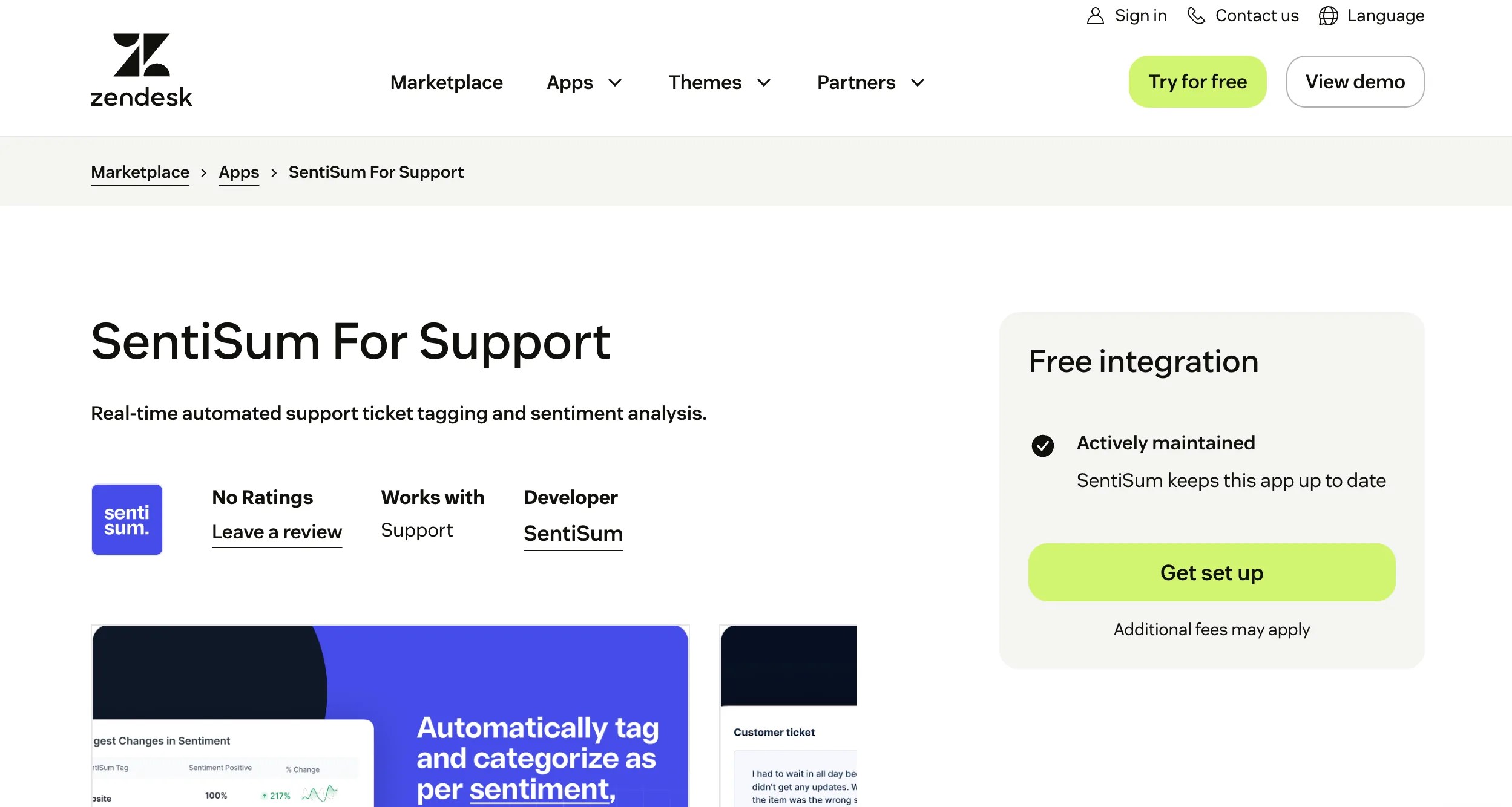
8. SentiSum: Best for AI-driven sentiment analysis and churn risk detection
Best for: CX teams that want structured topic and sentiment tagging on every inbound conversation.
What it does: SentiSum uses AI to tag every Zendesk conversation with topic and sentiment labels, then surfaces root-cause analysis across tickets, surveys, and reviews.
How it works: It ingests ticket content in real time, applies a trained classifier that auto-tags topics and sentiment, and feeds dashboards that detect friction points and trends. AI-driven sentiment analysis helps teams proactively detect churn risks and identify friction points that raw CSAT scores miss.
Key features:
- Automatic topic and sentiment tagging on 100% of tickets
- Root-cause analytics across conversations, surveys (SurveyMonkey, Typeform), and reviews
- Custom topic taxonomies trained on your customer data
- 50+ platform integrations including Zendesk, Intercom, and Salesforce
- Real-time dashboards for friction points and anomalies
Pricing: SentiSum's current pricing page lists Core Insights/Pro from $3,000 per month, with enterprise pricing handled custom. Confirm current pricing with SentiSum based on ticket volume, channels, and required features.
Setup complexity: Medium. Training a custom taxonomy takes two to four weeks with a product or CX lead in the loop.
Main limitation: Smaller teams with fewer than 5,000 conversations per month often find the value hard to justify at the published tiers.
Why it stands out: Most sentiment tools give one-dimensional scores. SentiSum ties sentiment to specific topics (shipping, onboarding, billing) so product and ops teams can act on the signals and reshape customer experiences at the root.
Who should choose it: CX leaders who own a voice-of-customer program and need actionable signal, not averages.
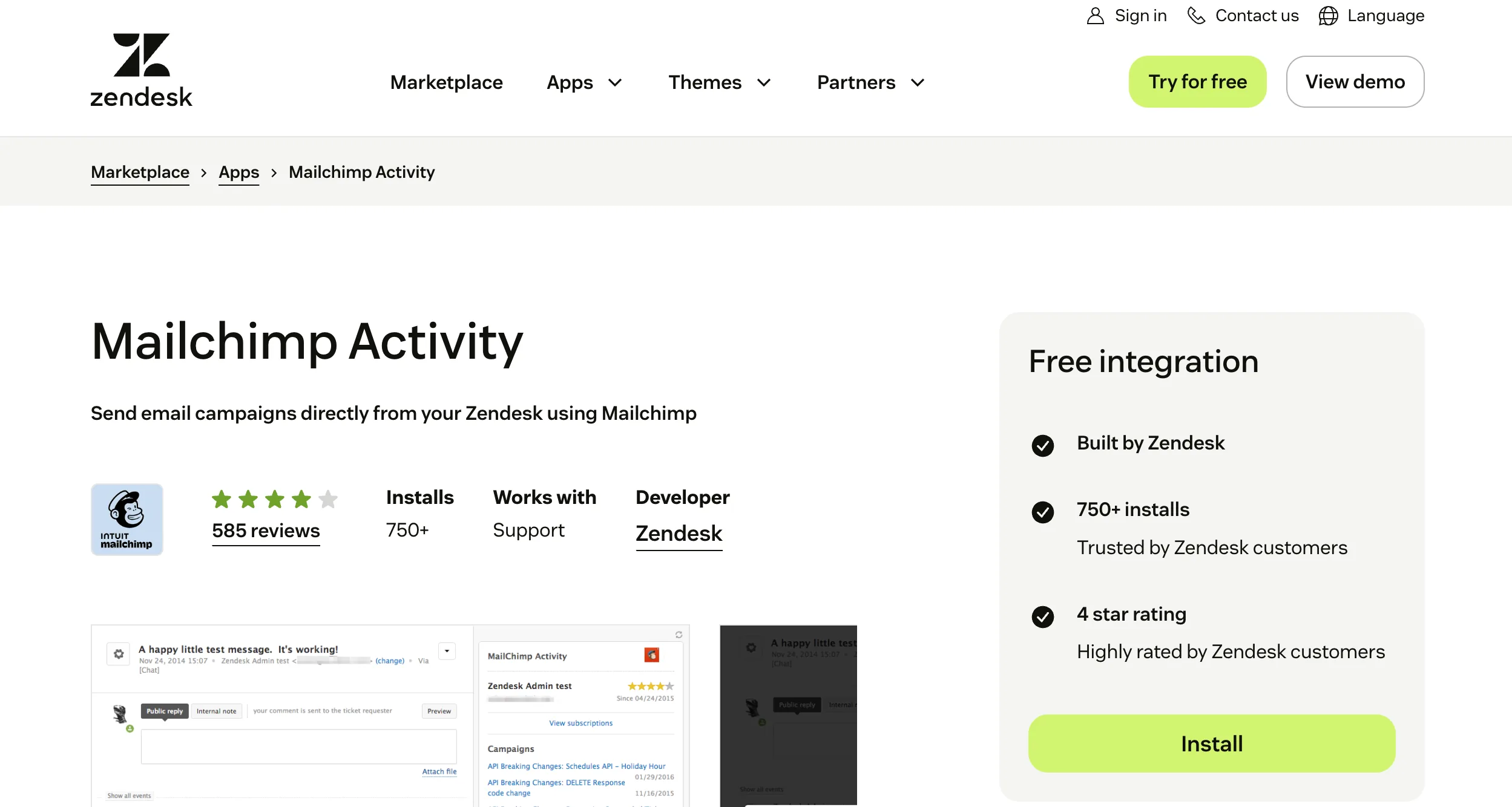
9. Mailchimp Activity for Zendesk: Best for marketing and support alignment
Best for: Teams that want agents to see campaign history and marketing to see support signals.
What it does: The Mailchimp Activity app surfaces email campaign interactions (opens, clicks, subscription status) inside the Zendesk ticket sidebar. Separately, Mailchimp can ingest Zendesk information for segmentation and proactive campaigns.
How it works: Agents see a timeline of which campaigns a customer received and interacted with. Integrating tools like Mailchimp with Zendesk lets support teams sync customer data and create targeted marketing campaigns based on support interactions, coordinating customer communications across marketing and support.
Key features:
- Mailchimp campaign activity visible in the Zendesk ticket sidebar
- Subscription status surfaced next to contact details
- Dynamic Mailchimp segments based on support activity, enabling proactive campaigns
- Zapier and Make paths for richer two-way automation
Pricing: Mailchimp Activity requires a Zendesk subscription with customer lists enabled. Mailchimp plan costs vary by plan and contact volume.
Setup complexity: Low. Install, authenticate, done.
Main limitation: The native app gives visibility, not deep automation. Sophisticated triggers still require Zapier or Make.
Why it stands out: Marketing and support rarely share signals without a CDP. This pairing gets most of the alignment value without the six-month project.
Who should choose it: Product-led growth and B2B SaaS teams running lifecycle email in Mailchimp who want support and marketing aligned.
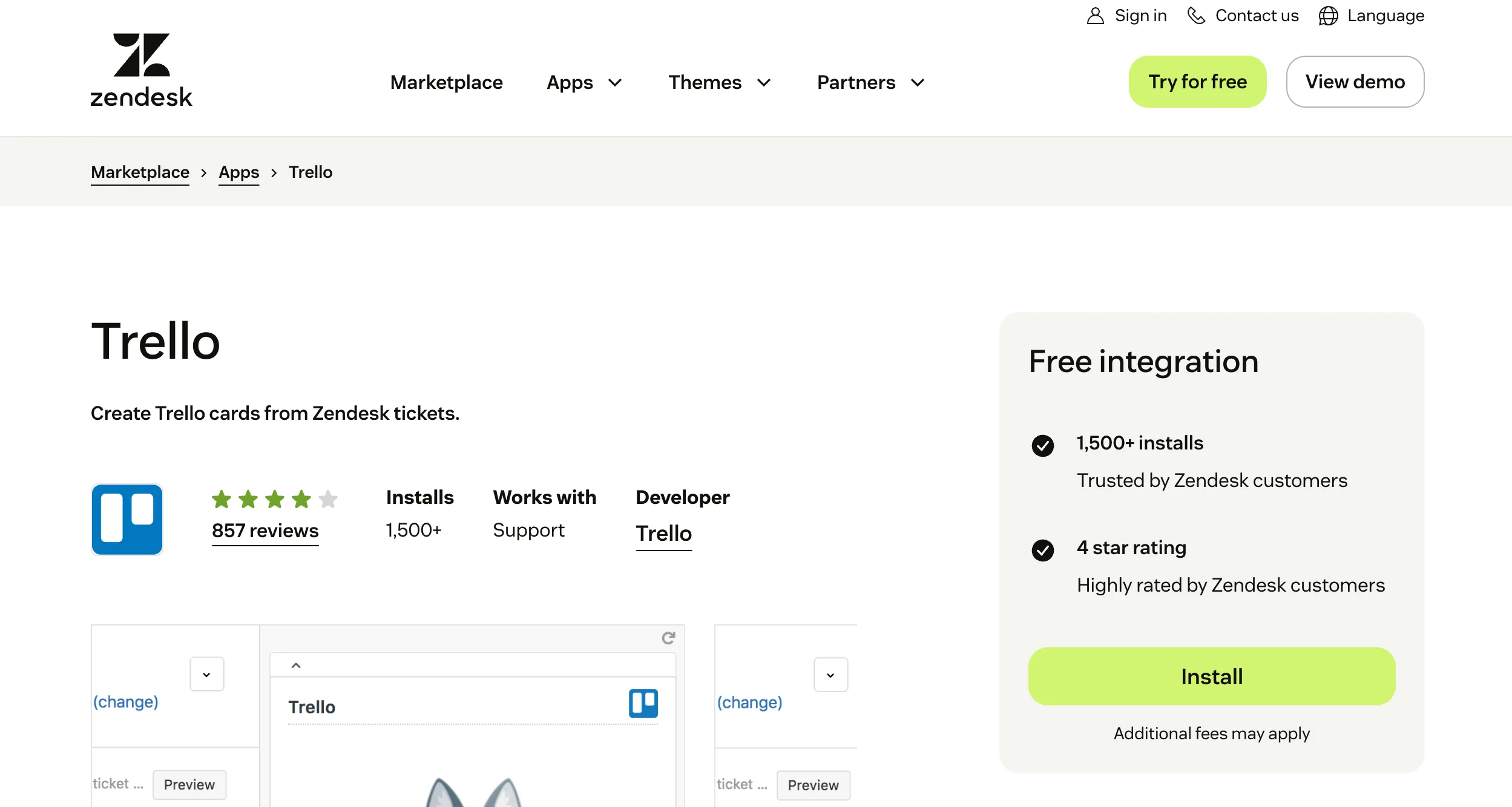
10. Trello for Zendesk: Best for linking support tickets to project work
Best for: Teams that track bugs, feature requests, or internal tasks in Trello boards.
What it does: Trello for Zendesk lets agents create and link Trello cards from inside a ticket, so bug reports or feature requests become trackable work without leaving Zendesk.
How it works: The app adds a Trello panel to the ticket sidebar. Agents can create a new card from a ticket with pre-filled context, or search and link existing cards.
Key features:
- Create Trello cards directly from Zendesk tickets
- Link existing cards to tickets for traceability
- Pre-filled ticket context carried to the card
- Project management tools like Trello help teams manage internal processes linked to support tickets, with task assignment and tracking
Pricing: The Zendesk app is free to install. Trello has a free plan, with paid plans starting at $5 per user per month when billed annually for Standard. Premium is $10 per user per month when billed annually, and Enterprise starts at $17.50 per user per month when billed annually.
Setup complexity: Low. Install, authenticate Trello, pick default boards. Live in under 30 minutes.
Main limitation: Mostly one-way. Rich two-way sync requires Unito or similar middleware.
Why it stands out: Teams that have tried to wedge engineering work into Jira when a lightweight Trello board was enough will appreciate how little process overhead this integration adds.
Who should choose it: Smaller B2B support teams and SMBs that track internal tasks in Trello rather than Jira.
How to choose the right Zendesk add-ons for your team
Start from the metric you need to move. If response time is the problem, AI deflection and copilots (Pluno, Zapier AI paths) do more than another dashboard. If CSAT is flat but you cannot see why, sentiment analytics (SentiSum) and better surveys (Nicereply) are next. If agents are drowning in context switching, Slack for Zendesk and HubSpot Data Sync pull context into one surface.
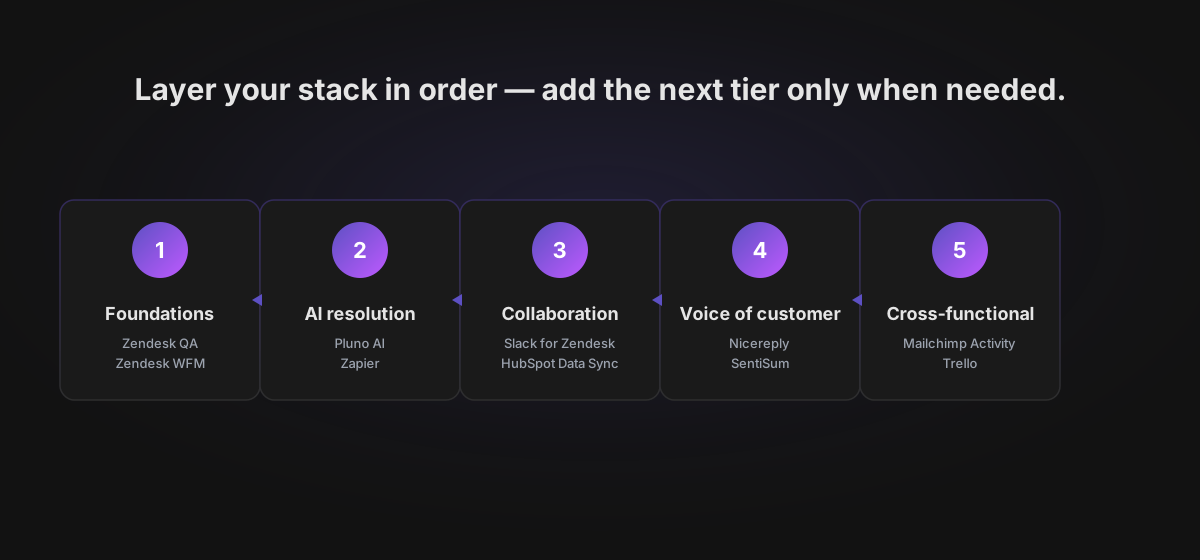
Work the stack in this order:
- Foundations: Zendesk QA and Zendesk workforce management for quality and staffing discipline
- AI-driven resolution: Pluno AI for complex B2B cases, Zapier for everything else
- Collaboration and context: Slack for Zendesk, HubSpot Data Sync
- Voice of customer: Nicereply, SentiSum
- Cross-functional: Mailchimp Activity, Trello
Avoid stacking three tools in the same category. The best apps on paper still fail if they overlap, and the best Zendesk apps for one team may waste customer support efforts for another. Watch for screenshot attachment apps, add tables widgets, and other agent-productivity micro-apps that earn their place only if your workload needs them. Popular apps and popular Zendesk apps often look compelling in a demo but sit unused after a quarter, so treat each install with the rigor of a vendor procurement decision. A user friendly interface, clean admin permissions, and visible adoption after 30 days are your best signals.
Zendesk's own Copilot add-on is $50 per agent per month on top of Suite Professional or Enterprise; stacking that with WFM, QA, and a third-party AI agent can double per-seat cost fast. Build a 12-month budget and sunset any plugin without measurable impact in two quarters.
The bottom line
Picking add-ons is easier when you start from the gap that hurts most. If complex B2B conversations are stretching your team thin, try Pluno yourself and run a free simulation on your historical Zendesk tickets to see exactly how much backlog could be auto-resolved or accelerated before you commit to anything.
Continue reading: Best AI Agents for Zendesk in 2026: 8 Tools Compared on Resolution, Fit, and Cost →
Frequently asked questions
What is the Zendesk marketplace?
The Zendesk Marketplace includes over 1,500 apps and integrations that help businesses extend Zendesk across support, AI, workforce management, analytics, knowledge base and self-service tools, CRM, marketing, and collaboration workflows.
Which are the best Zendesk apps for AI?
For B2B SaaS teams with complex technical cases, Pluno AI is our top pick because it covers deflection, copilot, QA, and escalation in one platform. For simpler FAQ-driven volumes, Zendesk's own Advanced AI ($50 per agent per month) is usually enough.
Are free Zendesk apps safe to use?
Every app listed on the Zendesk Marketplace has to pass Zendesk's review process, which checks security, data handling, and functionality before the app goes live, so the baseline quality bar is higher than a generic plugin directory. Free official integrations like Slack for Zendesk, HubSpot Data Sync, and Mailchimp Activity are generally safe because they are built by the integrated platform or by Zendesk itself. For third-party free apps, still check the publisher, review the permissions, and verify the support SLA before rolling them out.
How many Zendesk add-ons should a support team use?
Most mid-market B2B teams run eight to fifteen active add-ons. Beyond that, admin permissions and privacy reviews become real costs. Audit every two quarters.
Do Zendesk add-ons handle sensitive data properly?
Apps inherit the OAuth scopes you grant them. For anything touching PII or payment information, check the vendor's SOC 2 or ISO 27001 certifications and retention policies. Native Zendesk add-ons inherit Zendesk's own compliance posture.
What is the difference between a Zendesk app, plugin, and integration?
Zendesk's Marketplace uses more specific categories, including apps, integration apps, bots, and themes. In practice, "app" usually refers to a marketplace install that adds functionality inside Zendesk, while "integration" often means a background sync or workflow connection between Zendesk and another system. "Plugin" is a broader informal term, but it is less precise than Zendesk's official marketplace language.